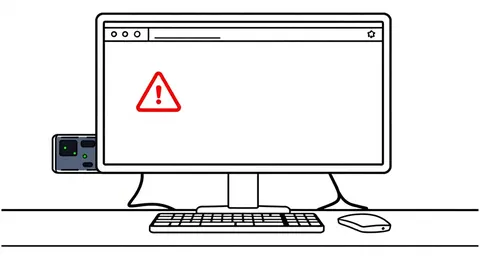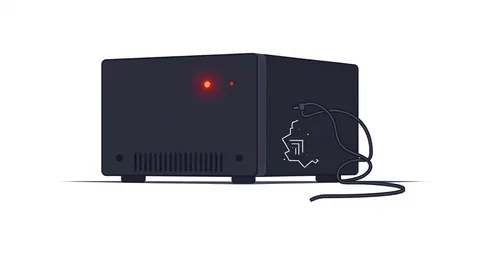
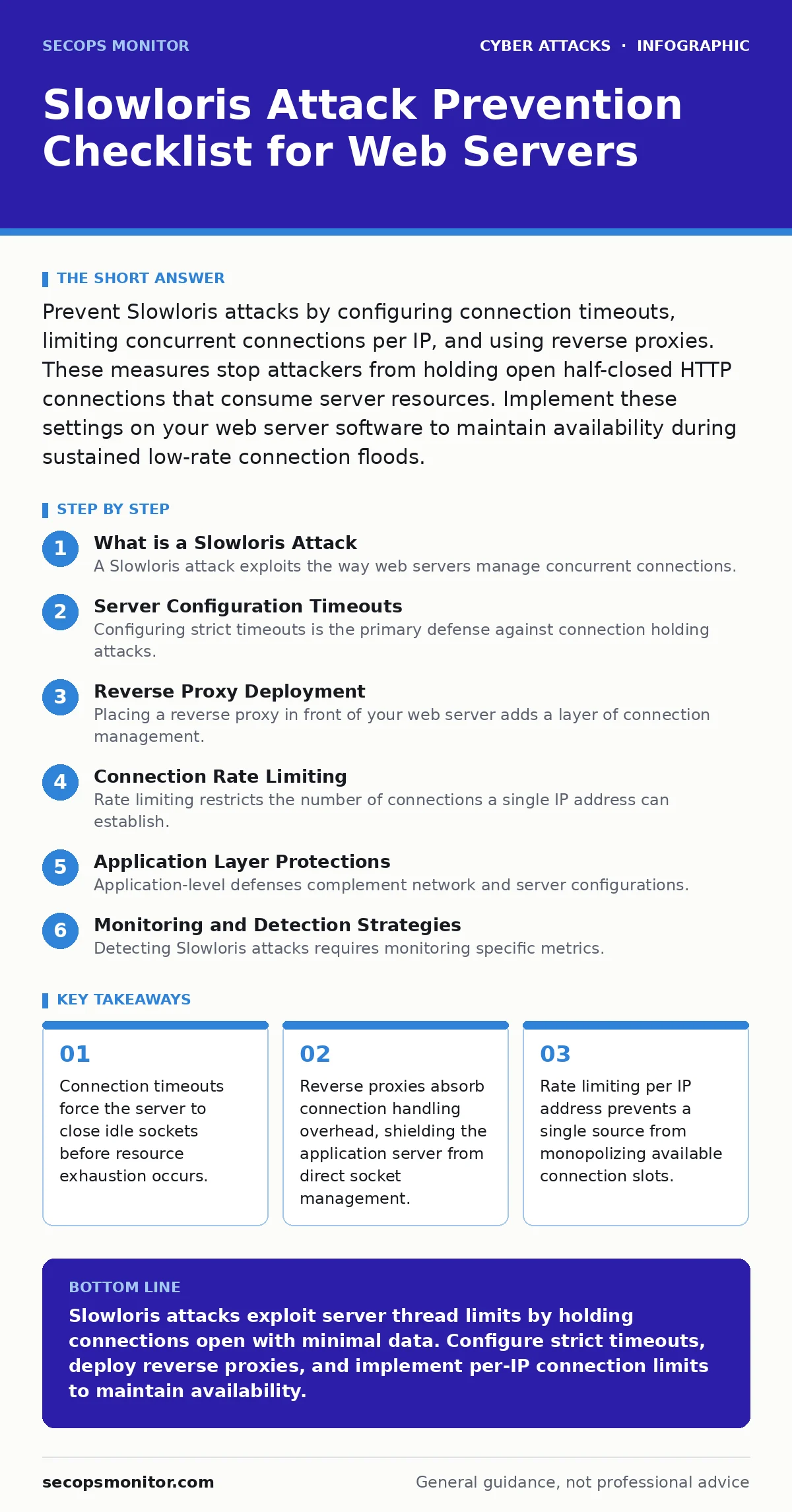
Prevent Slowloris attacks by configuring connection timeouts, limiting concurrent connections per IP, and using reverse proxies. These measures stop attackers from holding open half-closed HTTP connections that consume server resources. Implement these settings on your web server software to maintain availability during sustained low-rate connection floods.
What is a Slowloris Attack
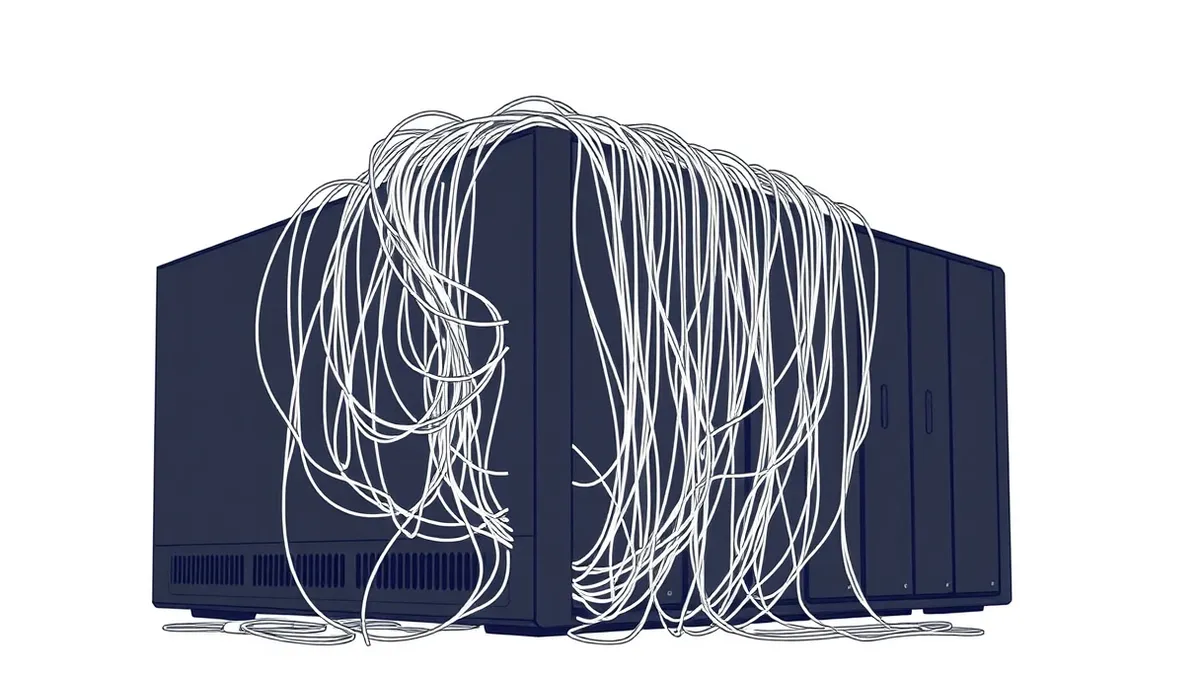
A Slowloris attack exploits the way web servers manage concurrent connections. The attacker opens many HTTP connections to the target server but sends only partial request headers. The server keeps these connections open, waiting for the complete header data. This behavior consumes thread pool resources. Each held connection occupies a slot in the server’s memory and processing queue. The attacker uses minimal bandwidth, making volume-based filters ineffective. The server eventually runs out of available threads. Legitimate users receive connection refused errors when the pool is full.
Server Configuration Timeouts
Configuring strict timeouts is the primary defense against connection holding attacks. You must set values for header reception and body transmission. If the server waits too long for data, it becomes vulnerable to resource exhaustion. Adjust the Timeout directive in Apache or the client_body_timeout and client_header_timeout in Nginx. These settings define the maximum time the server waits for a complete request. Short timeouts force the server to discard incomplete connections quickly. This frees up threads for legitimate traffic. Balance these values to avoid dropping slow but legitimate users.
- Set header timeout to 5-10 seconds: Forces rapid rejection of incomplete HTTP headers.
- Set body timeout to 10-20 seconds: Limits how long the server waits for full POST data.
- Enable keep-alive timeouts: Closes idle connections that no longer exchange data.
Reverse Proxy Deployment
Placing a reverse proxy in front of your web server adds a layer of connection management. The proxy accepts incoming connections and forwards valid requests to the backend. It handles the heavy lifting of TCP handshake and header parsing. The backend server sees fewer, more reliable connections. This architecture isolates the application from direct socket manipulation. The proxy can enforce stricter limits than the backend application server. It also provides buffering capabilities for slow requests. This setup is critical for high-traffic environments where thread exhaustion is a real risk.
- Deploy a reverse proxy server: Acts as a buffer between clients and the application server.
- Configure proxy connection limits: Prevents a single IP from opening too many proxy connections.
- Enable request buffering: Stores partial requests without holding backend threads open.
Connection Rate Limiting
Rate limiting restricts the number of connections a single IP address can establish. This prevents one source from consuming all available server threads. You can configure this at the firewall or web server level. The limit should be high enough for legitimate users but low enough to stop abuse. For example, limiting to 50 concurrent connections per IP is often effective. This measure works well with timeouts. If an IP hits the limit, new connections are dropped immediately. This protects the server’s thread pool from saturation. It also reduces the impact of distributed attacks from small botnets.
- Set max connections per IP: Prevents single-source thread pool exhaustion.
- Implement connection rate thresholds: Drops connections that exceed a defined frequency.
- Use firewall rules for blocking: Provides an additional layer of access control.
Application Layer Protections
Application-level defenses complement network and server configurations. You can implement checks within your web application code. Validate incoming headers and reject malformed requests early. Ensure your application does not hold database connections open while waiting for HTTP data. Use asynchronous processing for long-running tasks. This prevents a single request from blocking a worker thread. Additionally, monitor connection states actively. Alert on spikes in half-open connections. These insights help you detect attacks before they cause outages.
- Validate HTTP headers strictly: Rejects malformed or incomplete requests at the application level.
- Use asynchronous request handling: Prevents single requests from blocking worker threads.
- Monitor half-open connection counts: Provides early warning of connection-holding attacks.
Monitoring and Detection Strategies
Detecting Slowloris attacks requires monitoring specific metrics. Look for a high number of connections from few IP addresses. Check for connections that remain open without data transfer. Traditional intrusion detection systems may miss these attacks because they lack volume. You need custom alerts for connection state anomalies. Log all connection attempts and analyze them for patterns. Integrate these logs with your security monitoring platform. This allows for rapid identification and response. Regular review of connection logs helps refine your thresholds. It also aids in distinguishing between legitimate slow users and attackers.
- Alert on high connection counts per IP: Identifies potential sources of connection holding.
- Monitor idle connection duration: Detects connections that stay open without data.
- Review connection logs regularly: Helps refine detection thresholds and identify trends.
Mitigation and Response Actions
When an attack is detected, immediate action is required. Block the offending IP addresses at the firewall level. Increase timeouts temporarily if legitimate traffic is affected. Verify that your rate limiting rules are active. Check server thread pool usage to assess impact. Document the attack details for future reference. Update your incident response plan based on findings. Regular testing of these defenses ensures they work as expected. Simulation of Slowloris attacks in a test environment helps validate configurations. This proactive approach strengthens your overall security posture.
- Block offending IPs immediately: Stops the active attack and frees up resources.
- Verify rate limiting effectiveness: Ensures that configured limits are being enforced.
- Document incident details: Provides data for improving future defenses.
Key takeaways
- Connection timeouts force the server to close idle sockets before resource exhaustion occurs.
- Reverse proxies absorb connection handling overhead, shielding the application server from direct socket management.
- Rate limiting per IP address prevents a single source from monopolizing available connection slots.
Slowloris attacks exploit server thread limits by holding connections open with minimal data. Configure strict timeouts, deploy reverse proxies, and implement per-IP connection limits to maintain availability.
Frequently asked questions
Does SSL termination protect against Slowloris?
SSL termination at a reverse proxy can help by offloading handshake processing, but it does not prevent connection holding. You still need timeouts and rate limiting on the proxy itself.
How do I distinguish Slowloris from legitimate slow users?
Legitimate users typically send data periodically. Slowloris connections remain idle for long periods. Monitor for connections that open but never complete the header phase.
Can a CDN prevent Slowloris attacks?
A CDN can absorb some connection handling, but attackers can target the CDN edge. Configure the CDN with strict timeouts and rate limiting to ensure protection.
Do intrusion detection systems detect Slowloris?
Traditional IDS often miss Slowloris due to low bandwidth usage. You need custom rules that monitor connection states and rates rather than just payload or volume.
How this guide was produced: written by the SecOps Monitor editorial team with AI assistance, checked against the public references listed below, and reviewed when the facts change. See our editorial policy or report an error.