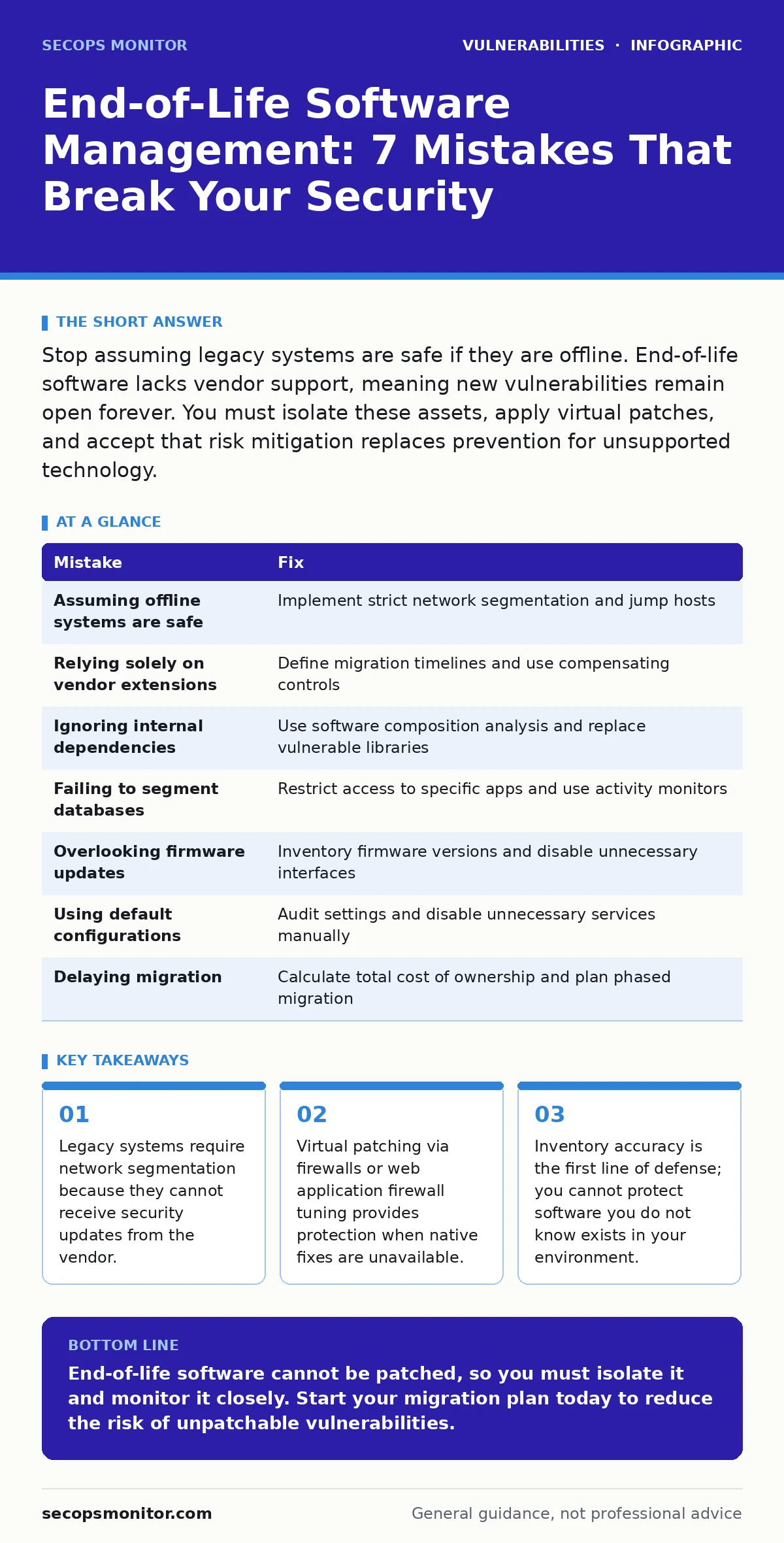
Stop assuming legacy systems are safe if they are offline. End-of-life software lacks vendor support, meaning new vulnerabilities remain open forever. You must isolate these assets, apply virtual patches, and accept that risk mitigation replaces prevention for unsupported technology.
Mistake 1: Assuming Offline Legacy Systems Are Safe
You often believe that a server disconnected from the internet cannot be compromised. This assumption fails when an attacker gains access through a different vector, such as a compromised user laptop or a misconfigured internal service. Once inside the network, the attacker moves laterally to the "safe" offline system. The legacy operating system lacks modern security controls, making it an easy target for privilege escalation.
Why it hurts: The attacker uses the legacy system as a staging ground or pivots to more critical assets. Because the software is end-of-life, you cannot patch the vulnerability the attacker exploits. The breach spreads before you detect it, and forensic analysis is difficult due to outdated logging capabilities.
The fix: Treat offline legacy systems as if they are exposed to the public internet. Implement strict network segmentation that isolates these assets from the rest of the infrastructure. Use jump hosts for any necessary administrative access, ensuring that only authenticated and authorized personnel can reach the legacy environment.
Mistake 2: Relying on Vendor Support Extensions Alone
Many organizations purchase extended support contracts to keep end-of-life software running. This creates a false sense of security. Vendor extensions often cover only critical vulnerabilities or provide patches with significant delays. They rarely address newer attack vectors or provide comprehensive security hardening guidance. You are paying for a partial safety net that leaves gaps in your defense.
Why it hurts: You miss vulnerabilities that the vendor does not classify as critical for the extension program. Attackers exploit these lower-severity flaws to gain initial access. When a zero-day emerges, the vendor may not provide a fix at all, leaving you exposed despite paying for support. The cost of the extension does not buy you time to migrate; it only delays the inevitable.
The fix: Use vendor extensions only as a temporary bridge to migration. Define a strict timeline for decommissioning or replacing the software. Simultaneously, implement compensating controls such as host-based firewalls and intrusion detection systems to monitor for suspicious activity on the legacy system.
Mistake 3: Ignoring Internal Application Dependencies
You focus on operating systems and major servers but ignore the libraries and components within your applications. A web application might run on a supported framework, but it depends on an end-of-life JSON parser or cryptographic library. These internal dependencies often contain known vulnerabilities that are never patched because the application vendor does not update them.
Why it hurts: Attackers exploit the vulnerable dependency to execute arbitrary code within your application. Since the dependency is end-of-life, no patch exists. You are forced to rewrite the application or replace it entirely. This mistake often leads to breaches in systems that appear secure on the surface because the main software is up to date.
The fix: Integrate software composition analysis into your development pipeline. Identify all third-party components and their support status. For critical applications, replace vulnerable dependencies with supported alternatives. If replacement is not possible, isolate the application and monitor it closely for exploit attempts.
Mistake 4: Failing to Segment Legacy Databases
Legacy databases often contain sensitive data and run on outdated operating systems. Administrators frequently leave these databases accessible from multiple network zones to facilitate application connectivity. This broad access increases the attack surface significantly. If any connected application is compromised, the attacker can directly query or modify the database.
Why it hurts: The attacker extracts sensitive data or alters records without detection. The legacy database engine lacks modern encryption and access control features. You cannot patch the underlying vulnerabilities in the database software. This leads to data breaches that are costly and damaging to your reputation and compliance standing.
The fix: Restrict database access to only the specific application servers that require it. Use a database activity monitor to detect unusual queries or access patterns. Implement encryption at rest and in transit to protect data even if the database is accessed. Consider migrating data to a supported platform that offers better security controls.
Mistake 5: Overlooking Firmware and BIOS Updates
You update the operating system and applications but ignore the firmware of servers, network switches, and storage devices. Firmware is often end-of-life sooner than the hardware itself. Manufacturers stop providing security updates for firmware, leaving low-level vulnerabilities open. These vulnerabilities can allow attackers to bypass operating system security controls entirely.
Why it hurts: An attacker with physical access or a compromised network management interface can flash malicious firmware. This persistence survives operating system reinstalls and disk wipes. The compromise is difficult to detect and remediate because standard security tools do not inspect firmware. You may need to replace the entire hardware to remove the threat.
The fix: Maintain an inventory of all firmware versions across your infrastructure. Check vendor advisories for firmware security updates. Where updates are unavailable, disable unnecessary management interfaces and restrict physical access to the hardware. Use secure boot features to prevent unauthorized firmware from loading.
Mistake 6: Using Default Configurations on Legacy Systems
Legacy systems often come with default settings that are insecure. Administrators assume that because the system is old, it is hardened. In reality, default configurations may include weak passwords, open ports, and unnecessary services. These defaults provide easy entry points for attackers. The lack of vendor support means you must manually harden the system against modern threats.
Why it hurts: Attackers use automated tools to scan for systems with default configurations. They exploit these weaknesses to gain initial access. The system may also run services that are no longer needed, increasing the attack surface. You spend time managing unnecessary risks that could have been eliminated during deployment.
The fix: Audit the configuration of every legacy system against industry benchmarks. Disable all unnecessary services and ports. Change default passwords and implement strong authentication mechanisms. Document the configuration changes and monitor for drift. This manual hardening is critical because the vendor will not provide security guidance.
Mistake 7: Delaying Migration Due to Cost Concerns
You delay replacing end-of-life software because migration is expensive and disruptive. You continue to operate the legacy system, accumulating technical debt and security risk. The cost of a breach far exceeds the cost of migration. This short-term saving leads to long-term vulnerability. The system becomes increasingly difficult to support as expertise and documentation fade.
Why it hurts: The legacy system becomes a single point of failure. When it breaks, you have no vendor support to help you recover. Downtime increases, and business operations suffer. Security incidents become more likely and more severe. You are essentially gambling with your organization's stability and security posture.
The fix: Calculate the true cost of keeping the legacy system, including risk, downtime, and manual maintenance. Compare this to the cost of migration. Develop a phased migration plan to minimize disruption. Prioritize systems that handle sensitive data or critical functions. This proactive approach reduces risk and ensures long-term stability.
| Mistake | Fix |
|---|---|
| Assuming offline systems are safe | Implement strict network segmentation and jump hosts |
| Relying solely on vendor extensions | Define migration timelines and use compensating controls |
| Ignoring internal dependencies | Use software composition analysis and replace vulnerable libraries |
| Failing to segment databases | Restrict access to specific apps and use activity monitors |
| Overlooking firmware updates | Inventory firmware versions and disable unnecessary interfaces |
| Using default configurations | Audit settings and disable unnecessary services manually |
| Delaying migration | Calculate total cost of ownership and plan phased migration |
Key takeaways
- Legacy systems require network segmentation because they cannot receive security updates from the vendor.
- Virtual patching via firewalls or web application firewall tuning provides protection when native fixes are unavailable.
- Inventory accuracy is the first line of defense; you cannot protect software you do not know exists in your environment.
End-of-life software cannot be patched, so you must isolate it and monitor it closely. Start your migration plan today to reduce the risk of unpatchable vulnerabilities.
Frequently asked questions
How do I identify end-of-life software in my environment?
Use automated asset management tools that scan for operating system and application versions. Compare these against vendor support lifecycle documents to identify unsupported software.
Can I use virtual patching for all legacy systems?
Virtual patching via firewalls or web application firewall tuning works for network-accessible services. For internal systems, you must rely on host-based controls and network segmentation.
What is the difference between end-of-life and end-of-support?
End-of-life means the vendor stops selling the product. End-of-support means the vendor stops providing security updates and technical assistance. Both leave you vulnerable, but end-of-support is the critical security milestone.
Should I remove legacy systems immediately?
If the system is critical and cannot be migrated quickly, keep it running with strict isolation and monitoring. Plan a gradual removal strategy to minimize business disruption while reducing risk.
How this guide was produced: written by the SecOps Monitor editorial team with AI assistance, checked against the public references listed below, and reviewed when the facts change. See our editorial policy or report an error.