Updating dependencies removes known vulnerabilities but risks breaking compatibility and introducing new flaws. You should update only when the risk of the current version exceeds the cost of testing and deploying the change. Blindly updating everything creates more work than it saves.
The Illusion of Immediate Safety
You assume that installing the latest version of a library instantly secures your application. This assumption is dangerous. Updating a dependency removes the specific code pattern that a known exploit targets. It does not guarantee that the new version is free from defects. In fact, newer code is often less tested in the wild than older, stable releases.
The security benefit is real but narrow. It addresses a specific, documented weakness. It does not protect against zero-day attacks or logic errors in your own code. You must weigh the removal of one known risk against the introduction of potential unknown risks. This trade-off defines your update strategy.
Hidden Costs of Version Changes
Every dependency update carries a hidden cost: verification. You must test the new version against your existing application logic. This process ensures that the new library does not break your features. It also ensures that the new version does not introduce new vulnerabilities.
Consider the effort required to run your full test suite. Consider the time needed to review changelogs for breaking changes. Consider the risk of configuration drift. Configuration drift occurs when the settings required by the new version differ from your current deployment. If you do not detect these differences, your application may behave unexpectedly in production.
When Updates Are Worth the Effort
You should prioritize updates when the vulnerability is actively exploited in the wild. Active exploitation means that attackers are currently scanning for and attacking this specific flaw. The risk of remaining on the old version is immediate and high.
You should also update when the vulnerability affects a critical path in your application. A critical path is a function that handles sensitive data or authentication. If the vulnerable library is used in these areas, the impact of an exploit is severe. In these cases, the cost of testing is justified by the reduction in risk.
Another scenario is when the new version includes a significant security feature. For example, a library might add support for a newer encryption standard. If your compliance requirements mandate this standard, the update is necessary regardless of specific vulnerabilities.
When Updates Are Not Worth It
You should delay updates when the vulnerability is theoretical or requires unlikely conditions to exploit. For example, a flaw might require an attacker to have local access to the server. If your architecture prevents local access, the vulnerability poses no risk. Updating in this case introduces unnecessary risk.
You should also delay updates when the new version is known to be unstable. Early releases often contain bugs that were not present in the previous version. These bugs can cause outages or data corruption. The cost of an outage often exceeds the cost of a potential exploit.
The Risk of Transitive Dependencies
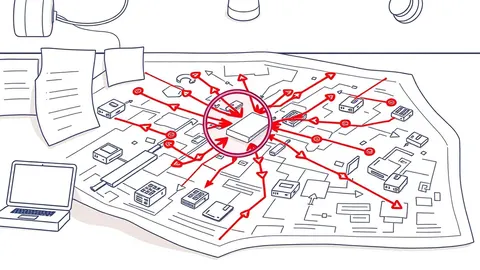
Most applications use libraries that depend on other libraries. These are called transitive dependencies. When you update a primary library, it may pull in new versions of its dependencies. You may not be aware of these changes.
This creates a blind spot. You might fix a vulnerability in the primary library but introduce a new one in a transitive dependency. You must map your entire dependency tree. Tools can help you visualize these relationships. You need to know every piece of code running in your environment.
Comparing Benefits and Limitations
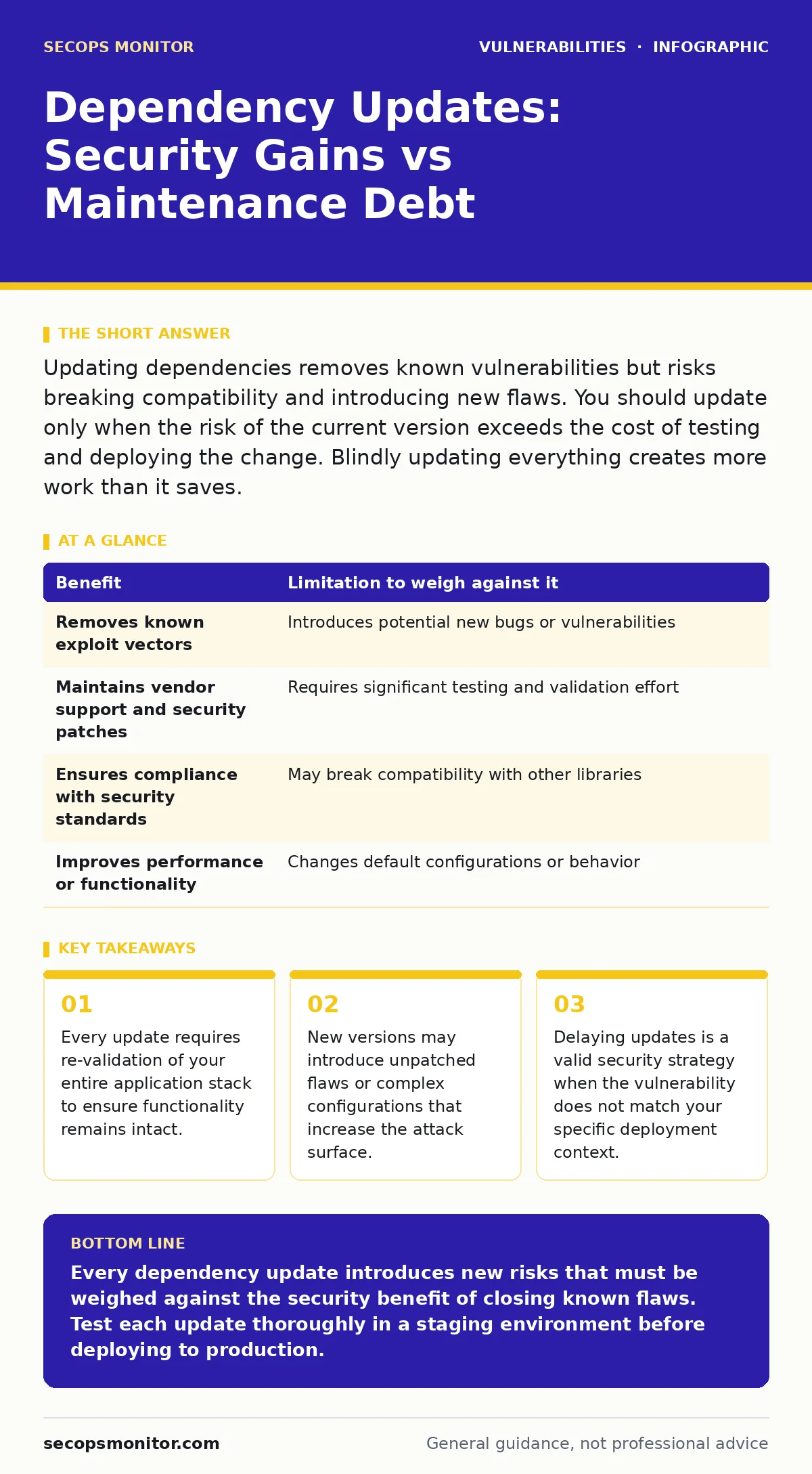
The table below outlines the trade-offs you must consider for each update. You should use this framework to make informed decisions. Do not treat updates as a routine chore. Treat them as a risk management decision.
| Benefit | Limitation to weigh against it |
|---|---|
| Removes known exploit vectors | Introduces potential new bugs or vulnerabilities |
| Maintains vendor support and security patches | Requires significant testing and validation effort |
| Ensures compliance with security standards | May break compatibility with other libraries |
| Improves performance or functionality | Changes default configurations or behavior |
Integrating Updates Into Your Workflow
You cannot manage dependency updates in isolation. They must be part of your broader security strategy. This strategy should include threat modeling to understand which components are critical. It should also include a secure software development lifecycle that accounts for third-party code.
Regular updates are not the same as frequent updates. You should establish a cadence that balances security with stability. For example, you might update critical libraries monthly and non-critical libraries quarterly. This approach reduces the risk of breaking changes while keeping your stack reasonably current.
You should also consider vulnerability severity ratings when prioritizing updates. Not all vulnerabilities are equal. Some require immediate attention, while others can wait. Use these ratings to guide your testing and deployment schedule.
The Role of Code Quality
Updating dependencies does not fix poor code quality. If your application has mass assignment vulnerabilities, updating a library will not stop an attacker from exploiting them. You must secure your application logic independently of your dependencies.
Similarly, if your application uses memory-unsafe languages, updating a library will not prevent buffer overflows. You might consider memory-safe programming languages for new components. These languages prevent entire classes of vulnerabilities at the compiler level. This reduces your reliance on library updates for security.
Managing Emergency Situations
Sometimes, a critical vulnerability is discovered that requires immediate action. This is an emergency patching scenario. You must have a process in place to handle these situations. This process should include rapid testing and deployment.
However, even in emergencies, you should not skip testing. A rushed update can cause more harm than the vulnerability itself. You should have a rollback plan ready. This plan allows you to revert to the previous version if the update causes issues.
Final Considerations
Dependency management is a continuous process. You must monitor for new vulnerabilities and new library versions. You must balance the need for security with the need for stability. You must understand the trade-offs involved in every update.
By treating updates as a strategic decision, you reduce risk without compromising your application's reliability. You avoid the pitfalls of blind updating and the dangers of neglect. You maintain a secure and stable environment for your users.
Key takeaways
- Every update requires re-validation of your entire application stack to ensure functionality remains intact.
- New versions may introduce unpatched flaws or complex configurations that increase the attack surface.
- Delaying updates is a valid security strategy when the vulnerability does not match your specific deployment context.
Every dependency update introduces new risks that must be weighed against the security benefit of closing known flaws. Test each update thoroughly in a staging environment before deploying to production.
Frequently asked questions
How often should I update my dependencies?
Update critical libraries monthly and non-critical libraries quarterly, or immediately when a severe vulnerability is disclosed.
What is a transitive dependency?
A library that your application uses indirectly because one of its direct dependencies requires it.
Should I update all libraries at once?
No, update them one at a time to isolate any issues that arise from the change.
Can updates introduce new vulnerabilities?
Yes, new code may contain unpatched flaws or configuration issues that increase the attack surface.
How this guide was produced: written by the SecOps Monitor editorial team with AI assistance, checked against the public references listed below, and reviewed when the facts change. See our editorial policy or report an error.