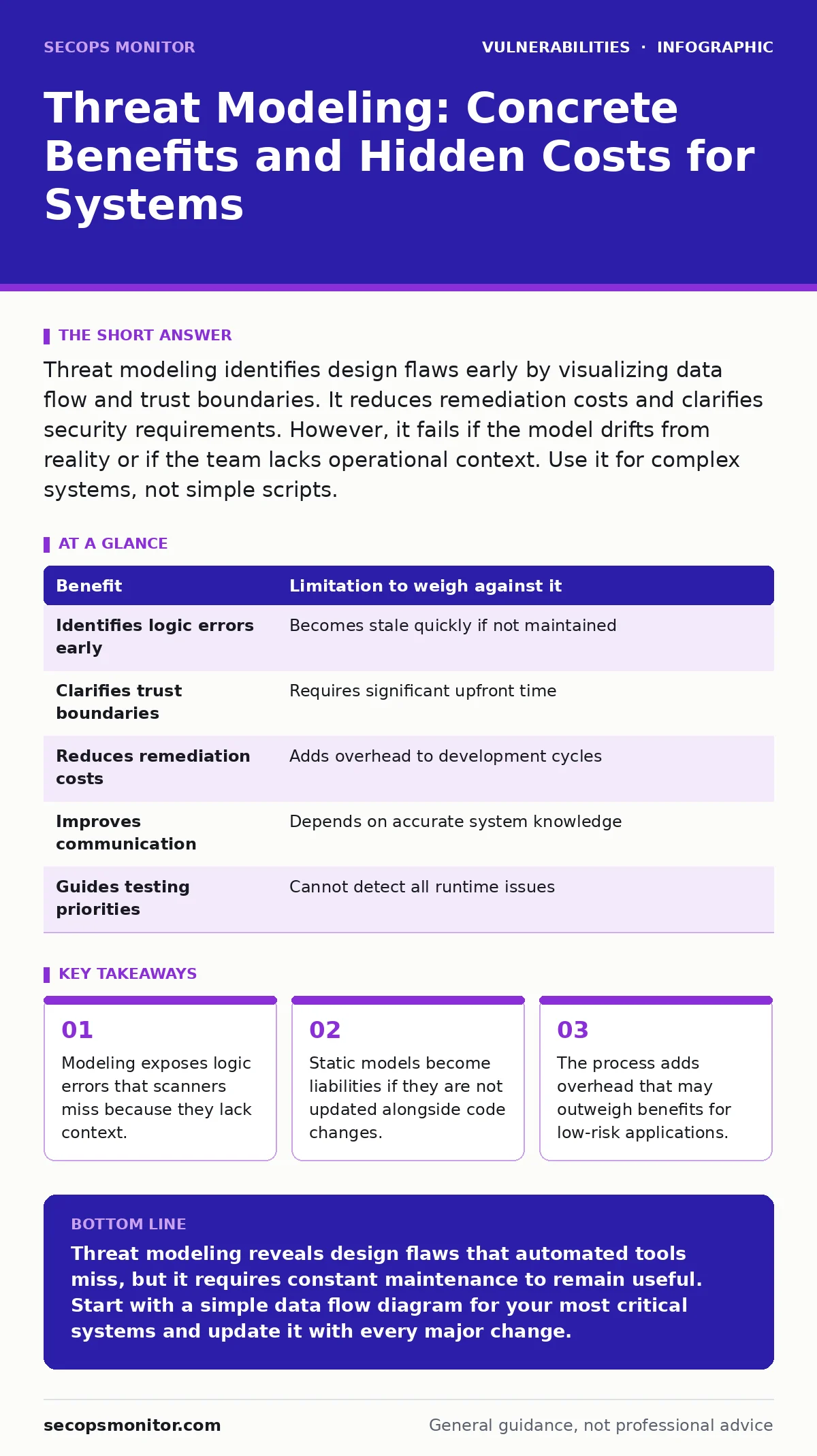
Threat modeling identifies design flaws early by visualizing data flow and trust boundaries. It reduces remediation costs and clarifies security requirements. However, it fails if the model drifts from reality or if the team lacks operational context. Use it for complex systems, not simple scripts.
Mapping the Invisible Attack Surface
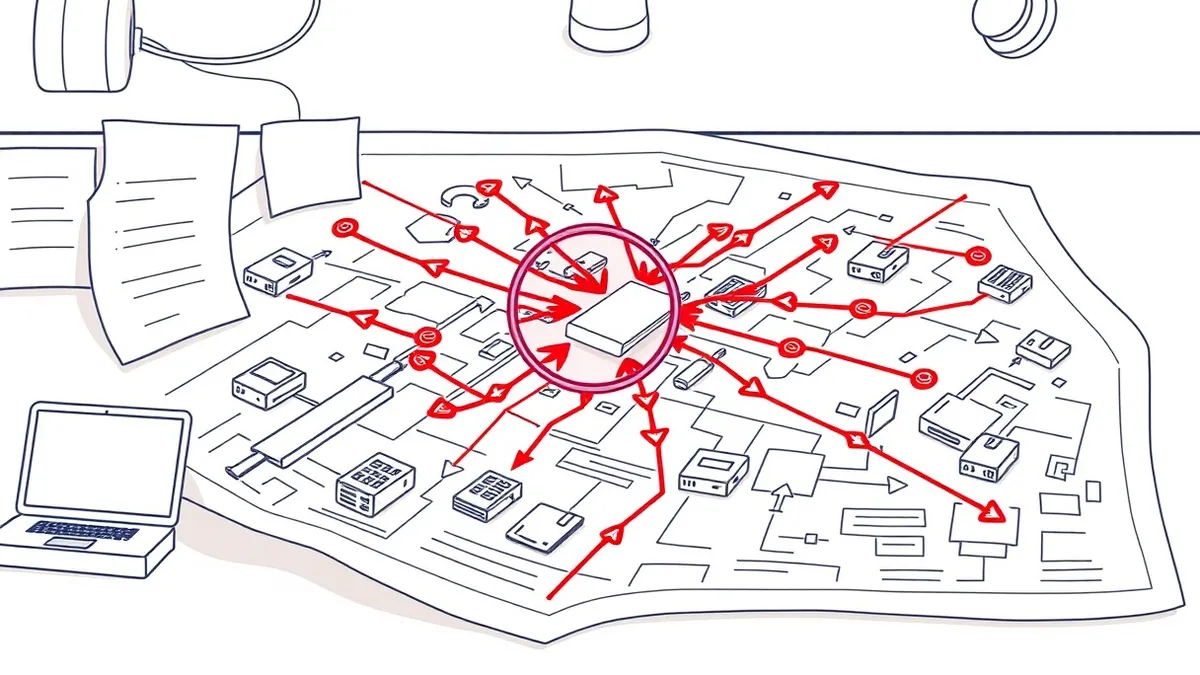
Threat modeling is the practice of identifying potential security issues before writing code. It forces you to visualize how data moves through your system and where trust boundaries exist. A trust boundary is a point where data transitions from a less trusted zone to a more trusted one. Without this map, you are guessing where attackers will strike.
Imagine a web application that processes user uploads. A scanner might find a buffer overflow, but it will not see that the upload handler runs with root privileges. Threat modeling reveals this privilege escalation path. It shifts your focus from fixing symptoms to correcting design flaws. This proactive stance reduces the cost of remediation significantly.
The Weight of Early Detection
The primary benefit of threat modeling is finding flaws when they are cheap to fix. Changing a database schema or an authentication flow in design takes minutes. Fixing the same issue after deployment requires code changes, testing, and potential downtime. This early intervention prevents technical debt from accumulating.
Consider the difference between finding a logic error in a diagram versus in production. In production, the error may have already exposed data. In design, it is a line on a whiteboard. You can also use this process to justify security investments. Showing a specific attack path is more persuasive than citing generic risk metrics.
This approach complements other security efforts. For instance, understanding your data flow helps you prioritize which items need urgent attention during emergency patching. It also informs how you apply vulnerability severity ratings, as context changes the impact of a flaw.
The Cost of Stale Models
The major limitation of threat modeling is that it is a snapshot in time. Your codebase changes daily, but the model often remains static. A model created six months ago may no longer reflect the actual system. Relying on an outdated model gives you a false sense of security.
Maintaining the model requires discipline. Developers must update the diagram whenever they add features or change dependencies. This adds overhead to the development cycle. If the team views the model as a compliance checkbox, it will not be maintained. The model then becomes a liability, hiding new risks behind old assumptions.
When Context Replaces Scanning
Automated tools struggle with business logic. They can find known patterns like SQL injection, but they cannot understand your specific rules. Threat modeling fills this gap by defining what valid behavior looks like. It helps you identify scenarios where valid actions can be chained to create abuse.
For example, a tool might not catch mass assignment vulnerabilities if the parameters are obfuscated. By modeling the data flow, you see that a user can update fields they should not touch. You can then design input validation that specifically prevents this. This contextual defense is something static analysis and dynamic application security testing (DAST) often miss.
When It Is Worth It
Threat modeling is worth the effort for complex, high-value systems. If your application handles sensitive data or critical infrastructure, the design phase is the best time to harden it. The cost of a breach in these systems is high, so the investment in modeling pays off.
It is also valuable when integrating new technologies. Adding a microservice or a third-party API introduces new trust boundaries. Modeling these integrations helps you understand the risk before you connect them. This is particularly relevant when managing dependency updates, as new libraries may introduce unexpected data flows.
Systems with long lifecycles benefit from the documentation aspect. The model serves as a reference for future developers. It helps them understand the security constraints of the system. This reduces the chance of accidental misconfigurations years down the line.
When It Is Not Worth It
Do not waste time modeling simple, short-lived scripts. If a tool runs once and is then discarded, the overhead of modeling outweighs the risk. The same applies to internal tools with no external exposure and minimal data.
Avoid modeling if your team lacks the expertise to do it correctly. A bad model is worse than no model. It creates blind spots by suggesting safety where none exists. If you cannot accurately map your data flows, focus on securing the perimeter and monitoring traffic instead.
Balancing Benefits and Limitations
The value of threat modeling depends on your ability to maintain it. It is not a silver bullet. It must be part of a broader secure software development lifecycle. Use it to guide your testing efforts, not to replace them.
| Benefit | Limitation to weigh against it |
|---|---|
| Identifies logic errors early | Becomes stale quickly if not maintained |
| Clarifies trust boundaries | Requires significant upfront time |
| Reduces remediation costs | Adds overhead to development cycles |
| Improves communication | Depends on accurate system knowledge |
| Guides testing priorities | Cannot detect all runtime issues |
Integrating with Modern Practices
Threat modeling works best when combined with other security practices. Use the model to guide your choice of memory-safe programming languages for high-risk components. It helps you decide where to enforce strict input validation.
It also informs your approach to router vulnerabilities and other infrastructure risks. By mapping external connections, you can identify which network segments need strict isolation. This holistic view ensures that security is built into the architecture, not bolted on later.
Key takeaways
- Modeling exposes logic errors that scanners miss because they lack context.
- Static models become liabilities if they are not updated alongside code changes.
- The process adds overhead that may outweigh benefits for low-risk applications.
Threat modeling reveals design flaws that automated tools miss, but it requires constant maintenance to remain useful. Start with a simple data flow diagram for your most critical systems and update it with every major change.
Frequently asked questions
Does threat modeling replace penetration testing?
No. Threat modeling identifies potential issues in design, while penetration testing validates defenses in a live environment. Both are necessary for a complete security posture.
How often should I update my threat model?
Update it whenever you change the architecture, add new features, or modify data flows. Aim to review it at least once per major release cycle to ensure accuracy.
Can I use threat modeling for cloud-native applications?
Yes. Cloud environments have complex trust boundaries and shared responsibilities. Modeling helps you understand where your security controls end and the provider's begin.
What is the best tool for threat modeling?
There is no single best tool. Simple diagrams on a whiteboard or digital drawing tools are often sufficient. The value comes from the process, not the software used.
How this guide was produced: written by the SecOps Monitor editorial team with AI assistance, checked against the public references listed below, and reviewed when the facts change. See our editorial policy or report an error.