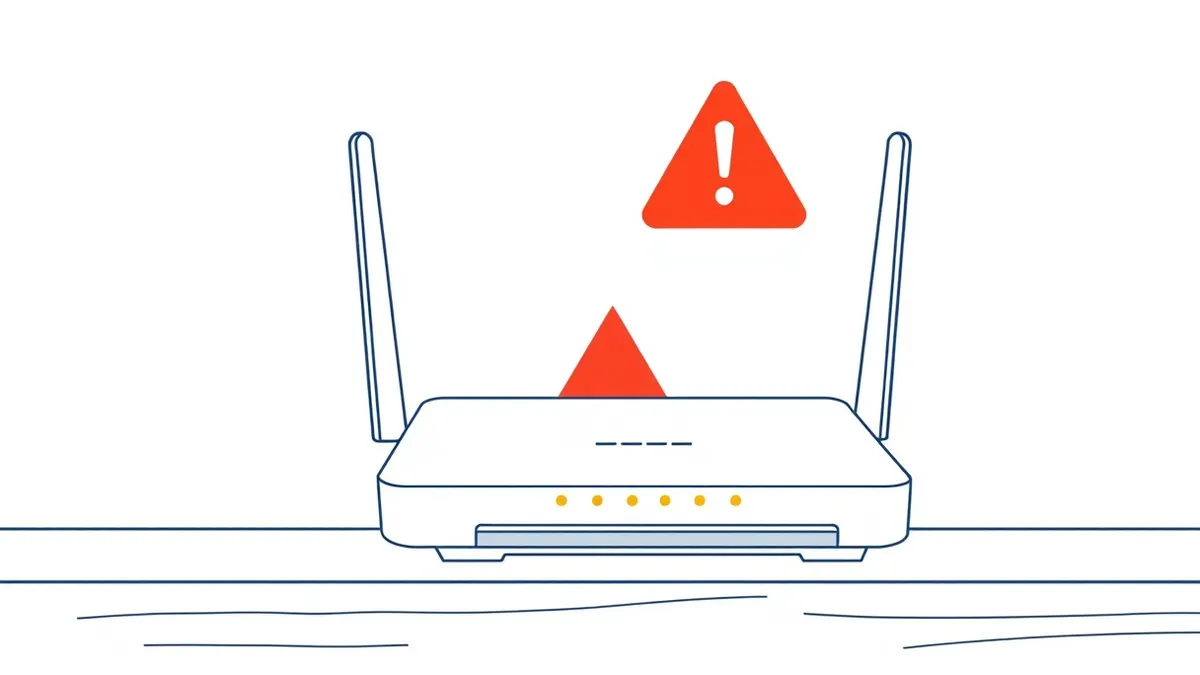
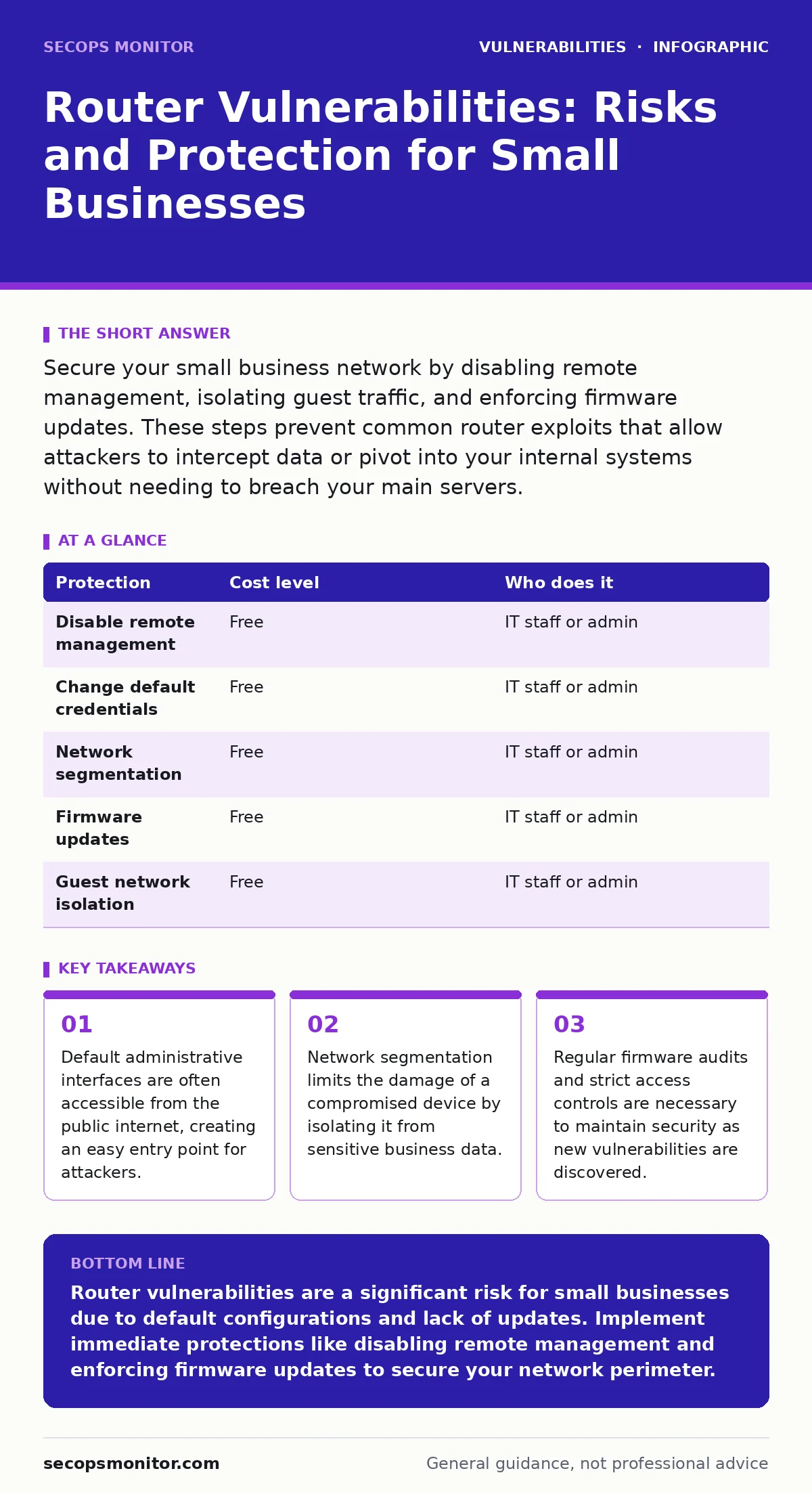
Secure your small business network by disabling remote management, isolating guest traffic, and enforcing firmware updates. These steps prevent common router exploits that allow attackers to intercept data or pivot into your internal systems without needing to breach your main servers.
The Hidden Exposure of Default Configurations
Most small organizations suffer from a specific type of negligence: they leave factory settings active. Manufacturers ship devices configured for ease of setup, not security. This means the administrative interface is often reachable from the outside world. The username and password are printed on a sticker or listed in a public manual.
You might believe your firewall protects you. It does not protect the router itself if the router allows external management traffic. This is a fundamental architectural flaw. The router is the gatekeeper, but you have left the gatekeeper’s office door open.
This exposure is not theoretical. It is a structural weakness present in almost every consumer-grade and many small-business-grade devices. The risk is not just about someone stealing your Wi-Fi password. It is about someone gaining control of the device that routes your entire business traffic.
Why Small Organizations Are Overlooked
Large enterprises have dedicated security teams and complex architectures. Small organizations often rely on a single internet connection and a single router. This simplicity is a double-edged sword. It is easy to manage, but it is also easy to attack.
Attackers use automated tools to scan the entire internet for exposed services. They look for specific ports that router administration panels use. When they find an open port, they attempt common default credentials. This process is automated and relentless. Your organization does not need to be important to be targeted. It only needs to be reachable.
The consequence of this exposure is severe. Once an attacker controls the router, they can perform man-in-the-middle attacks. They can intercept unencrypted traffic. They can redirect users to fake websites. They can even block security updates from reaching your other devices. This turns your primary security asset into a liability.
Low-Cost Protections You Can Implement Now
You do not need expensive hardware to mitigate these risks. You need to change how you configure what you already have. The first step is to disable remote management. This feature allows you to administer the router from outside your local network. For most small businesses, this feature is unnecessary and dangerous.
Next, change the default credentials. Use a long, random passphrase for the administrative password. Do not use a password you use elsewhere. This ensures that if one system is breached, your router remains secure.
Implement network segmentation. Most modern routers allow you to create separate networks for different types of devices. Create a guest network for visitors and a separate VLAN for your business devices. This limits the spread of malware. If a visitor’s laptop is infected, it cannot easily communicate with your file server.
| Protection | Cost level | Who does it |
|---|---|---|
| Disable remote management | Free | IT staff or admin |
| Change default credentials | Free | IT staff or admin |
| Network segmentation | Free | IT staff or admin |
| Firmware updates | Free | IT staff or admin |
| Guest network isolation | Free | IT staff or admin |
The Critical Role of Firmware Updates
Router firmware is software. Like any software, it contains bugs and vulnerabilities. Manufacturers release patches to fix these issues. However, many small organizations never update their router firmware. They assume the device is secure because it works.
This assumption is false. Vulnerabilities in firmware can allow attackers to execute code on the device. They can change settings, install backdoors, or crash the system. You must check for updates regularly. Some routers support automatic updates. If yours does, enable this feature. If not, schedule a monthly check.
Consider the implications of emergency patching. If a critical vulnerability is discovered, you may need to update immediately. Delaying an update leaves your network exposed to known exploits. This is not a matter of convenience. It is a matter of maintaining the integrity of your network perimeter.
What to Ask an IT Provider
If you outsource your IT support, you must ensure they are addressing router security. Many providers focus on servers and endpoints, neglecting the network edge. You need to verify their practices.
Ask specific questions about their management of network devices. Do not accept vague answers. You need to know exactly how they handle configuration and updates.
- How do you verify that router firmware is up to date?
- Do you disable remote management on all client routers?
- How do you segment networks to protect sensitive data?
- What is your process for responding to router-related security alerts?
- Do you perform regular audits of router configurations?
These questions reveal whether your provider understands the specific risks associated with network edge devices. If they cannot answer them confidently, you may need to find a different partner.
Advanced Considerations for Network Security
For organizations with more complex needs, consider additional measures. Threat modeling can help you identify specific risks to your network infrastructure. By mapping out your assets and potential attack vectors, you can prioritize your security efforts.
You might also explore dynamic application security testing (DAST) for any web interfaces exposed by your router or other network devices. This helps identify vulnerabilities before attackers exploit them.
Ensure that your approach aligns with a secure software development lifecycle if you develop any internal tools that interact with your network. This ensures that security is built in from the start, rather than added as an afterthought.
The Long-Term Strategy
Router security is not a one-time task. It is an ongoing process. New vulnerabilities are discovered regularly. New devices are added to the network. Staff change, and configurations drift.
You must establish a routine for reviewing and updating your network security. This includes checking for firmware updates, reviewing access logs, and testing network segmentation. It also includes educating your staff on the importance of network security.
By taking these steps, you significantly reduce the risk of compromise. You protect your business from the most common and dangerous attacks. You ensure that your network remains a secure foundation for your operations.
Consider how dependency updates in your other systems might interact with your network security. If a server is compromised, it can attempt to pivot to the router. Securing the router adds a layer of defense that complicates this attack path.
Also, be aware of vulnerability severity ratings. Not all vulnerabilities are equal. Prioritize patching based on the severity and the exploitability of the vulnerability. This ensures that you address the most critical risks first.
Finally, remember that mass assignment vulnerabilities can occur in web applications that interact with your network. Ensure that your applications are secure to prevent attackers from manipulating network settings through application flaws.
Key takeaways
- Default administrative interfaces are often accessible from the public internet, creating an easy entry point for attackers.
- Network segmentation limits the damage of a compromised device by isolating it from sensitive business data.
- Regular firmware audits and strict access controls are necessary to maintain security as new vulnerabilities are discovered.
Router vulnerabilities are a significant risk for small businesses due to default configurations and lack of updates. Implement immediate protections like disabling remote management and enforcing firmware updates to secure your network perimeter.
Frequently asked questions
Can a hacker hack my Wi-Fi router?
Yes, if the router has default credentials, outdated firmware, or remote management enabled. Attackers can exploit these weaknesses to gain control of the device and intercept your network traffic.
How do I know if my router is hacked?
Look for signs like slow internet speeds, unknown devices on your network, or changes to your DNS settings. If you notice these issues, check your router’s administrative interface for unauthorized changes.
Is it safe to use a guest network?
Yes, if configured correctly. A guest network isolates visitors from your main business network, preventing them from accessing sensitive files or devices. Ensure it is properly segmented and secured with its own password.
Do I need to update my router firmware manually?
If your router does not support automatic updates, you must update it manually. Check the manufacturer’s website regularly for new firmware releases and apply them promptly to fix security vulnerabilities.
How this guide was produced: written by the SecOps Monitor editorial team with AI assistance, checked against the public references listed below, and reviewed when the facts change. See our editorial policy or report an error.