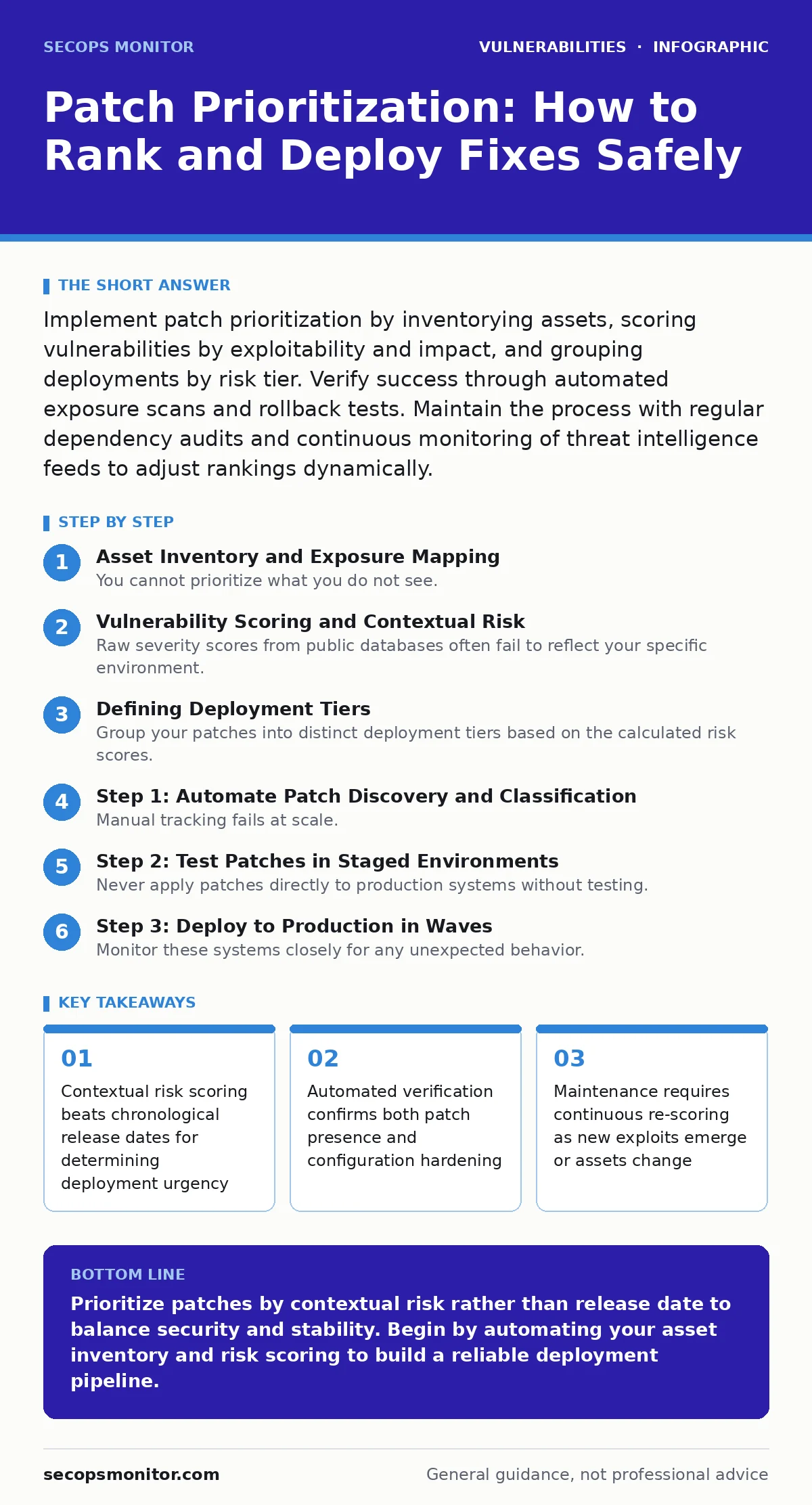
Implement patch prioritization by inventorying assets, scoring vulnerabilities by exploitability and impact, and grouping deployments by risk tier. Verify success through automated exposure scans and rollback tests. Maintain the process with regular dependency audits and continuous monitoring of threat intelligence feeds to adjust rankings dynamically.
Asset Inventory and Exposure Mapping
You cannot prioritize what you do not see. Many organizations apply updates blindly because they lack a clear map of which systems hold sensitive data or face external networks. Start by building an accurate inventory of all hardware, software, and services. Tag each asset with its criticality level and network position. A database server holding customer records requires faster remediation than an isolated development laptop. This mapping reveals the blast radius of a potential breach.
Vulnerability Scoring and Contextual Risk
Raw severity scores from public databases often fail to reflect your specific environment. A high-severity flaw in a rarely used feature poses less risk than a moderate flaw in a widely accessed service. Combine the base severity with exploitability metrics and asset criticality. Consider whether a public exploit exists. If an exploit is available in the wild, the risk window shrinks dramatically. Adjust your scoring to reflect the likelihood of an attacker reaching that specific system. This contextual approach prevents alert fatigue and focuses effort where it matters most.
Defining Deployment Tiers
Group your patches into distinct deployment tiers based on the calculated risk scores. Tier 1 includes critical assets with known public exploits. Tier 2 covers high-value assets with moderate risk or no known exploit. Tier 3 contains low-risk updates for isolated systems or cosmetic fixes. This tiered structure allows you to manage resources effectively. You address the most dangerous threats first while scheduling less urgent updates for maintenance windows. This prevents system instability caused by mass deployments.
Step 1: Automate Patch Discovery and Classification
Manual tracking fails at scale. Implement tools that automatically detect missing patches and classify them against your risk model. These tools should pull data from your asset inventory and cross-reference it with vulnerability databases. The system should generate a prioritized list of required updates for each server. You need visibility into what is missing and how urgent it is. Automation ensures that new vulnerabilities are scored and assigned to tiers without human delay.
Verification: Check that the automation tool correctly identifies a known vulnerable version on a test server. Confirm that the tool assigns the correct tier based on your predefined rules.
Step 2: Test Patches in Staged Environments
Never apply patches directly to production systems without testing. Create a staging environment that mirrors your production infrastructure. Deploy the Tier 1 patches here first. Monitor for application crashes, performance degradation, or configuration conflicts. This step protects your business continuity. Even a critical security fix can break essential services if it conflicts with custom configurations or legacy software.
Verification: Run automated health checks and application-specific tests in the staging environment. Ensure that all critical services respond normally and that no new errors appear in system logs.
Step 3: Deploy to Production in Waves
Monitor these systems closely for any unexpected behavior. If the deployment is stable, proceed to the next wave. This gradual rollout limits the impact of any unforeseen issues. You can roll back the update on affected servers before the problem spreads. This approach balances speed with safety. It ensures that security does not come at the cost of availability.
Verification: Confirm that the patch is installed on the targeted servers. Verify that monitoring systems report normal operation and that no new security alerts are triggered.
Step 4: Verify Remediation and Configuration
Installing the patch is only half the battle. You must verify that the vulnerability is actually mitigated. Some patches require configuration changes to take effect. Others may be bypassed if default settings remain insecure. Use automated scanners to confirm the presence of the patch and the absence of the vulnerability. Check that related services have been restarted if required. This step ensures that your defenses are active and not just present.
Step 5: Document and Communicate Outcomes
Record the results of each deployment. Note any issues encountered, workarounds applied, and lessons learned. Share this information with relevant teams. This documentation builds institutional knowledge and improves future deployments. It also provides an audit trail for compliance requirements. Clear communication ensures that everyone understands the current security posture and any remaining risks.
Verification: Ensure that deployment records are stored in a central repository. Confirm that the records include timestamps, affected systems, and verification results.
Upkeep and Continuous Improvement
Patch prioritization is not a one-time task. New vulnerabilities emerge constantly. Asset roles change. Exploits become available. You must continuously update your inventory, risk scores, and deployment tiers. Schedule regular reviews of your prioritization logic. Adjust it based on new threat intelligence and operational changes. This continuous improvement ensures that your strategy remains effective against evolving threats.
Verification: Run a quarterly review of your prioritization rules. Confirm that the rules reflect current business priorities and threat realities.
Verification Checklist
- Asset inventory is current and tagged with criticality
- Vulnerability scanner is integrated with risk scoring engine
- Staging environment mirrors production configurations
- Automated health checks run after each deployment
- Configuration settings are verified post-patch
- Deployment records are stored and accessible
- Risk scores are updated with new threat intelligence
Related considerations often involve managing complex software stacks. For instance, understanding dependency updates helps you track vulnerabilities in libraries that your applications rely on. Similarly, awareness of OWASP Top 10 risks can influence how you prioritize web server patches. While this guide focuses on general prioritization, specific contexts like router vulnerabilities or OpenSSL vulnerabilities may require specialized handling due to their widespread impact.
Key takeaways
- Contextual risk scoring beats chronological release dates for determining deployment urgency
- Automated verification confirms both patch presence and configuration hardening
- Maintenance requires continuous re-scoring as new exploits emerge or assets change
Prioritize patches by contextual risk rather than release date to balance security and stability. Begin by automating your asset inventory and risk scoring to build a reliable deployment pipeline.
Frequently asked questions
How often should I review my patch prioritization strategy?
Review your strategy quarterly or whenever significant changes occur in your infrastructure or threat environment. Regular reviews ensure your prioritization logic remains accurate and effective.
What if a critical patch breaks a production application?
Have a rollback plan ready. Revert the patch to restore service, then investigate the cause in the staging environment. Coordinate with application teams to find a compatible version or workaround before re-deploying.
Can I rely solely on automated tools for patch management?
Automation handles discovery and deployment, but human oversight is needed for risk scoring and exception handling. Automated tools may miss contextual nuances or misclassify assets. Regular human review ensures accuracy and accountability.
How do I handle legacy systems that cannot be patched?
Isolate legacy systems from critical networks and apply compensating controls. Use network segmentation, strict access controls, and monitoring to reduce risk. Plan for eventual replacement or migration to supported platforms.
How this guide was produced: written by the SecOps Monitor editorial team with AI assistance, checked against the public references listed below, and reviewed when the facts change. See our editorial policy or report an error.