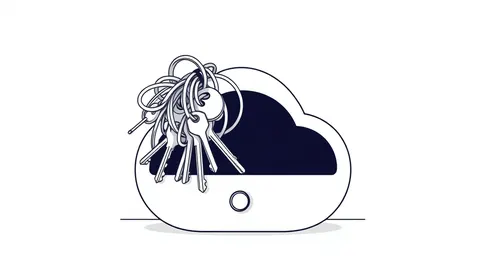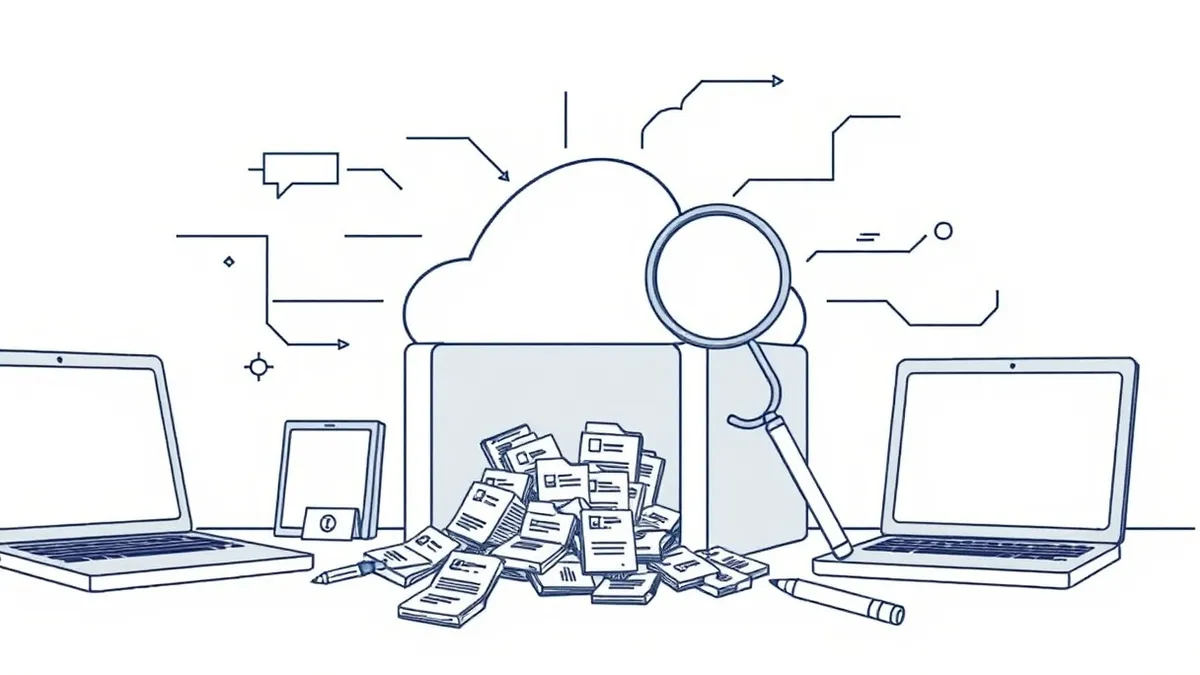
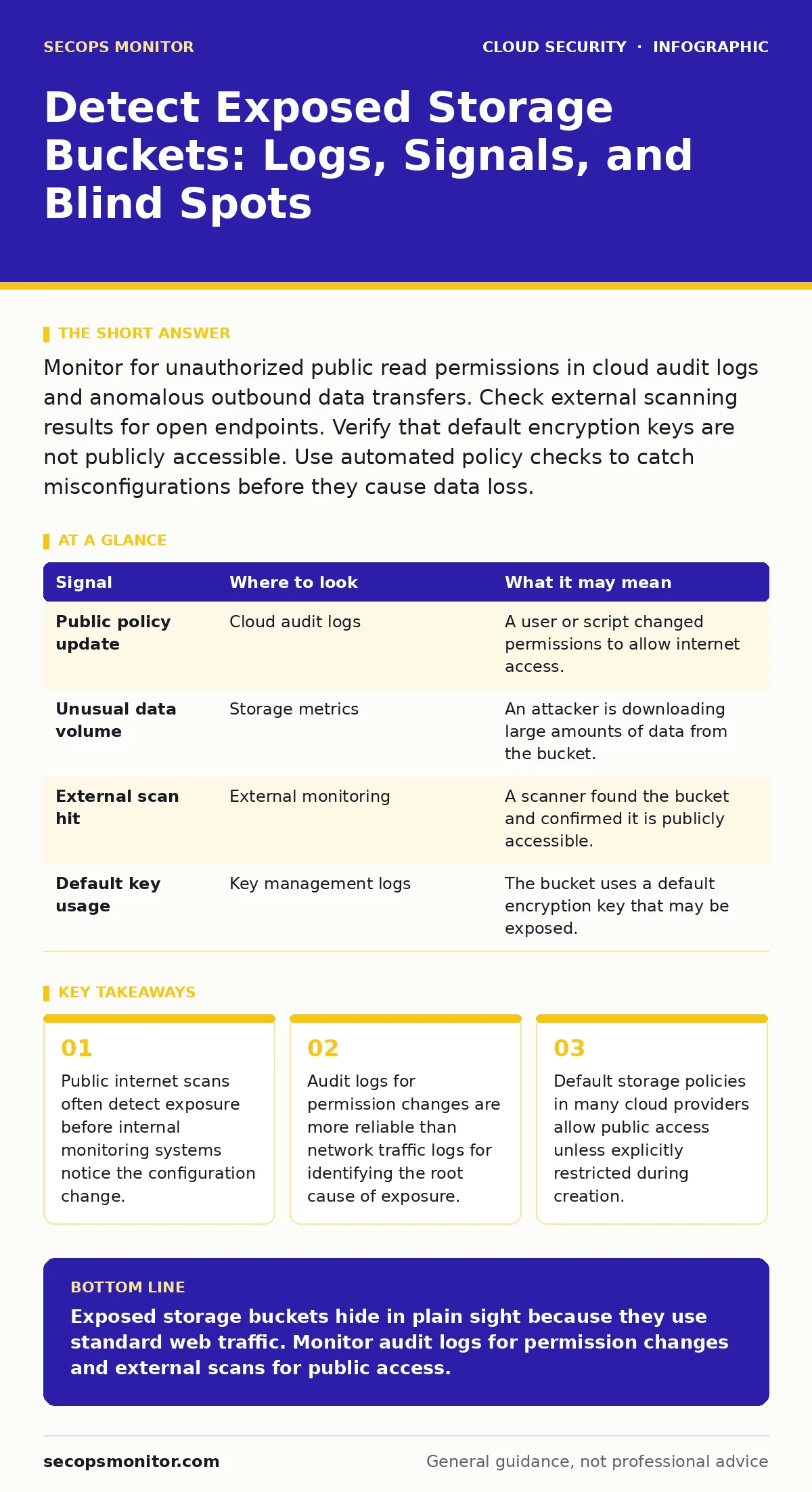
Monitor for unauthorized public read permissions in cloud audit logs and anomalous outbound data transfers. Check external scanning results for open endpoints. Verify that default encryption keys are not publicly accessible. Use automated policy checks to catch misconfigurations before they cause data loss.
The Silence of Standard Traffic
Exposed storage buckets rarely trigger alerts in your intrusion detection systems. Attackers access public endpoints using standard HTTPS connections on port 443. This traffic looks identical to legitimate user requests or application data transfers. Your network security tools filter for known malware signatures or unusual port usage. They do not flag a browser retrieving a public image or document.
Imagine a developer uploads a database backup to a storage bucket. They forget to set the bucket policy to private. The file is now accessible to anyone with the URL. No data leaves your network perimeter in a way that looks malicious. The data simply sits there, waiting to be pulled. Your firewall sees an outbound connection to a cloud provider. It assumes the connection is part of normal business operations.
This silence creates a dangerous blind spot. You cannot rely on network perimeter defenses to catch storage misconfigurations. You must look at the configuration state and the audit trail. The evidence of exposure lives in the metadata of the storage object, not in the packet capture.
Audit Logs as the Primary Signal
Cloud audit logs record every change to resource permissions. These logs are your most reliable source of truth. Look for events that modify bucket policies, access control lists, or public access settings. A change from private to public access is a critical event. It often happens during automated deployments or manual fixes.
Suppose an automation script updates a bucket to allow read access for a new application. The script contains a syntax error. It grants read access to all users instead of just the application identity. The audit log records this policy update. It shows the user or service account that made the change. It also shows the timestamp and the specific policy modification.
You must correlate these log entries with the actual state of the bucket. A log entry might show a permission change that was immediately reverted. This is less dangerous than a persistent change. However, if the log shows a change and the bucket remains public, you have an exposure. Check for "PutBucketPolicy" or "SetObjectAcl" events. These indicate direct changes to access rules.
| Signal | Where to look | What it may mean |
|---|---|---|
| Public policy update | Cloud audit logs | A user or script changed permissions to allow internet access. |
| Unusual data volume | Storage metrics | An attacker is downloading large amounts of data from the bucket. |
| External scan hit | External monitoring | A scanner found the bucket and confirmed it is publicly accessible. |
| Default key usage | Key management logs | The bucket uses a default encryption key that may be exposed. |
Storage Metrics and Anomalies
Storage metrics provide a secondary line of defense. Monitor the volume of data served from your buckets. A sudden spike in outbound data requests can indicate unauthorized access. This spike might look like a popular video going viral. It could also be an attacker scraping sensitive documents.
Compare current traffic patterns to historical baselines. Look for requests from unexpected geographic regions. If your application only serves users in North America, requests from unrelated regions are suspicious. Check the user agent strings in access logs. Attackers often use generic or missing user agents. Legitimate applications usually send specific identifiers.
Do not ignore small, steady leaks. An attacker might download one file per hour to avoid detection. Over weeks, this results in significant data loss. Your metrics will show a slow increase in outbound bandwidth. This trend is easier to miss than a sudden spike. Review your metrics daily, not just when an alert fires.
External Scanning and Discovery
Your internal tools cannot see what the internet sees. External scanning services crawl the public web for exposed resources. They check for common cloud storage URLs and test for public access. These scans provide an outside-in view of your security posture. They reveal exposures that your internal monitoring missed.
Imagine you configure a bucket to be private. You believe it is secure. However, a subdomain associated with the bucket is still resolvable to the public internet. An external scanner finds this subdomain. It tests the URL and confirms access. Your internal logs show no public policy changes. The exposure exists because of DNS configuration, not bucket policy.
Integrate external scanning results into your security dashboard. Treat these findings as high-priority incidents. They confirm that an attacker can access your data. You must remediate the exposure immediately. Then investigate why internal monitoring did not catch it. This process helps you close gaps in your detection strategy.
Common Blind Spots in Detection
Many teams focus only on the bucket policy. They forget about other mechanisms that can expose data. Object-level permissions can override bucket-level settings. A bucket might be private, but individual files can be public. If you only check the bucket policy, you miss these exposures.
Another blind spot is the use of presigned URLs. These are temporary links that grant access to private objects. If the URL is leaked or shared publicly, it provides temporary access. Attackers can exploit these links before they expire. Your logs will show access from an external IP. It might look like legitimate user activity. You must monitor for presigned URL generation and usage.
Default encryption keys also pose a risk. If you use a default key managed by the cloud provider, you have less control over access. If the key is exposed, all encrypted data is at risk. Check your key management service logs for unusual access patterns. Ensure that keys are rotated regularly. This reduces the window of exposure if a key is compromised.
See also: MFA Misconceptions That Leave Cloud Accounts Exposed · Shift-Left Security: 8 Questions Answered for Faster, Safer Code
Tools for Continuous Monitoring
Manual checks are insufficient for large environments. You need automated tools to continuously monitor your storage configurations. Cloud-native tools can scan for misconfigurations in real-time. They compare your current state against security best practices. They alert you when a bucket becomes publicly accessible.
Third-party security posture management tools provide additional coverage. They scan for known vulnerabilities and misconfigurations. They often include external scanning capabilities. These tools help you maintain visibility across multiple cloud accounts. They reduce the risk of human error in configuration management.
Do not rely solely on automated tools. Human review is necessary to validate findings and prioritize remediation. False positives can occur. A bucket might be public for a legitimate reason, such as a public website. Your team must distinguish between safe public access and sensitive data exposure. Define clear policies for what data can be public. Enforce these policies through automation and manual review.
Remediation and Prevention
Once you detect an exposure, act quickly. Revert the permission changes immediately. Block access from known attacker IPs if possible. Investigate the scope of the exposure. Determine what data was accessed and for how long. Document the incident for future reference.
Prevention requires a shift in how you manage storage. Adopt the principle of least privilege. Start with private buckets by default. Use infrastructure as code to define storage configurations. This ensures consistency and reduces manual errors. Implement strict approval workflows for any changes to public access.
Imagine a development team needs to test a new application. They request access to a storage bucket. Instead of granting broad permissions, you create a specific role with limited access. This role can only read specific objects. It cannot modify permissions. This approach reduces the risk of accidental exposure. It also makes it easier to audit access.
Review your access logs regularly. Look for patterns that indicate misuse or misconfiguration. Train your team on secure storage practices. Make security a shared responsibility. By combining technical controls with human oversight, you reduce the risk of exposed storage buckets.
Key takeaways
- Public internet scans often detect exposure before internal monitoring systems notice the configuration change.
- Audit logs for permission changes are more reliable than network traffic logs for identifying the root cause of exposure.
- Default storage policies in many cloud providers allow public access unless explicitly restricted during creation.
Exposed storage buckets hide in plain sight because they use standard web traffic. Monitor audit logs for permission changes and external scans for public access.
Frequently asked questions
How do I know if my storage bucket is publicly accessible?
Use external scanning tools to test your bucket URLs. Check your cloud audit logs for public policy changes. Verify that no objects have public read permissions.
Can network firewalls detect exposed storage buckets?
No, firewalls filter traffic based on ports and IPs. They cannot see the content or permissions of storage objects. You need configuration monitoring tools.
What is the difference between a bucket policy and an object ACL?
A bucket policy applies to all objects in the bucket. An object ACL applies to a specific file. Object ACLs can override bucket policies, creating hidden exposures.
How often should I scan for exposed storage buckets?
Scan continuously or at least daily. Misconfigurations can happen at any time through automated scripts or manual changes. Regular scanning ensures quick detection. TAGS
How this guide was produced: written by the SecOps Monitor editorial team with AI assistance, checked against the public references listed below, and reviewed when the facts change. See our editorial policy or report an error.