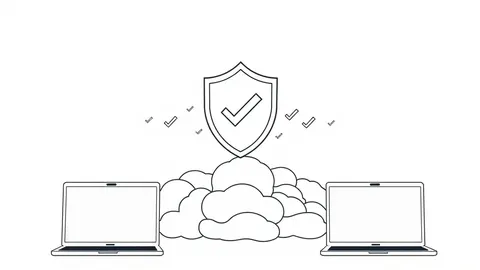
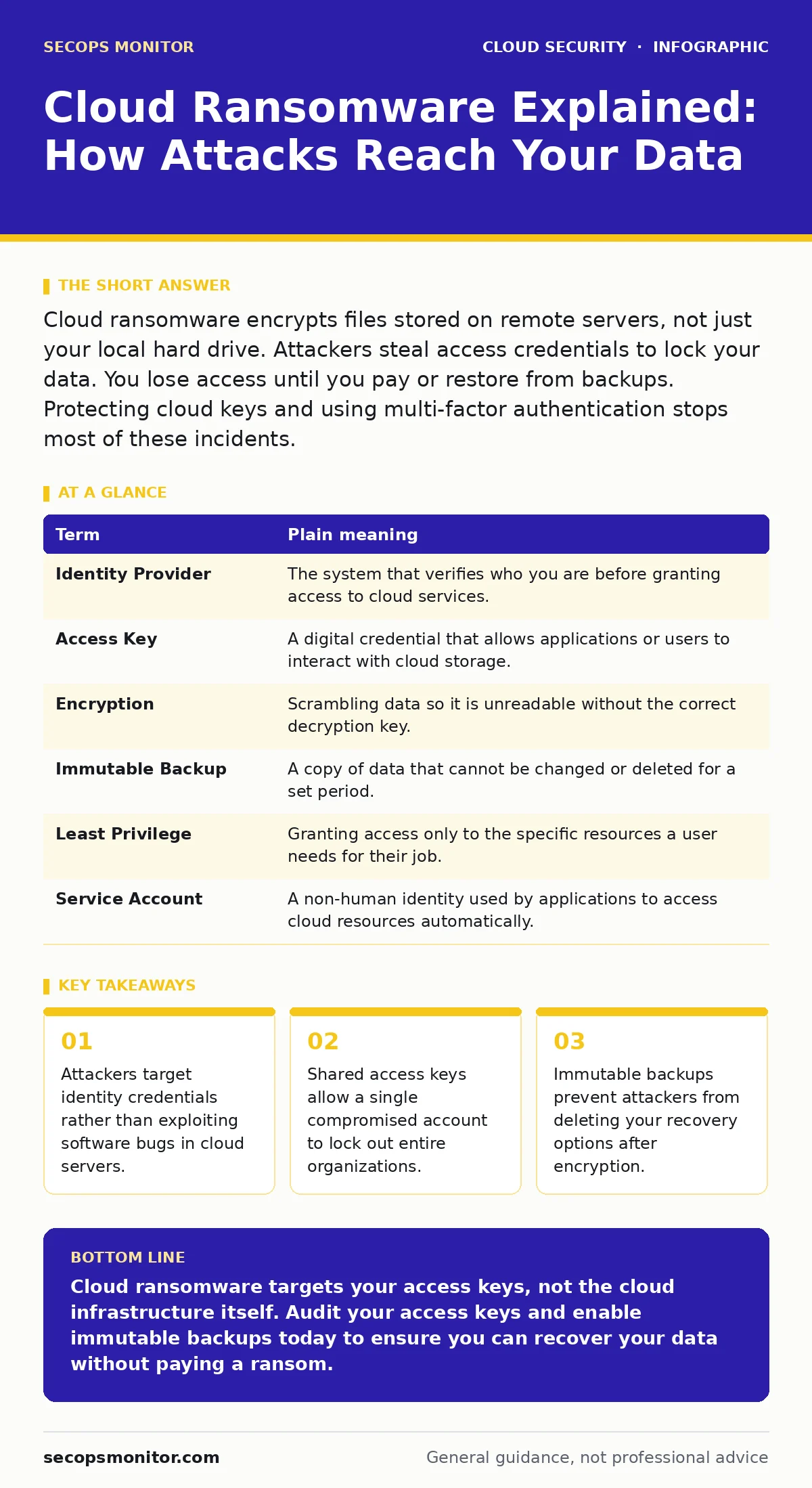
Cloud ransomware encrypts files stored on remote servers, not just your local hard drive. Attackers steal access credentials to lock your data. You lose access until you pay or restore from backups. Protecting cloud keys and using multi-factor authentication stops most of these incidents.
The Digital Vault Analogy
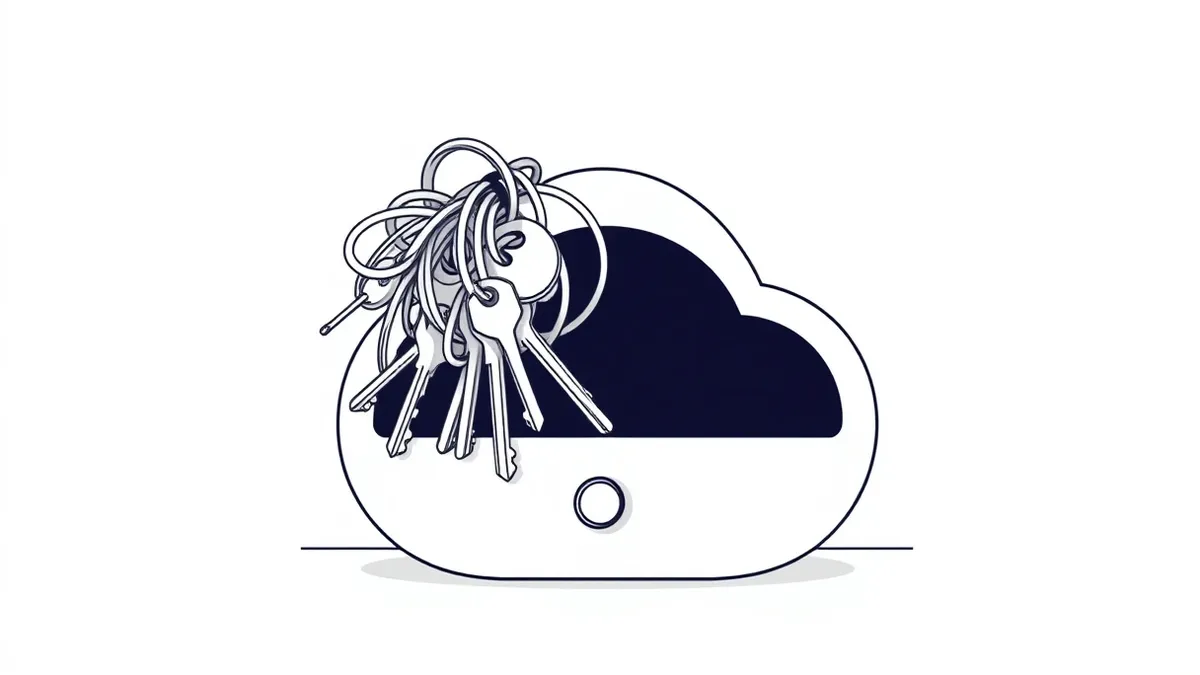
Imagine your cloud storage is a high-security vault located in a bank. In the past, thieves had to drill through the concrete walls to get inside. That was difficult and noisy. Today, the bank hands out master keys to employees who need to work in the vault. Cloud ransomware does not drill through walls. It steals the master keys. Once the attacker has the key, they walk in calmly, lock the door from the inside, and demand payment to return the key. The vault walls remain intact, but you cannot reach your contents.
Key Terms for Cloud Threats
Understanding the mechanism requires defining the components involved. The cloud provider manages the physical hardware, but you manage the access controls. Confusing these responsibilities leads to gaps in protection. Use this table to clarify the roles.
| Term | Plain meaning |
|---|---|
| Identity Provider | The system that verifies who you are before granting access to cloud services. |
| Access Key | A digital credential that allows applications or users to interact with cloud storage. |
| Encryption | Scrambling data so it is unreadable without the correct decryption key. |
| Immutable Backup | A copy of data that cannot be changed or deleted for a set period. |
| Least Privilege | Granting access only to the specific resources a user needs for their job. |
| Service Account | A non-human identity used by applications to access cloud resources automatically. |
How Attackers Steal the Keys
Attackers rarely hack the cloud provider directly. They target the users or applications that hold the keys. Suppose an employee clicks a phishing link. That link might install a small program on their laptop. This program waits for the employee to log into their cloud dashboard. When they do, the program copies the session token. The attacker now has a valid key. They use this key to access the vault. This is why MFA for cloud accounts is critical. Multi-factor authentication adds a second check that the stolen token cannot bypass. Without it, a stolen password is often enough to enter.
The Hidden Cost of Shared Keys
Many organizations use shared service accounts for automation. Imagine a script that moves data between storage buckets. It uses a single access key. If that key is exposed in a public code repository, the attacker has immediate access. They do not need to guess a password. They have the key. This is a common failure in service account security. The key remains valid until an administrator manually revokes it. Attackers move quickly. They encrypt the data before anyone notices the unauthorized login. The damage is done in minutes.
Why Backups Often Fail
Standard backups are stored in the same cloud environment. If an attacker has admin access to your cloud account, they can delete your backups. They encrypt the live data, then delete the recovery copies. You are left with no options. This is why you need immutable backups. These backups are locked. Even an administrator with full rights cannot delete them for a set time. This creates a safety window. You can restore your data from the immutable copy while investigating the breach. It does not prevent the attack, but it prevents total loss.
See also: How Confidential Computing Works: Protecting Data in Use · Cloud Incident Response: 7 Mistakes That Escalate Breaches
Simple Safety Habits for Users
You do not need deep technical skills to reduce risk. Start with strict access controls. Review who has access to your cloud storage. Remove access for employees who no longer need it. This aligns with just-in-time access principles. Grant access only when needed, then remove it. Use strong, unique passwords for every cloud account. Never reuse passwords across different services. If one service is breached, attackers will try that password on your cloud accounts. This prevents SaaS account takeover scenarios where one breach cascades into many.
Try This Now
Implement these three steps immediately to harden your cloud environment.
- Audit Access Keys: List all active access keys in your cloud console. Delete any that are older than 90 days or belong to former employees.
- Enable Multi-Factor Authentication: Turn on MFA for every user account with access to cloud storage. Use an authenticator app, not SMS, for better security.
- Verify Backup Immutability: Check your backup settings. Ensure that backups cannot be deleted by users with administrative privileges for at least 30 days.
The Limits of Cloud Security
Cloud providers secure the infrastructure, but you secure the data. You are responsible for configuring access controls correctly. A misconfigured storage bucket can expose data to the public internet. Attackers scan for these open buckets. They do not need to break in. They simply walk through the open door. Regularly review your storage permissions. Ensure that no bucket is publicly readable unless necessary. This reduces the attack surface significantly.
Protecting Your Data Long Term
Security is not a one-time setup. It is an ongoing process. Attackers adapt their methods. They find new ways to steal keys. You must update your defenses accordingly. Review your access logs regularly. Look for unusual activity, such as large data downloads at odd hours. Implement confidential computing for highly sensitive data. This ensures data is encrypted even while being processed. It adds a layer of protection that persists even if the system is compromised. Stay informed about new threats. Adapt your habits as the cloud landscape evolves.
Key takeaways
- Attackers target identity credentials rather than exploiting software bugs in cloud servers.
- Shared access keys allow a single compromised account to lock out entire organizations.
- Immutable backups prevent attackers from deleting your recovery options after encryption.
Cloud ransomware targets your access keys, not the cloud infrastructure itself. Audit your access keys and enable immutable backups today to ensure you can recover your data without paying a ransom.
Frequently asked questions
Can cloud providers recover my data after a ransomware attack?
Cloud providers protect the hardware, but they cannot restore your data if you lose access. They do not back up your files for you. You must maintain your own backups and access controls.
Is multi-factor authentication enough to stop cloud ransomware?
MFA stops most credential theft attacks, but it does not protect against stolen session tokens or compromised service accounts. You still need to monitor access and use least privilege principles.
What is the difference between cloud ransomware and traditional ransomware?
Traditional ransomware encrypts files on your local device. Cloud ransomware encrypts files stored on remote servers. It often involves stealing cloud access keys rather than exploiting software vulnerabilities.
How do I know if my cloud account has been compromised?
Check your login history for unfamiliar locations or devices. Look for unauthorized changes to storage permissions or new access keys. Enable alerts for sensitive actions in your cloud console.
How this guide was produced: written by the SecOps Monitor editorial team with AI assistance, checked against the public references listed below, and reviewed when the facts change. See our editorial policy or report an error.