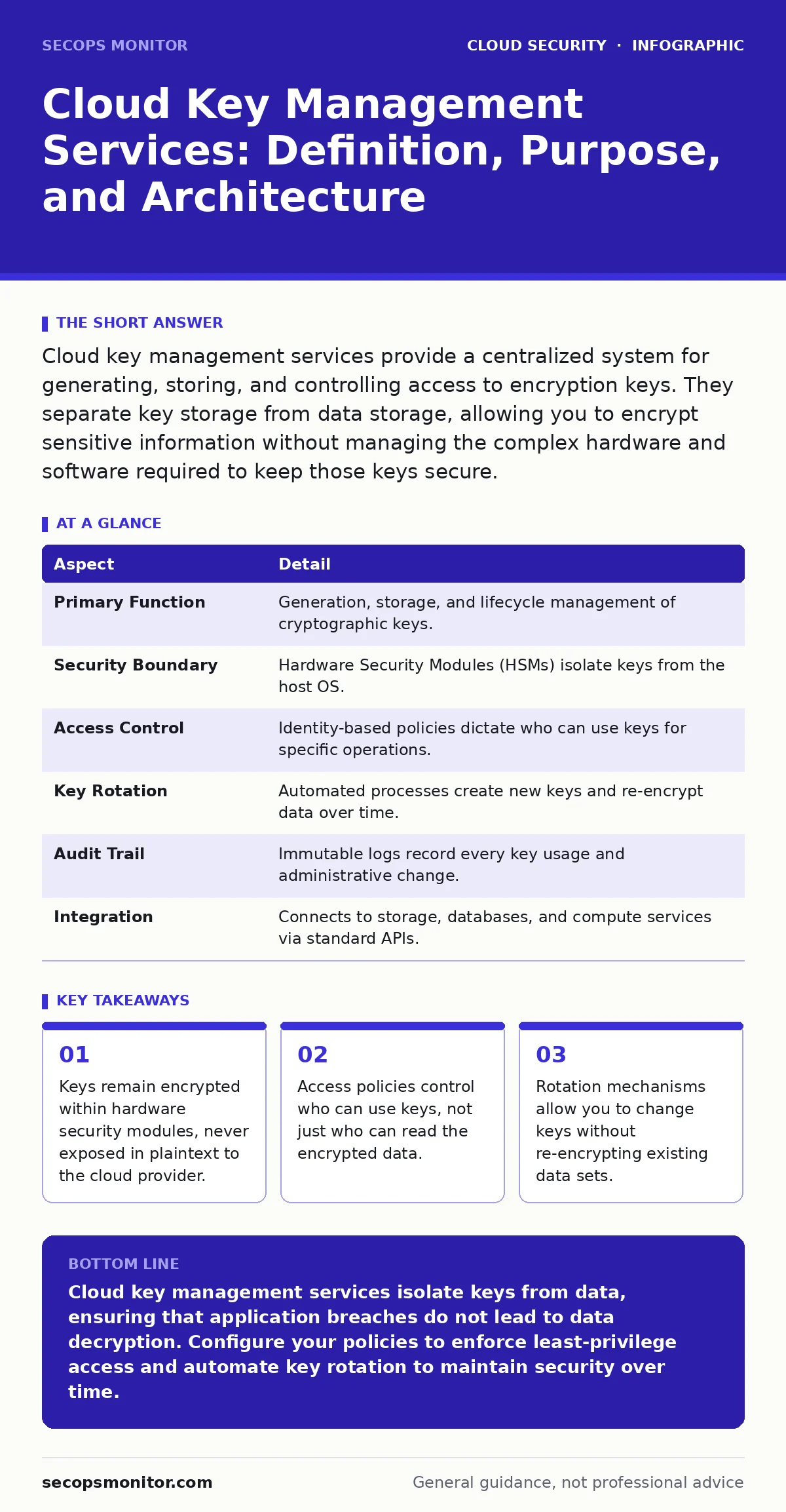
Cloud key management services provide a centralized system for generating, storing, and controlling access to encryption keys. They separate key storage from data storage, allowing you to encrypt sensitive information without managing the complex hardware and software required to keep those keys secure.
The Vault and the Key
Imagine a high-security bank vault. You can place your valuables inside, lock the door, and leave. But if you tape the key to the outside of the vault, the lock is useless. In cloud computing, your data is the vault. The encryption algorithm is the lock. The key management service is the secure room where the keys live.
Most organizations encrypt data at rest. They believe that once the data is scrambled, it is safe. This assumption fails when the application code that encrypts the data also stores the key. If an attacker breaches the application server, they get both the lock and the key.
Cloud key management services break this link. They store keys in a separate, hardened environment. The application can request to encrypt or decrypt data, but it never sees the raw key material. This separation ensures that compromising the application layer does not automatically compromise the data layer.
| Aspect | Detail |
|---|---|
| Primary Function | Generation, storage, and lifecycle management of cryptographic keys. |
| Security Boundary | Hardware Security Modules (HSMs) isolate keys from the host OS. |
| Access Control | Identity-based policies dictate who can use keys for specific operations. |
| Key Rotation | Automated processes create new keys and re-encrypt data over time. |
| Audit Trail | Immutable logs record every key usage and administrative change. |
| Integration | Connects to storage, databases, and compute services via standard APIs. |
The Problem of Key Sprawl
Encryption is only as strong as the secrecy of the key. Without a dedicated service, teams often embed keys in configuration files or environment variables. This practice creates key sprawl. Keys end up in version control systems, log files, and memory dumps.
Suppose a developer accidentally commits a configuration file to a public code repository leaks. If that file contains an encryption key, every piece of data encrypted with that key is potentially exposed. The attacker does not need to hack your server. They just need to read the public code.
A key management service prevents this by ensuring keys are never exported in plaintext. They exist only inside the secure hardware. When you need to decrypt data, you send the encrypted data to the service. The service decrypts it internally and returns the result. The key never leaves the hardware boundary.
Core Components of the Service
A cloud key management service is not just a database for keys. It is a complex system with several distinct parts. Understanding these parts helps you configure it correctly.
Hardware Security Modules are the physical foundation. These are tamper-resistant devices that perform cryptographic operations. They are certified to strict standards. If someone tries to physically break into the HSM, it wipes the keys. This protects against physical theft of the hardware.
Key Wrapping is a technique used to protect keys at rest. Even inside the HSM, keys are encrypted. A master key encrypts the data keys. This adds a layer of defense. If an attacker bypasses the software controls, they still face the hardware encryption.
Access Policies define who can use the keys. These policies are separate from the permissions to read the data. You can grant a user permission to read a file but deny them permission to use the key that decrypts it. This separation is critical for compliance and least-privilege access.
Audit Logs record every action. Every time a key is used to encrypt or decrypt data, the service logs the event. These logs are immutable. You can review them to detect unusual activity, such as a service account trying to decrypt data at an odd hour.
Integration with Other Defences
Key management does not work in isolation. It fits into a broader security architecture. It complements other controls by providing the cryptographic backbone.
For storage, it integrates with object storage services. You can encrypt buckets without managing keys yourself. However, if your buckets are misconfigured, encryption does not stop exposure. See the guide on exposed storage buckets for details on access controls.
For compute, it works with confidential computing. This technology encrypts data in use, protecting it from the hypervisor. Key management services provide the keys needed for this protection. Together, they defend against insider threats and compromised infrastructure.
For identity, it relies on strong authentication. If an attacker takes over an account, they can use the keys. See the guide on SaaS account takeover for strategies to protect identities. Also, consider just-in-time access to limit the window during which an account can use keys.
Common Misconceptions
Many teams misunderstand what a key management service does. These misconceptions lead to weak configurations and false confidence.
Encryption Equals Security is a common error. Teams encrypt data but leave the keys accessible to everyone. Encryption protects against data theft, not against authorized misuse. If a user has permission to decrypt data, they can read it. The key management service does not stop them.
Vendor Ownership is another confusion. Some believe the cloud provider holds the keys. In standard configurations, the provider holds the master keys. In customer-managed configurations, you control the keys. You must choose the right model for your compliance needs.
Performance Impact is often overestimated. People fear that calling a key management service for every operation will slow down their application. In reality, the service is optimized for high throughput. Caching session keys can reduce the number of calls, balancing performance and security.
See also: MFA Misconceptions That Leave Cloud Accounts Exposed · Shift-Left Security: 8 Questions Answered for Faster, Safer Code
Configuring for Resilience
To get the most out of a key management service, you must configure it for resilience. This means planning for failure and change.
Key Rotation is critical. Keys should change periodically. The service can automate this. It creates a new key and re-encrypts the data. This limits the amount of data exposed if a key is compromised. You must ensure your applications support transparent key rotation.
Multi-Region Replication protects against regional outages. If a region goes down, you need access to your keys. Replicating keys to another region ensures availability. However, this increases the attack surface. You must secure the replication process.
Emergency Access procedures must be defined. If the primary administrators are unavailable, who can access the keys? You need a break-glass procedure. This might involve multi-party approval or a time-delayed access request. Document this process and test it regularly.
The Hidden Cost of Complexity
Managing keys is not free. It adds complexity to your operations. You must manage policies, rotate keys, and monitor logs. This requires staff time and expertise.
The trade-off is between control and convenience. Managed keys are easy but offer less control. Customer-managed keys offer more control but require more work. Choose the model that fits your risk profile.
Do not ignore the cost of integration. Your applications must be updated to use the key management service. This can take time and testing. Plan for this during the design phase, not after deployment.
Key takeaways
- Keys remain encrypted within hardware security modules, never exposed in plaintext to the cloud provider.
- Access policies control who can use keys, not just who can read the encrypted data.
- Rotation mechanisms allow you to change keys without re-encrypting existing data sets.
Cloud key management services isolate keys from data, ensuring that application breaches do not lead to data decryption. Configure your policies to enforce least-privilege access and automate key rotation to maintain security over time.
Frequently asked questions
Can I export my keys from a cloud key management service?
Most services do not allow plaintext export of keys. You can export keys in encrypted form or use them only within the service. Some providers offer dual-control export for migration, but this is rare and complex.
What happens if the cloud provider goes offline?
If the service is unavailable, you cannot decrypt new data. Existing data remains encrypted and safe. Ensure you have a disaster recovery plan that includes key replication to a secondary region.
How this guide was produced: written by the SecOps Monitor editorial team with AI assistance, checked against the public references listed below, and reviewed when the facts change. See our editorial policy or report an error.