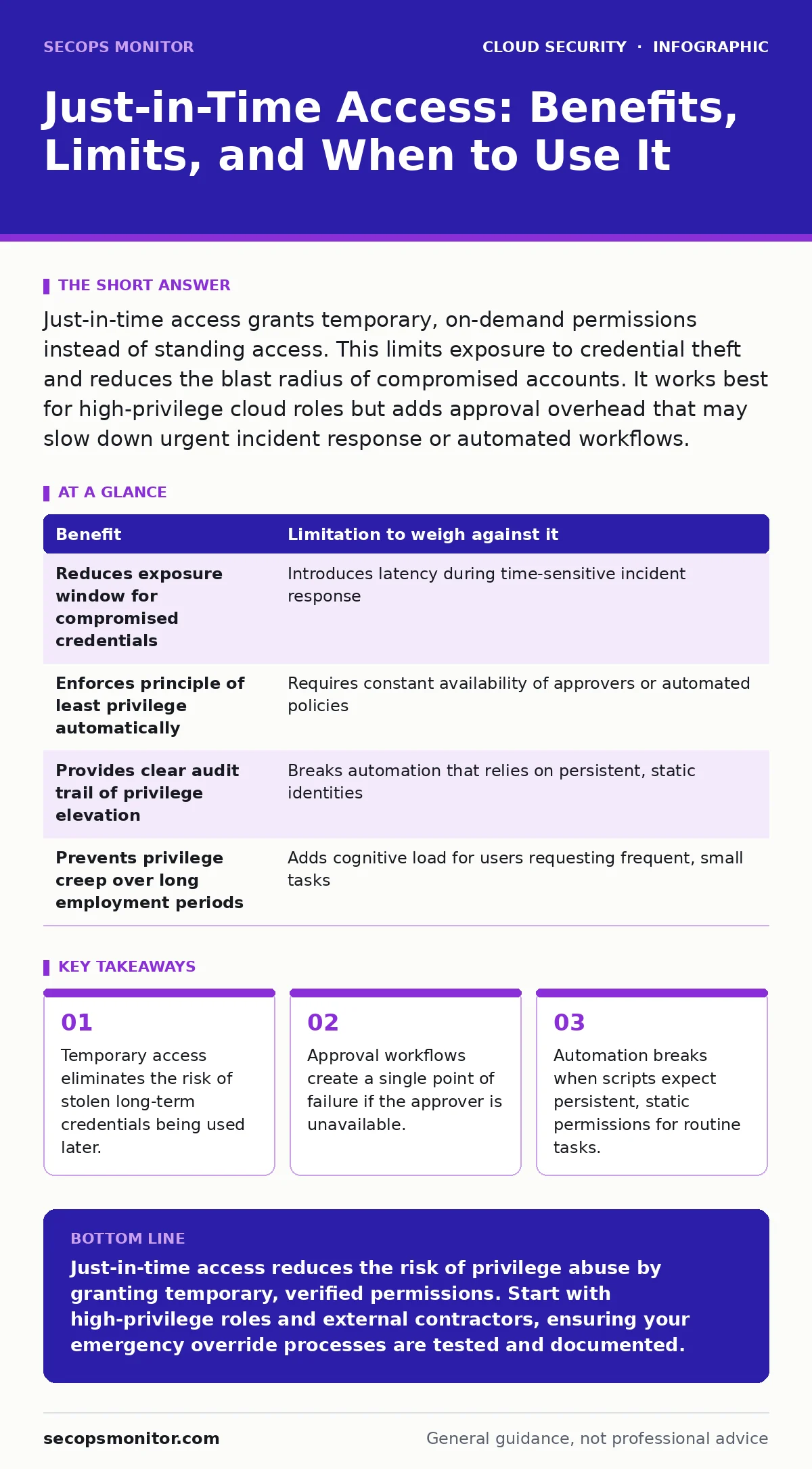
Just-in-time access grants temporary, on-demand permissions instead of standing access. This limits exposure to credential theft and reduces the blast radius of compromised accounts. It works best for high-privilege cloud roles but adds approval overhead that may slow down urgent incident response or automated workflows.
The Mechanics of Ephemeral Privilege
Just-in-time access operates on a simple principle: users receive elevated permissions only when they need them, and those permissions expire automatically afterward. This contrasts with standing access, where administrators or developers hold permanent high-level roles. The system relies on an identity provider to assert temporary claims. When a user requests access, the system validates their identity and checks policy rules. If approved, the system issues a short-lived token or role binding. Once the time window closes, the permission vanishes.
This model shifts security from perimeter defense to continuous verification. You stop protecting a static set of credentials and start protecting a process. The process requires a request, a review, and a grant. Each step adds friction, but that friction is the security control. Without it, you are relying on users to remember to log out or administrators to remember to revoke access. Human memory is unreliable. Automated expiration is not.
Why Static Access Fails in Cloud Environments
Cloud environments are dynamic. Resources spin up and down. Users join and leave teams. Standing access creates a drift between what a user needs and what they have. Over time, privileges accumulate. A developer who needed database access for a single project retains that access months later. This accumulation is known as privilege creep. It expands the attack surface unnecessarily.
Imagine a scenario where a low-level support account is compromised. If that account has standing admin rights, the attacker has immediate, unrestricted control. With just-in-time access, the attacker has nothing but a low-privilege shell. They must now bypass the approval workflow to gain higher access. This adds time and complexity to the attack. It also generates logs. Every request for elevation is recorded. You gain visibility into who wants what, and when.
| Benefit | Limitation to weigh against it |
|---|---|
| Reduces exposure window for compromised credentials | Introduces latency during time-sensitive incident response |
| Enforces principle of least privilege automatically | Requires constant availability of approvers or automated policies |
| Provides clear audit trail of privilege elevation | Breaks automation that relies on persistent, static identities |
| Prevents privilege creep over long employment periods | Adds cognitive load for users requesting frequent, small tasks |
The Hidden Cost of Operational Friction
The primary limitation of just-in-time access is speed. When you need to fix a broken server at 3 a.m., waiting for an approval email is not viable. This friction can lead to workarounds. Users might bypass the system by using shared accounts or saving credentials in insecure notes. They might ask a colleague to grant them standing access "just this once." These workarounds destroy the security model.
You must design the system to handle emergencies. This often means defining emergency override procedures. These procedures must be logged and reviewed afterward. They are not free passes. They are controlled exceptions. If the override process is too hard, people will not use it. If it is too easy, it becomes the default. Finding the balance requires understanding your team's operational rhythm.
Another cost is integration complexity. Legacy applications often expect static service accounts. They do not support dynamic token rotation. Migrating these applications to support just-in-time access requires code changes. This is a significant engineering effort. You must weigh the security gain against the development cost. For some legacy systems, the cost outweighs the benefit.
When It Is Worth It
You should implement just-in-time access for high-privilege roles. Database administrators, cloud infrastructure owners, and security operators fall into this category. The damage caused by a compromise in these roles is severe. The reduction in risk justifies the operational overhead.
It is also worth it for external contractors. Contractors have a defined end date. Their access should match that timeline. Standing access for a contractor who has left the project is a common security failure. Just-in-time access ensures that access expires when the contract does. It removes the need for manual offboarding checks.
Consider environments with high turnover. If staff leave frequently, standing access becomes a liability. You must revoke access immediately upon departure. Just-in-time access reduces the urgency of this task. If the user has no standing permissions, there is nothing to revoke. The system handles the expiration automatically.
When It Is Not Worth It
Do not implement just-in-time access for every user. Standard users with low-privilege roles do not need this overhead. The risk of a low-privilege account being compromised is lower. The cost of managing requests for basic tasks is too high. You will create a bottleneck that slows down productivity without meaningfully improving security.
Avoid it for highly automated, non-interactive workloads. Continuous integration pipelines, backup scripts, and monitoring agents need reliable, persistent access. They cannot wait for human approval. For these cases, use service accounts with minimal, static permissions. Secure these accounts with strong authentication and strict network controls. Do not try to force a human-centric workflow onto a machine-centric process.
If your organization lacks a mature identity management system, do not start here. Just-in-time access requires a robust identity provider. It needs integration with your cloud platforms and applications. Building this infrastructure from scratch is complex. Focus on basic identity hygiene first. Fix identity sprawl before adding layers of complexity.
See also: What Is Cloud Security Compliance: Mechanics, Risks, and Control · How Confidential Computing Works: Protecting Data in Use
Integrating with Broader Security Controls
Just-in-time access does not exist in isolation. It works best when combined with other security measures. For example, pair it with cloud key management services to protect the secrets used by the elevated roles. Even if an attacker gains temporary access, they cannot decrypt data without the keys.
It also complements immutable infrastructure practices. If servers are replaced rather than patched, the need for persistent admin access decreases. You can design systems where just-in-time access is used only for initial provisioning. After that, the infrastructure is read-only. This reduces the window for exploitation.
For containerized environments, consider how this interacts with Kubernetes RBAC. You can grant temporary cluster-admin roles for specific debugging sessions. This allows developers to troubleshoot issues without holding permanent superuser rights. The temporary nature of the access limits the damage if the session is hijacked.
Maintaining the System Over Time
Implementing just-in-time access is not a one-time project. It requires ongoing maintenance. Policies change. Roles evolve. New applications are added. You must review the access rules regularly. Check for stale policies that no longer apply. Remove approvers who have changed roles.
Monitor the approval rates. If most requests are approved automatically, you may have too many automated rules. If most requests are denied, the system is too restrictive. Adjust the thresholds to find the balance. Look for patterns in denied requests. They may indicate a need for better training or different tools.
Audit the logs regularly. Look for unusual patterns. A user requesting access at odd hours or for resources they do not usually touch is a red flag. Investigate these anomalies. They may indicate a compromised account or a policy gap. Use the data to refine your security posture.
Key takeaways
- Temporary access eliminates the risk of stolen long-term credentials being used later.
- Approval workflows create a single point of failure if the approver is unavailable.
- Automation breaks when scripts expect persistent, static permissions for routine tasks.
Just-in-time access reduces the risk of privilege abuse by granting temporary, verified permissions. Start with high-privilege roles and external contractors, ensuring your emergency override processes are tested and documented.
Frequently asked questions
Does just-in-time access protect against password theft?
Yes, because the stolen password only grants low-privilege access. The attacker cannot elevate privileges without passing the additional approval workflow.
Can I use just-in-time access for service accounts?
Generally no. Service accounts need persistent access for automation. Use static, minimal permissions and secure them with strong authentication mechanisms instead.
What happens if the approval system goes down?
You must have an emergency override procedure. This allows trusted administrators to grant access manually, with full logging for later review.
How long should the access window be?
Keep it as short as possible. Hours are better than days. The window should match the expected duration of the task, not the workday.
How this guide was produced: written by the SecOps Monitor editorial team with AI assistance, checked against the public references listed below, and reviewed when the facts change. See our editorial policy or report an error.