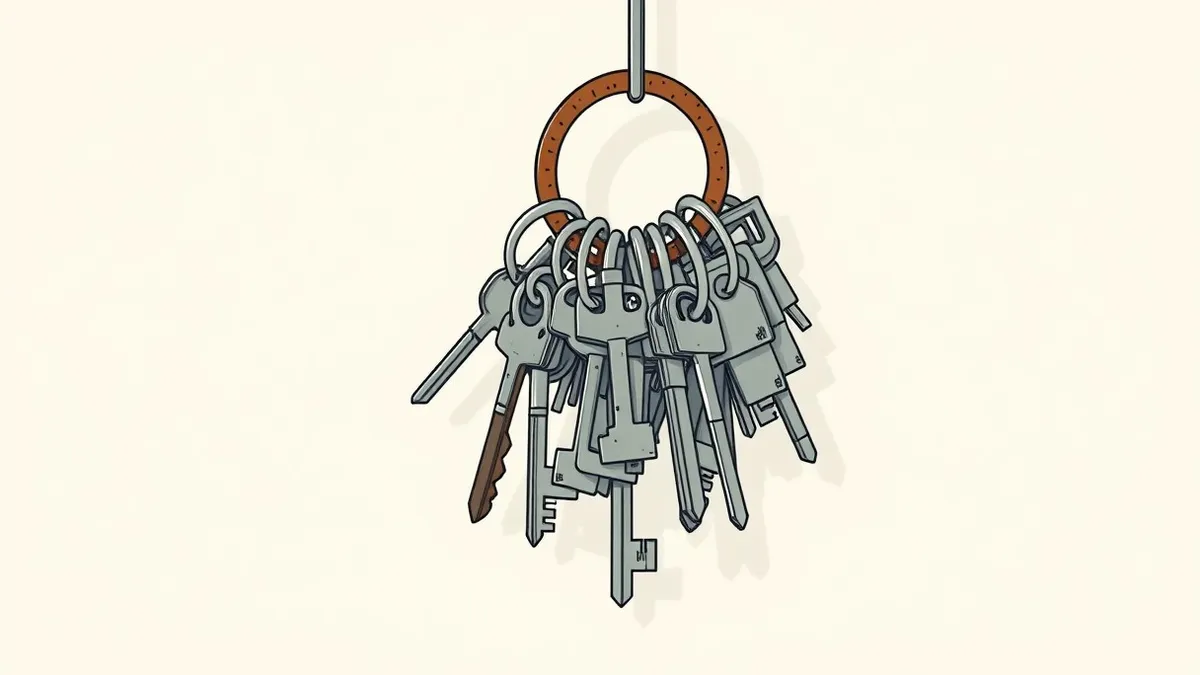
Look for login spikes from unexpected regions, orphaned cloud resources, and permissions drift. These signs indicate unmanaged identities are accumulating access. Investigate immediately to prevent lateral movement by attackers.
The Noise of Active Sprawl
You notice identity sprawl first when the noise becomes too loud to ignore. Login attempts from geographic regions where you have no business presence are a primary red flag. This does not always mean a breach has occurred, but it indicates that credentials are active and potentially compromised.
Another early sign is the proliferation of unused cloud resources. When you see storage buckets or compute instances running without associated users, you have orphaned assets. These assets often belong to identities that were never properly decommissioned. They remain connected to the network, providing entry points for attackers.
The Silence of Hidden Sprawl
The dangerous signs of identity sprawl are often silent. They do not trigger alerts because they involve legitimate-looking activity. Permission creep is the slow accumulation of access rights that no single user should hold. Over time, an account gains access to databases, storage, and administrative tools.
Group nesting is another hidden vector. When you place a group inside another group, you create indirect access paths. Auditing tools often check direct memberships but miss these nested relationships. An attacker can exploit this by compromising a low-privilege group to gain high-privilege access.
Orphaned Service Accounts
Service accounts are the most common source of hidden sprawl. These identities run applications and scripts, not human users. They often have broad permissions to function correctly. When an application is retired, the service account frequently remains active.
Imagine a development team finishes a project and deletes the application code. The service account that ran the application is not removed. It retains access to production databases. An attacker who compromises this account can move laterally into critical systems. This is why you must review service account security regularly.
Permission Drift and Group Decay
Permissions drift occurs when access rights are added but never removed. Users change roles, but their old permissions remain. This violates the principle of least privilege. The account holds more access than necessary for its current function.
Group decay happens when membership lists become stale. Employees leave the organization, but their accounts remain in active groups. These accounts are often disabled but not removed from groups. Some cloud platforms allow disabled accounts to retain access if they are in a privileged group. This is a critical gap in many environments.
The Cost of Manual Audits
Manual audits fail to catch sprawl because they are periodic and static. By the time you review permissions, new sprawl has already accumulated. You are looking at a snapshot of a moving target. This delay allows attackers to exploit gaps before you detect them.
Automated identity governance tools help, but they require correct configuration. If you do not define the baseline correctly, the tool will flag everything or nothing. You must establish clear ownership for every identity. Without ownership, no one is responsible for removing stale access.
See also: What Is Cloud Security Compliance: Mechanics, Risks, and Control · How Confidential Computing Works: Protecting Data in Use
Immediate Response Steps
When you spot a sign of sprawl, act quickly but calmly. Do not disable accounts immediately, as this may break critical services. Instead, isolate the identity. Remove it from high-privilege groups first. Then review its recent activity logs.
Check for data exfiltration or unusual API calls. If you see suspicious activity, treat it as an incident. Follow your cloud incident response plan to contain the threat. Document every step for future audits.
Preventing Future Sprawl
Prevention requires a shift in how you manage identities. Adopt just-in-time access provisioning. This method grants access only when needed and revokes it automatically. It reduces the window of opportunity for attackers.
Regularly review group memberships. Use automated tools to detect orphaned resources. Ensure that every service account has a documented owner. Without ownership, sprawl will continue to grow unchecked. This discipline reduces the attack surface significantly.
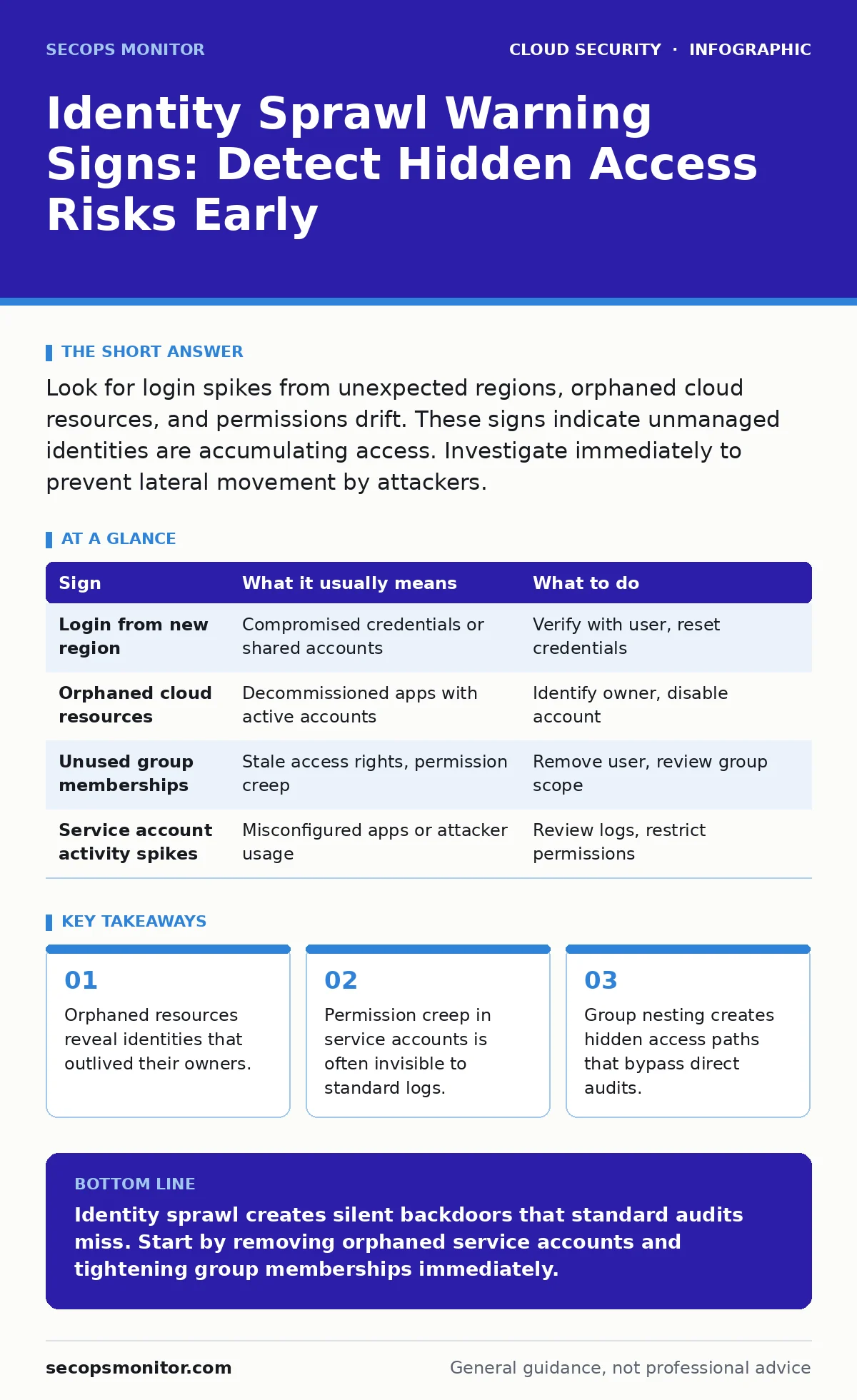
| Sign | What it usually means | What to do |
|---|---|---|
| Login from new region | Compromised credentials or shared accounts | Verify with user, reset credentials |
| Orphaned cloud resources | Decommissioned apps with active accounts | Identify owner, disable account |
| Unused group memberships | Stale access rights, permission creep | Remove user, review group scope |
| Service account activity spikes | Misconfigured apps or attacker usage | Review logs, restrict permissions |
The Role of Encryption and Keys
Identity sprawl increases the risk of key exposure. When too many identities have access to secrets, the chance of leakage rises. You must protect keys even if identities are compromised. This is where cloud key management services become critical.
Using centralized key management reduces the blast radius of a compromised identity. The attacker gains access to the application, but not the underlying encryption keys. This separation of duties is a vital defense layer.
Conclusion of Immediate Actions
Addressing identity sprawl is not a one-time task. It requires continuous monitoring and strict governance. You must treat every identity as a potential risk. Regular audits and automated controls are your best defenses.
Start by mapping your current identities. Identify orphaned accounts and remove them. Implement just-in-time access for new projects. This proactive approach reduces risk and simplifies your security posture.
Key takeaways
- Orphaned resources reveal identities that outlived their owners.
- Permission creep in service accounts is often invisible to standard logs.
- Group nesting creates hidden access paths that bypass direct audits.
Identity sprawl creates silent backdoors that standard audits miss. Start by removing orphaned service accounts and tightening group memberships immediately.
Frequently asked questions
How do I find orphaned service accounts?
Look for accounts with no recent login activity but active resource associations. Cross-reference with your application inventory.
Is permission drift dangerous?
Yes, it increases the attack surface. Attackers exploit excess permissions to move laterally and escalate privileges.
Can automated tools fix sprawl?
Tools can detect and report sprawl, but you must configure them correctly. They do not replace human judgment in defining access baselines.
What is the fastest way to reduce risk?
Remove inactive users from all groups immediately. Then, implement just-in-time access for new provisioning requests.
How this guide was produced: written by the SecOps Monitor editorial team with AI assistance, checked against the public references listed below, and reviewed when the facts change. See our editorial policy or report an error.