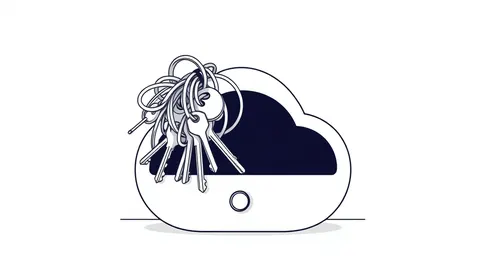
Stop chasing IP addresses in cloud environments. Focus on identity, API logs, and resource state changes. Use immutable infrastructure principles to contain threats by replacing compromised components rather than patching them, and automate evidence collection to preserve volatile data.
Mistake 1: Chasing IP Addresses Instead of Identities
Traditional incident response relies heavily on network logs to trace an attacker’s path. In the cloud, IP addresses are ephemeral. They change frequently as instances scale, restart, or move. Focusing on network layers misses the primary vector for cloud attacks.
Why it hurts:
The attacker uses a compromised credential to access resources. If you block an IP, the attacker simply authenticates again from a new location. You waste hours analyzing network traffic while the adversary moves laterally using valid permissions.
The fix:
Shift your investigation to identity and access management logs. Analyze API calls and authentication events. Look for unusual service principal activity or user behavior anomalies. This approach aligns with best practices for managing identity sprawl, where tracking who has access is more critical than tracking where they connect from.
Mistake 2: Treating Cloud Instances Like Physical Servers
System administrators often treat virtual machines as persistent assets. When a breach occurs, the instinct is to isolate the server and patch it. This mindset fails in cloud environments where infrastructure is designed to be disposable.
Why it hurts:
Patching a compromised instance leaves behind hidden backdoors, modified binaries, or planted malware. The attacker retains access because the underlying image or configuration remains tainted. You are cleaning a room while the infestation spreads to other rooms.
The fix:
Adopt the principles of immutable infrastructure. Do not patch compromised resources. Destroy the affected instance and replace it with a new one from a known-good image. This ensures the environment is clean by definition, not by remediation effort.
Mistake 3: Manual Evidence Collection in Ephemeral Environments
Cloud resources have short lifecycles. Containers spin up and down in seconds. Serverless functions execute and vanish. Manual forensics cannot keep pace with this volatility. By the time you log in to inspect a resource, it may already be gone.
Why it hurts:
You lose critical forensic data. The state of memory, running processes, and temporary files disappears. Without this data, you cannot determine the scope of the breach or the attacker’s tools. Your investigation becomes a guess.
The fix:
Automate evidence collection at the point of creation. Configure cloud-native logging to stream data to a centralized, write-once storage system. Ensure that logs capture API calls, not just system events. This preserves the trail even if the resource is destroyed.
Mistake 4: Overlooking Service Account Permissions
Administrators often focus on human users during an incident. They forget that applications and automated processes run under service accounts. These accounts often have broad permissions to function correctly.
Why it hurts:
Attackers target service accounts to gain persistent access. These accounts rarely have multi-factor authentication. They are not monitored as closely as human logins. A compromised service account can move laterally without triggering standard user-based alerts.
The fix:
Audit service account permissions regularly. Apply the principle of least privilege strictly. Use just-in-time access patterns where possible, granting permissions only when needed. This reduces the attack surface for automated identities.
Mistake 5: Ignoring the Control Plane
Most monitoring focuses on the data plane: the traffic between servers and databases. The control plane, which manages the cloud infrastructure itself, is often overlooked. Attacks on the control plane allow adversaries to manipulate the environment’s configuration.
Why it hurts:
An attacker can create new users, disable logging, or exfiltrate data directly from storage services. These actions leave few traces in network logs. You might see increased traffic but miss the configuration changes that enabled the breach.
The fix:
Monitor control plane API calls rigorously. Alert on changes to security groups, firewall rules, and identity policies. This visibility is critical for detecting configuration-based attacks. It complements efforts to secure service account security by tracking who changes what.
See also: What Is Cloud Security Compliance: Mechanics, Risks, and Control · How Confidential Computing Works: Protecting Data in Use
Mistake 6: Failing to Secure Exposed Storage
Storage buckets and databases are often configured with default permissions. During an incident, responders focus on compute resources. They forget that data might be sitting in an open bucket, accessible to anyone on the internet.
Why it hurts:
Data exfiltration can occur silently. The attacker downloads terabytes of data without touching a server. You might contain the initial access point but miss the massive data loss happening elsewhere. This is a common variant of exposed storage buckets incidents.
The fix:
Automate the detection of public-facing storage resources. Integrate storage security checks into your incident response playbook. Verify that encryption is enforced at rest and in transit. Ensure that access policies are restrictive by default.
Mistake 7: Neglecting Container Orchestration Security
Containers offer isolation, but they share the host kernel. Misconfigured orchestration platforms can allow an attacker to escape the container and compromise the underlying node. This is a high-impact, low-detection attack vector.
Why it hurts:
Once an attacker escapes the container, they have access to other containers on the same node. They can manipulate the orchestration API to deploy malicious workloads. This bypasses traditional network segmentation controls.
The fix:
Enforce strict Kubernetes RBAC policies. Limit what pods can do and who can manage them. Use runtime security tools to detect anomalous behavior within containers. Ensure that containers run with minimal privileges.
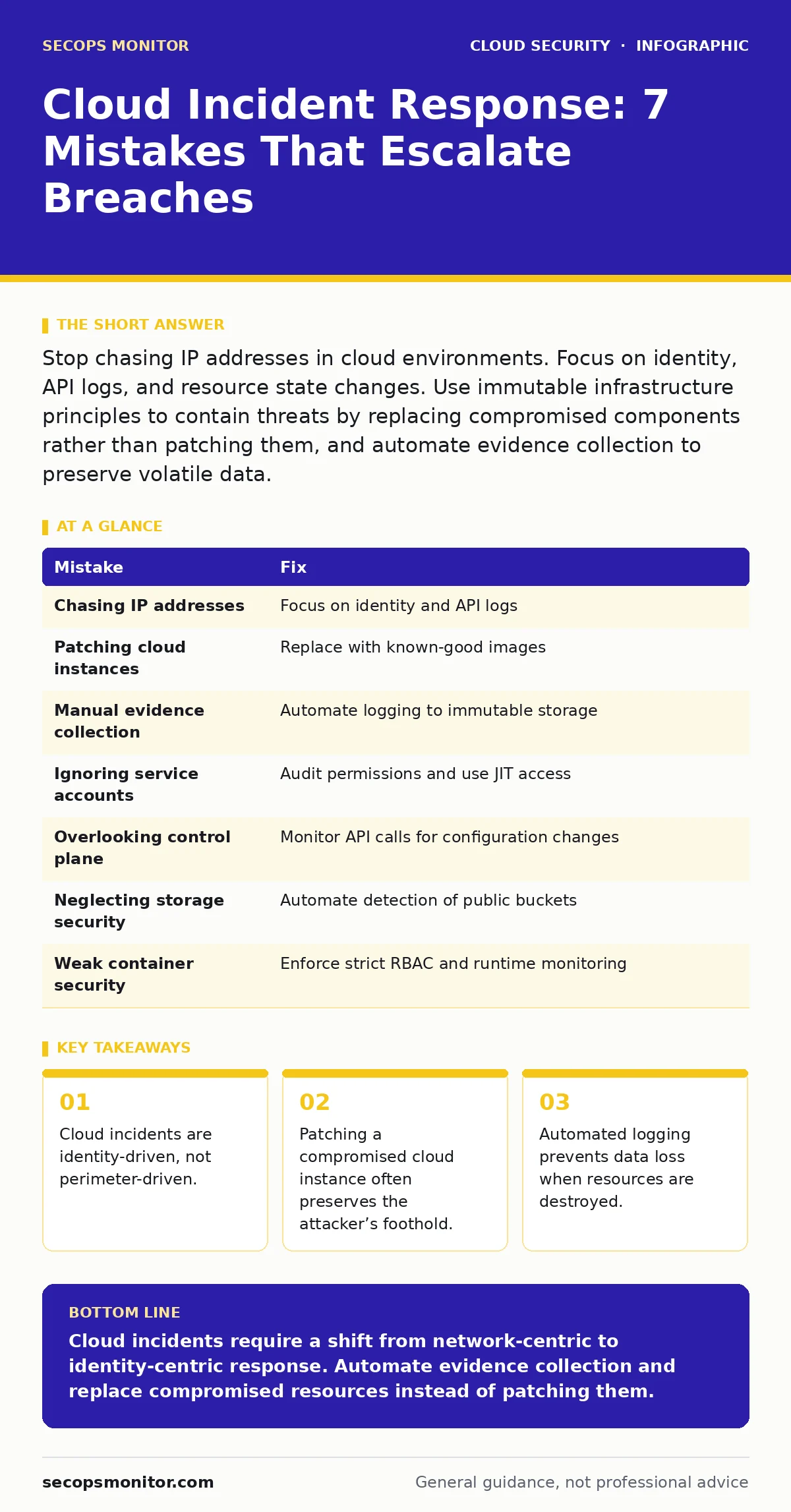
| Mistake | Fix |
|---|---|
| Chasing IP addresses | Focus on identity and API logs |
| Patching cloud instances | Replace with known-good images |
| Manual evidence collection | Automate logging to immutable storage |
| Ignoring service accounts | Audit permissions and use JIT access |
| Overlooking control plane | Monitor API calls for configuration changes |
| Neglecting storage security | Automate detection of public buckets |
| Weak container security | Enforce strict RBAC and runtime monitoring |
Key takeaways
- Cloud incidents are identity-driven, not perimeter-driven.
- Patching a compromised cloud instance often preserves the attacker’s foothold.
- Automated logging prevents data loss when resources are destroyed.
Cloud incidents require a shift from network-centric to identity-centric response. Automate evidence collection and replace compromised resources instead of patching them.
Frequently asked questions
How do I detect if a service account is compromised?
Look for unusual API call patterns, access from unexpected locations, or permissions changes made by the account.
Should I keep logs for cloud resources that are deleted?
Yes, stream logs to a centralized, immutable storage system before the resource is destroyed.
What is the first step in cloud incident response?
Identify the compromised identity and revoke its access immediately to stop lateral movement.
Can I use traditional SIEM tools for cloud security?
Yes, but you must configure them to ingest cloud-specific API logs and identity events, not just network data.
How this guide was produced: written by the SecOps Monitor editorial team with AI assistance, checked against the public references listed below, and reviewed when the facts change. See our editorial policy or report an error.