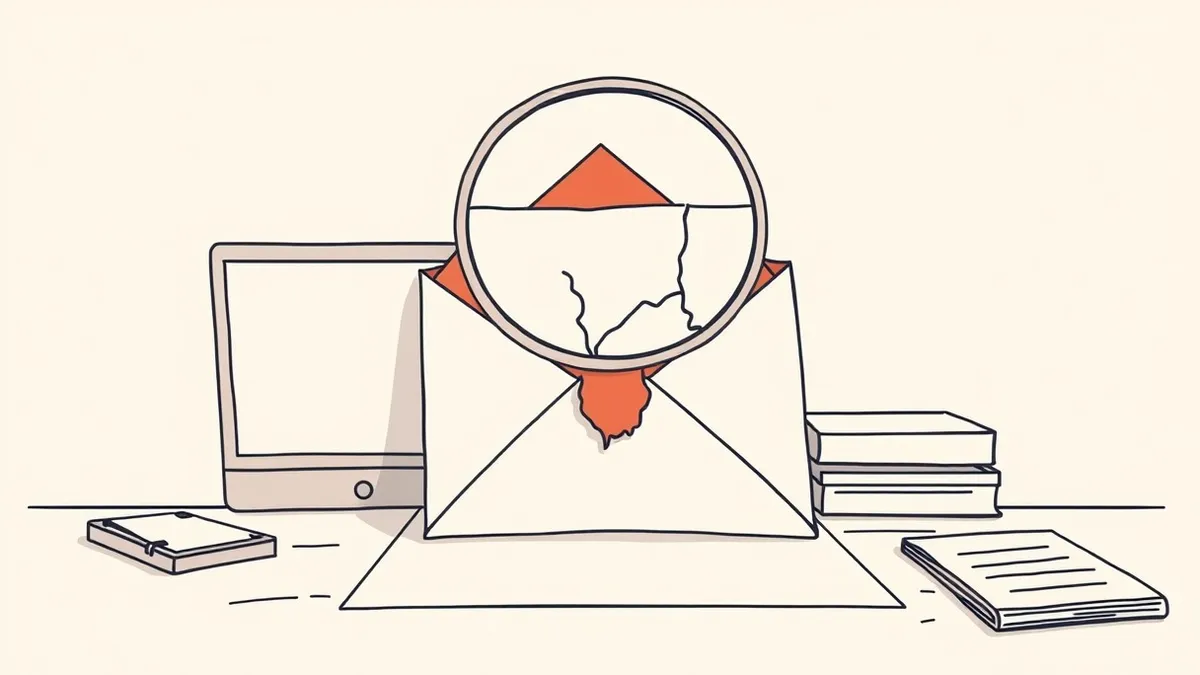
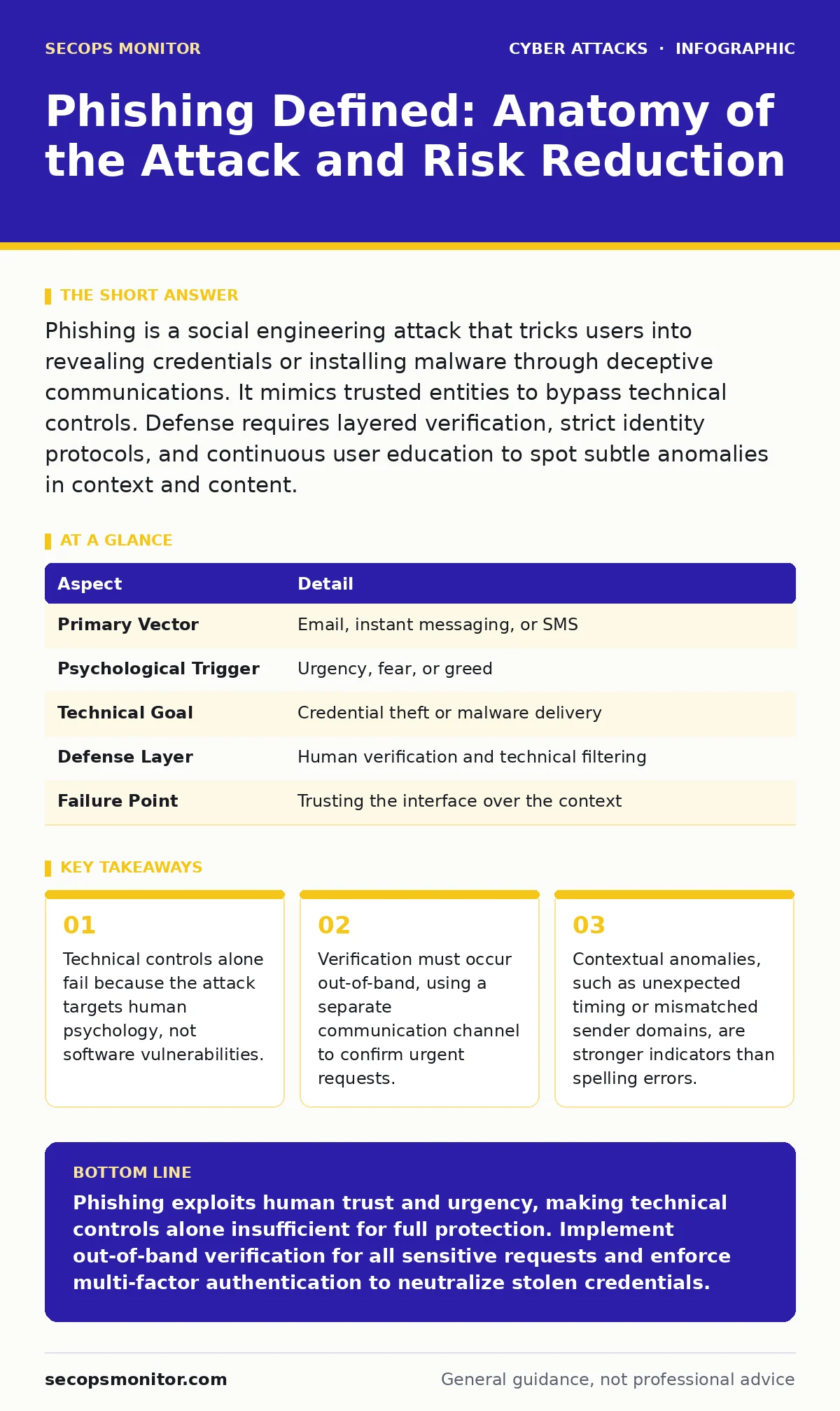
Phishing is a social engineering attack that tricks users into revealing credentials or installing malware through deceptive communications. It mimics trusted entities to bypass technical controls. Defense requires layered verification, strict identity protocols, and continuous user education to spot subtle anomalies in context and content.
The Mechanics of Digital Impersonation
Imagine a postal worker who wears the uniform of a bank messenger and hands you a letter that looks exactly like a statement from your financial institution. You trust the uniform and the paper quality, so you open it without question. Phishing operates on this same principle of visual and contextual mimicry. The attacker does not need to hack the bank; they only need to convince you that they are the bank.
The core mechanism is deception. The attacker crafts a message that appears to originate from a trusted source. This source could be a colleague, a service provider, or an internal IT department. The goal is to trigger an immediate emotional response, such as fear, curiosity, or urgency. This emotional spike suppresses critical thinking. You act before you verify.
| Aspect | Detail |
|---|---|
| Primary Vector | Email, instant messaging, or SMS |
| Psychological Trigger | Urgency, fear, or greed |
| Technical Goal | Credential theft or malware delivery |
| Defense Layer | Human verification and technical filtering |
| Failure Point | Trusting the interface over the context |
The attacker relies on the assumption that you will not scrutinize the origin. They know that most users glance at the display name rather than the actual email address. They know that a well-designed webpage looks identical to the real login portal. The gap between the fake and the real is often invisible to the untrained eye. This is why technical filters are necessary but insufficient.
Who Becomes a Target
Phishing does not discriminate based on technical skill. System administrators, chief executives, and junior staff are all equally vulnerable to a well-crafted message. The attack succeeds when the narrative fits the recipient’s role. A finance worker receives an invoice. A manager receives a schedule change. An engineer receives a code snippet. The relevance of the content lowers the barrier to engagement.
This scenario illustrates targeted phishing, often called spear phishing. The attacker researches the victim to make the request plausible. They know who reports to whom. They know which projects are sensitive. This preparation makes the attack significantly harder to detect than a generic blast. The cost of failure is high because the attack aligns with organizational norms.
Common Forms and Delivery Channels
Email remains the most common delivery method, but the medium is evolving. Attackers now use instant messaging platforms, voice calls, and text messages to reach victims. These channels feel more personal and immediate. A text message appears on your personal device, away from corporate security filters. A voice call allows the attacker to answer questions in real time. This voice-based variant is known as vishing.
Each channel has specific advantages for the attacker. Email allows for attachments and links. SMS limits the message length, forcing the attacker to be concise and urgent. Instant messaging allows for rapid back-and-forth conversation, building trust quickly. The attacker chooses the channel that best bypasses the victim’s natural defenses.
You may also encounter smishing, which is phishing via SMS. These messages often claim a package is delayed or an account is locked. They include a short link that is difficult to inspect. Clicking the link directs you to a mobile-optimized fake site. The mobile interface hides the URL bar in many browsers, making domain verification harder.
What People Usually Get Wrong
A common misconception is that phishing is a purely technical problem. Organizations invest heavily in email gateways and antivirus software. While these tools block many attempts, they cannot catch every variation. New phishing kits are generated daily. They use dynamic content that changes after the initial scan. The filter sees a clean message. The user sees a loaded trap.
Another error is relying on training alone. Annual security awareness training creates awareness, but it does not create reflexes. Users may know the theory but fail to apply it under pressure. The gap between knowledge and action is where breaches occur. Training must be continuous and practical, simulating real-world pressure.
This internal threat is particularly dangerous because it bypasses external filters. The recipient trusts the internal domain. The attacker exploits this trust to move laterally through the organization. This is why zero trust security principles are critical. You must verify every request, regardless of its origin.
The Hidden Cost of Verification
Verification takes time. In a fast-paced environment, pausing to confirm a request feels inefficient. This friction is a feature of the attack, not a bug of your process. Attackers design their messages to exploit this desire for speed. They create artificial deadlines. They threaten consequences for delay.
The hidden cost of skipping verification is catastrophic. A single compromised credential can lead to a full network breach. The time spent verifying a request is negligible compared to the time spent remediating an incident. You must build verification into your workflow. Make it a standard operating procedure, not an exception.
For example, if a request involves money or data transfer, require a secondary confirmation. Call the sender on a known number. Use a separate messaging channel. Do not reply to the suspicious email. This out-of-band verification breaks the chain of deception. It forces the attacker to engage with a different identity, which they usually cannot sustain.
See also: Oversharing on Social Media: Risks and Protection for Small Businesses
Reducing Risk Through Layered Defense
Defense requires a combination of technical controls and human behavior. Start with strict email authentication protocols. SPF, DKIM, and DMX help verify that an email actually came from the claimed domain. These protocols prevent basic spoofing. They are not foolproof against compromised accounts, but they raise the bar for attackers.
Implement account lockout policies to limit the damage of credential theft. If an attacker steals a password, they can only attempt a few guesses before the account locks. This prevents automated dictionary attacks from succeeding. However, be careful to balance security with usability. Too many lockouts create help desk noise.
Use multi-factor authentication everywhere. Even if credentials are stolen, the attacker cannot log in without the second factor. This is your strongest technical control. It renders stolen passwords useless in most scenarios. Combine this with regular cyber hygiene practices, such as patching systems and minimizing permissions.
Finally, foster a culture of skepticism. Encourage employees to report suspicious messages. Treat every report as valuable intelligence. Use these reports to update filters and refine training. The more you learn from failed attempts, the better your defenses become.
Key takeaways
- Technical controls alone fail because the attack targets human psychology, not software vulnerabilities.
- Verification must occur out-of-band, using a separate communication channel to confirm urgent requests.
- Contextual anomalies, such as unexpected timing or mismatched sender domains, are stronger indicators than spelling errors.
Phishing exploits human trust and urgency, making technical controls alone insufficient for full protection. Implement out-of-band verification for all sensitive requests and enforce multi-factor authentication to neutralize stolen credentials.
Frequently asked questions
Can email filters stop all phishing attempts?
No. Filters catch known threats and obvious anomalies, but sophisticated, personalized attacks often bypass automated detection. Human verification remains the final and most critical line of defense.
What is the difference between phishing and vishing?
Phishing typically refers to written communication like email or text, while vishing involves voice calls. Both aim to deceive the victim into revealing information or performing an action, but vishing exploits the immediacy of voice interaction.
How do I verify an urgent request from a colleague?
Contact the person through a separate, pre-established channel. Do not use the phone number or email address provided in the suspicious message. Use a known directory number or a different messaging app to confirm the request directly.
Why does multi-factor authentication help against phishing?
It adds a second layer of security that the attacker cannot obtain through deception alone. Even if you reveal your password, the attacker still needs the second factor, such as a hardware token or biometric data, to access the account.
How this guide was produced: written by the SecOps Monitor editorial team with AI assistance, checked against the public references listed below, and reviewed when the facts change. See our editorial policy or report an error.