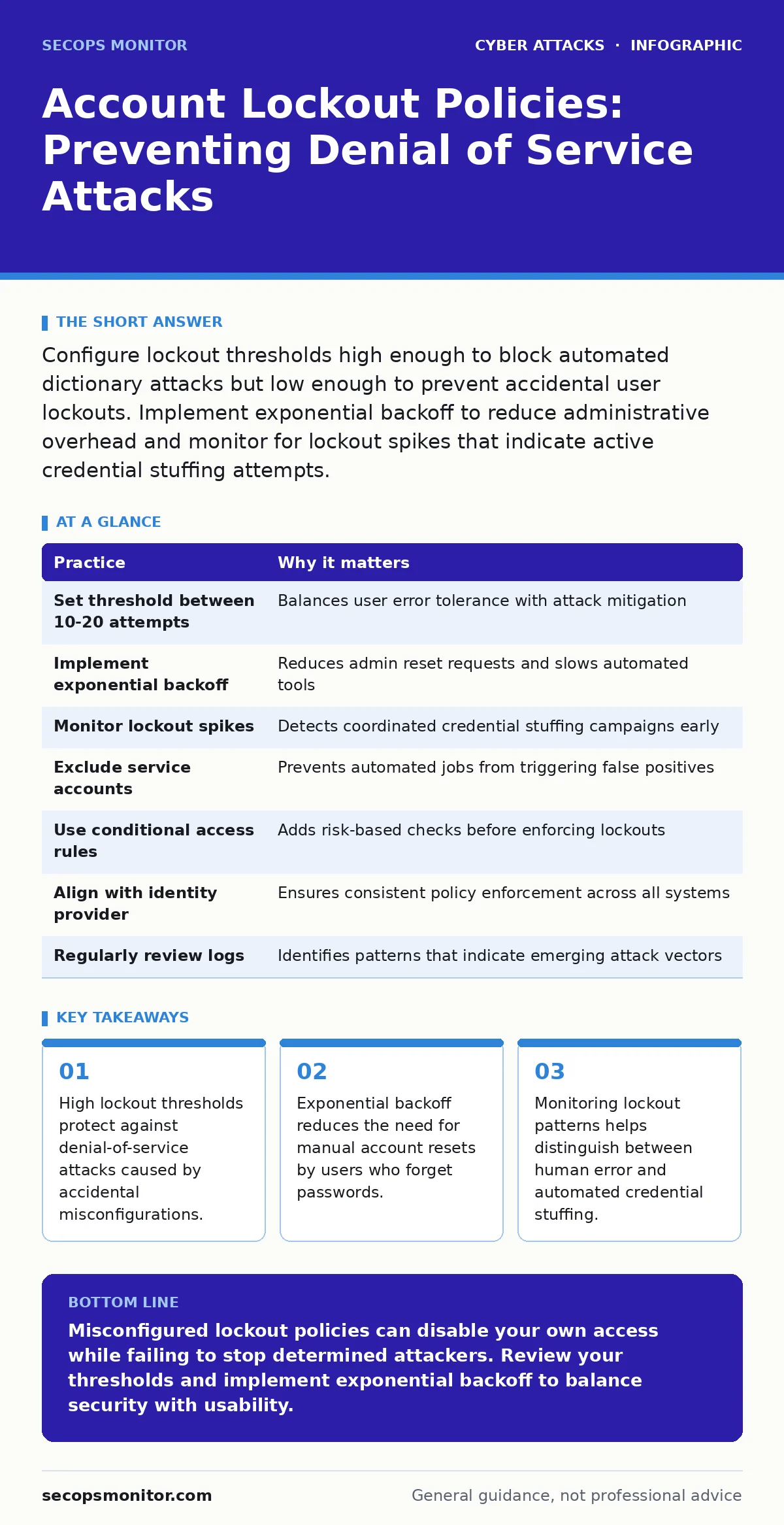
Configure lockout thresholds high enough to block automated dictionary attacks but low enough to prevent accidental user lockouts. Implement exponential backoff to reduce administrative overhead and monitor for lockout spikes that indicate active credential stuffing attempts.
The Denial-of-Service Trap
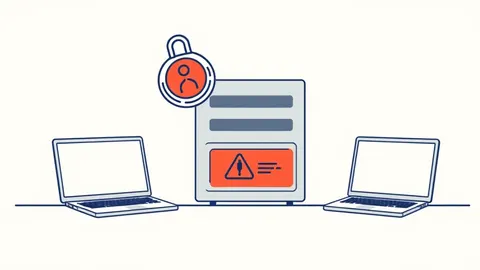
Account lockout policies are often viewed as a simple safeguard against brute force attacks. In reality, they are a double-edged sword that can easily disable legitimate access. When a policy is too sensitive, a single typo can lock a user out. When it is too loose, it fails to stop automated dictionary attacks, which try common passwords at high speed.
The hidden cost of a poorly tuned policy is administrative overhead. Every time a user locks themselves out, your support team must reset the account. This drains resources and frustrates users. You must balance security with usability to avoid creating a denial-of-service condition for your own staff.
Threshold Calibration
Setting the lockout threshold requires understanding how attackers operate. Automated tools can test hundreds of passwords per minute. A threshold of five attempts seems secure but invites accidental lockouts. A threshold of fifty seems safe for users but allows attackers to test many passwords before triggering a lock.
You should set the threshold high enough to absorb human error. A range of ten to twenty failed attempts is often a practical starting point. This allows a user to make a few mistakes without consequence while still stopping a slow, manual guessing attack.
| Practice | Why it matters |
|---|---|
| Set threshold between 10-20 attempts | Balances user error tolerance with attack mitigation |
| Implement exponential backoff | Reduces admin reset requests and slows automated tools |
| Monitor lockout spikes | Detects coordinated credential stuffing campaigns early |
| Exclude service accounts | Prevents automated jobs from triggering false positives |
| Use conditional access rules | Adds risk-based checks before enforcing lockouts |
| Align with identity provider | Ensures consistent policy enforcement across all systems |
| Regularly review logs | Identifies patterns that indicate emerging attack vectors |
Exponential Backoff Mechanics
A static lockout duration creates a predictable window for attackers. If an account locks for thirty minutes, an attacker can wait and try again. Exponential backoff changes this dynamic by increasing the lockout time with each subsequent failure. The first failure might lock the account for one minute. The second for ten. The third for an hour.
This mechanism slows down automated tools without permanently disabling the account. It forces attackers to invest significantly more time for each guess. For legitimate users, it provides a cooling-off period that often resolves the issue without administrative intervention.
Conditional Access Integration
Modern identity providers allow you to tie lockout policies to context. Instead of locking an account based solely on failed attempts, you can evaluate the risk. If a login attempt comes from a known corporate IP address, the system can allow more failures. If it comes from a foreign country, the system can lock the account after fewer attempts.
This approach reduces friction for trusted users while tightening security for suspicious activity. It aligns with zero trust security principles by verifying trust continuously. You are no longer relying on a single static rule but on a dynamic assessment of the login environment.
Service Account Exclusions
Service accounts run automated jobs and scripts. These accounts often have passwords that are hardcoded or stored in configuration files. If a script fails to authenticate due to a network glitch or a changed password, it will retry rapidly. A standard lockout policy will lock these accounts out immediately.
You must exclude service accounts from standard lockout policies. Instead, monitor their authentication logs separately. A spike in failures for a service account usually indicates a technical issue, not a security breach. Locking these accounts can cause critical business processes to fail, leading to significant operational downtime.
See also: What Is Cloud Security Compliance: Mechanics, Risks, and Control · Cloud Incident Response: 7 Mistakes That Escalate Breaches
Monitoring for Credential Stuffing
Credential stuffing attacks use leaked usernames and passwords from other breaches. These attacks often target many accounts simultaneously. You will see a high volume of lockouts across different user accounts in a short period. This pattern differs from a targeted attack on a single high-value account.
Monitoring for these spikes allows you to respond quickly. You can temporarily increase the lockout threshold or enable additional verification steps. This proactive approach prevents the attack from overwhelming your authentication system. It also helps you identify which user accounts have been compromised elsewhere.
Aligning with Identity Providers
Your identity provider is the source of truth for authentication. If your local systems enforce different lockout rules than the central provider, you create inconsistency. Users may be locked out on one system but not another. This confusion leads to increased support tickets and user frustration.
Ensure that all systems rely on the central identity provider for lockout enforcement. This centralization simplifies management and ensures uniform security posture. It also makes it easier to audit and update policies across the entire organization. Consistency is key to maintaining a secure and usable authentication environment.
Reviewing and Refining Policies
Lockout policies are not set-and-forget configurations. User behavior and attack techniques evolve. What worked last year may not be effective today. Regular reviews of lockout logs help you identify trends and adjust thresholds accordingly.
Look for patterns in failed logins. Are there specific times of day when failures spike? Are certain departments experiencing more lockouts? These insights can help you refine your policies. You might find that a specific application has a buggy login form that causes unnecessary failures. Addressing these technical issues reduces noise and improves security.
Key takeaways
- High lockout thresholds protect against denial-of-service attacks caused by accidental misconfigurations.
- Exponential backoff reduces the need for manual account resets by users who forget passwords.
- Monitoring lockout patterns helps distinguish between human error and automated credential stuffing.
Misconfigured lockout policies can disable your own access while failing to stop determined attackers. Review your thresholds and implement exponential backoff to balance security with usability.
Frequently asked questions
How do I prevent lockouts from affecting service accounts?
Exclude service accounts from standard lockout policies and monitor their authentication logs separately for technical issues.
What is the ideal lockout threshold?
A threshold of ten to twenty failed attempts balances user error tolerance with protection against automated dictionary attacks.
Should I use permanent lockouts?
No, permanent lockouts require manual intervention and create opportunities for social engineering attacks against support staff.
How can I detect credential stuffing attacks?
Monitor for spikes in lockout events across multiple accounts in a short period, which indicates automated credential stuffing.
How this guide was produced: written by the SecOps Monitor editorial team with AI assistance, checked against the public references listed below, and reviewed when the facts change. See our editorial policy or report an error.