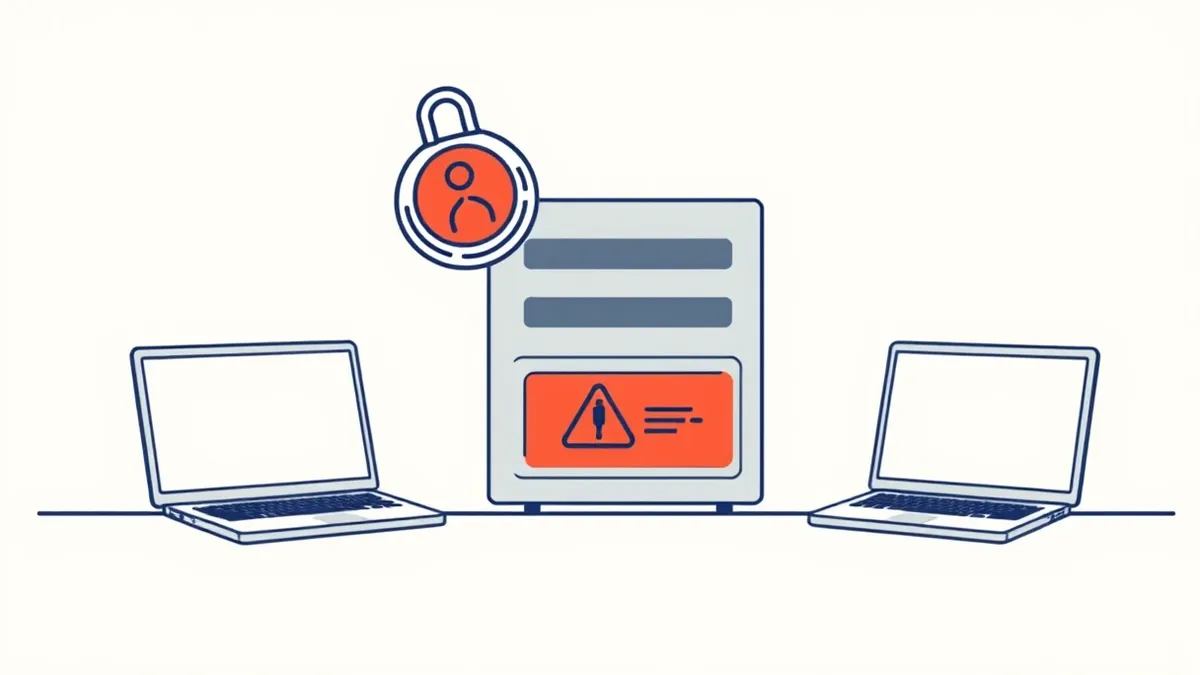
Prevent SAML authentication bypass by enforcing server-side signature validation, binding assertions to the HTTP session, and strictly validating the audience restriction. Ignore client-side checks. Do not rely on the Identity Provider to filter bad requests. Verify every claim in your code.
Validate Signatures Server-Side
The SAML protocol relies on XML signatures to prove that an assertion came from a trusted Identity Provider. If your application does not verify this signature on the server, an attacker can craft a fake assertion that grants any permission. Client-side validation is useless here because the attacker controls the browser and can bypass JavaScript checks. You must implement cryptographic verification of the SAMLResponse element before processing any claims.
Use a well-tested library to handle the XML parsing and signature verification. Do not write custom XML parsing logic. XML parsers are prone to Billion Laughs attacks and other XML External Entity vulnerabilities. The verification process checks the digital signature against the public key of the Identity Provider. If the signature is missing or invalid, reject the request immediately. Do not log the failure as a warning. Log it as a critical security event.
This measure stops the most common bypass technique where an attacker modifies the XML to change a user attribute or remove a group restriction. It also prevents replay attacks if you combine it with nonces. The effort is moderate but the risk reduction is total for this vector. Without this check, your application accepts any XML that looks like a login ticket.
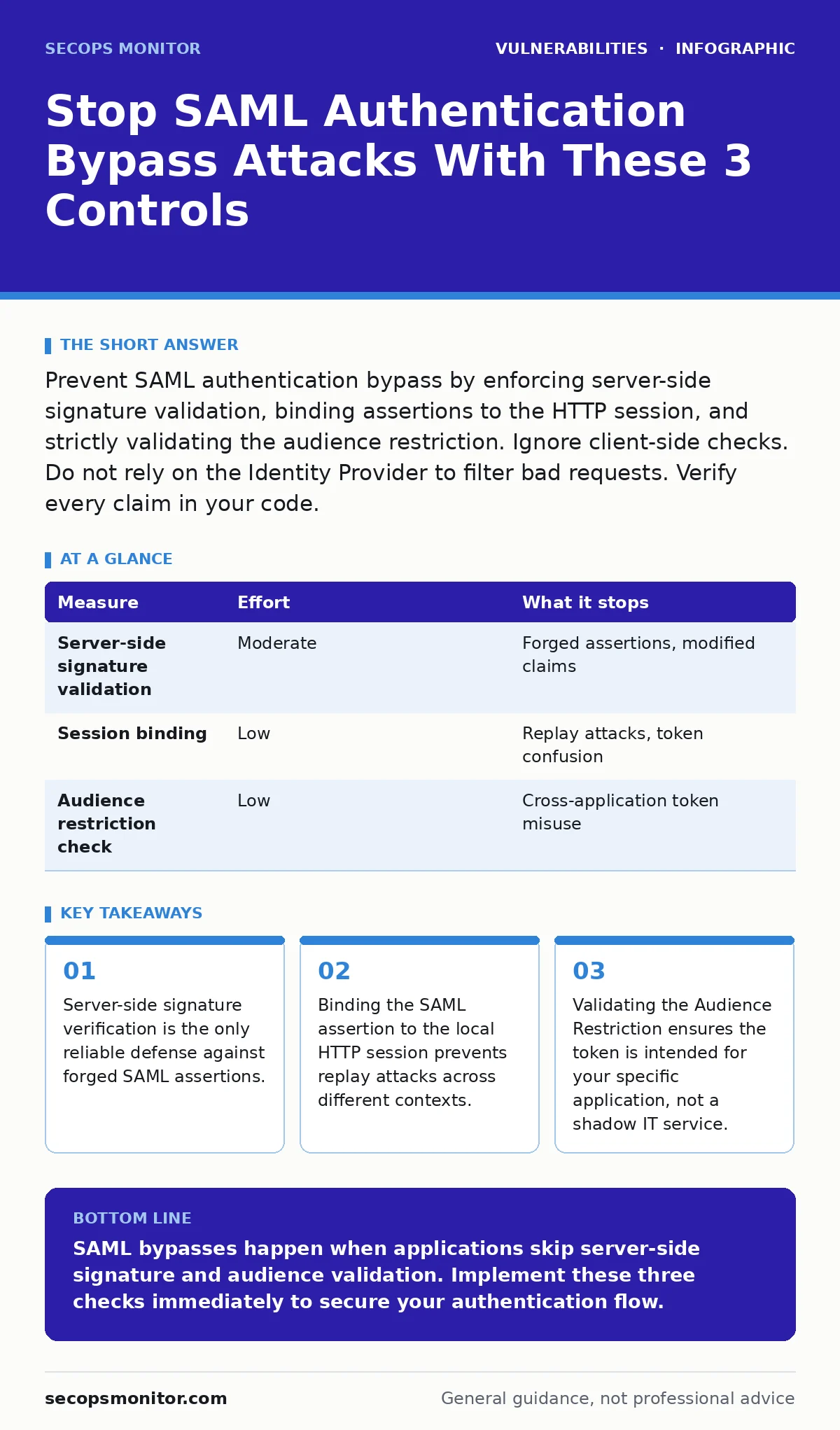
| Measure | Effort | What it stops |
|---|---|---|
| Server-side signature validation | Moderate | Forged assertions, modified claims |
| Session binding | Low | Replay attacks, token confusion |
| Audience restriction check | Low | Cross-application token misuse |
Bind Assertions to HTTP Sessions
Even with a valid signature, a SAML assertion can be replayed if your application does not track whether the user has already been authenticated. An attacker captures a valid SAML response and sends it again to gain access. This is a replay attack. Your application must bind the SAML assertion to the current HTTP session.
When the Identity Provider redirects the user back to your service provider, create a new server-side session. Store a flag in that session indicating that the user has been authenticated via SAML. Reject any subsequent SAML requests that attempt to create a new session for an already authenticated user. This prevents an attacker from injecting a valid token into an existing session to escalate privileges.
This technique addresses the session fixation vulnerability often seen in poorly implemented SSO flows. It ensures that the authentication event is tied to a unique, server-controlled session identifier. Do not rely on cookies alone for this binding. Cookies can be stolen or spoofed. The server-side session state is the source of truth. This adds a layer of defense that complements signature validation.
Enforce Audience Restriction
A SAML assertion contains an Audience Restriction element that lists the intended recipients of the token. Your application must check this element and ensure its own entity ID is present. If the audience is wrong, reject the assertion. This prevents an attacker from using a valid token meant for a different application to access your system.
Imagine an attacker obtains a valid SAML token for a development environment. That token has a valid signature. Without audience checking, your production system would accept it because the signature is valid. By verifying the audience, you ensure the token is specific to your application context. This is a simple string comparison but it blocks cross-application attacks.
This check is part of the SAML specification but often omitted in implementation. It costs nothing to add and provides a clear boundary for token validity. Combine this with a check on the Issuer element to ensure the token came from the expected Identity Provider. Do not trust the Issuer alone. The audience check is the specific gatekeeper for your application's trust boundary.
Implement Condition Checks
SAML assertions include conditions such as NotBefore and NotOnOrAfter. These define the time window during which the assertion is valid. Your application must enforce these constraints. If the current time is outside this window, reject the assertion. This limits the window of opportunity for an attacker who has captured a valid token.
Do not rely on your server clock alone. Use a time source that is synchronized with the Identity Provider. Clock skew can cause valid assertions to be rejected or expired ones to be accepted. Configure a small tolerance window, such as a few minutes, to account for network latency. This tolerance is a trade-off between usability and security. Keep it as small as possible.
This measure stops attackers from reusing old tokens that should have expired. It also prevents attacks where the attacker manipulates the time on their local machine to bypass checks. Server-side time verification ensures that the temporal constraints of the token are respected. This is a basic requirement of the SAML protocol and should be implemented in every integration.
Avoid Common Implementation Mistakes
Many SAML bypasses occur due to incorrect configuration rather than a flaw in the protocol. Do not use the same private key for signing and encryption. Use separate keys for each operation. Mixing keys can lead to cryptographic weaknesses. Do not expose the private key in your source code. Store it in a secure key management system.
Do not allow the Identity Provider to specify the binding method. Force your application to use a specific binding, such as HTTP POST. This prevents attacks where the attacker switches the binding to HTTP Redirect to truncate large payloads or bypass checks. Validate the XML structure strictly. Reject any XML that contains comments or processing instructions. These can be used to inject malicious payloads.
Review your implementation for hardcoded secrets in source code. Secrets should never be visible in the application code. Use environment variables or a secrets manager. This aligns with general best practices for secure software development. Regularly audit your SAML configuration against a threat modeling framework to identify new risks.
See also: Account Lockout Policies: Preventing Denial of Service Attacks · SaaS Account Takeover: Definition, Mechanics, and Control
Close the Checklist Gap
You need to act immediately to reduce your exposure to SAML bypass attacks. Do not wait for the next update cycle. Implement these three checks today. First, verify that your application checks the digital signature of every incoming SAML assertion. Second, ensure that the audience restriction matches your application's identifier. Third, bind the authentication event to a new server-side session.
These steps address the most common failure points in SAML implementations. They do not require a complete rewrite of your authentication flow. They require careful configuration and testing. Document these changes and ensure they are part of your deployment pipeline. Do not skip testing. Automated tests should include negative cases where the signature is invalid or the audience is wrong.
Consider this guide alongside our resource on web application firewall tuning. A web application firewall can block some malformed requests, but it cannot replace application-level validation. The application must always verify the token. The firewall is a shield, not a gatekeeper. Combine both for layered defense.
Summary of Actions
Preventing SAML authentication bypass requires a disciplined approach to validation. You must verify the signature, enforce the audience, and manage session state. Do not trust the Identity Provider to do this work for you. Your application is the final authority on who is allowed in. Implement these controls now. Test them thoroughly. Monitor for anomalies.
This approach removes the risk of forged tokens and replay attacks. It also reduces the impact of compromised credentials by limiting the validity window. Do not ignore the edge cases. They are where the attacks happen. Stay focused on the validation logic. It is the core of your security posture for SAML.
Key takeaways
- Server-side signature verification is the only reliable defense against forged SAML assertions.
- Binding the SAML assertion to the local HTTP session prevents replay attacks across different contexts.
- Validating the Audience Restriction ensures the token is intended for your specific application, not a shadow IT service.
SAML bypasses happen when applications skip server-side signature and audience validation. Implement these three checks immediately to secure your authentication flow.
Frequently asked questions
Does a web application firewall prevent SAML bypass?
A web application firewall can block some malformed XML, but it cannot verify digital signatures or business logic. You still need application-level validation.
Can I use a library to handle SAML validation?
Yes, using a well-maintained library reduces implementation errors. However, you must still configure it correctly and verify that it checks all required fields.
What if my Identity Provider uses a self-signed certificate?
You must manually import the public key into your application's trust store. Ensure you rotate these keys regularly and monitor for unauthorized changes.
How do I test for SAML bypass vulnerabilities?
Use tools to modify SAML assertions in transit. Change the audience, signature, or expiration time. Verify that your application rejects these modified tokens.
How this guide was produced: written by the SecOps Monitor editorial team with AI assistance, checked against the public references listed below, and reviewed when the facts change. See our editorial policy or report an error.