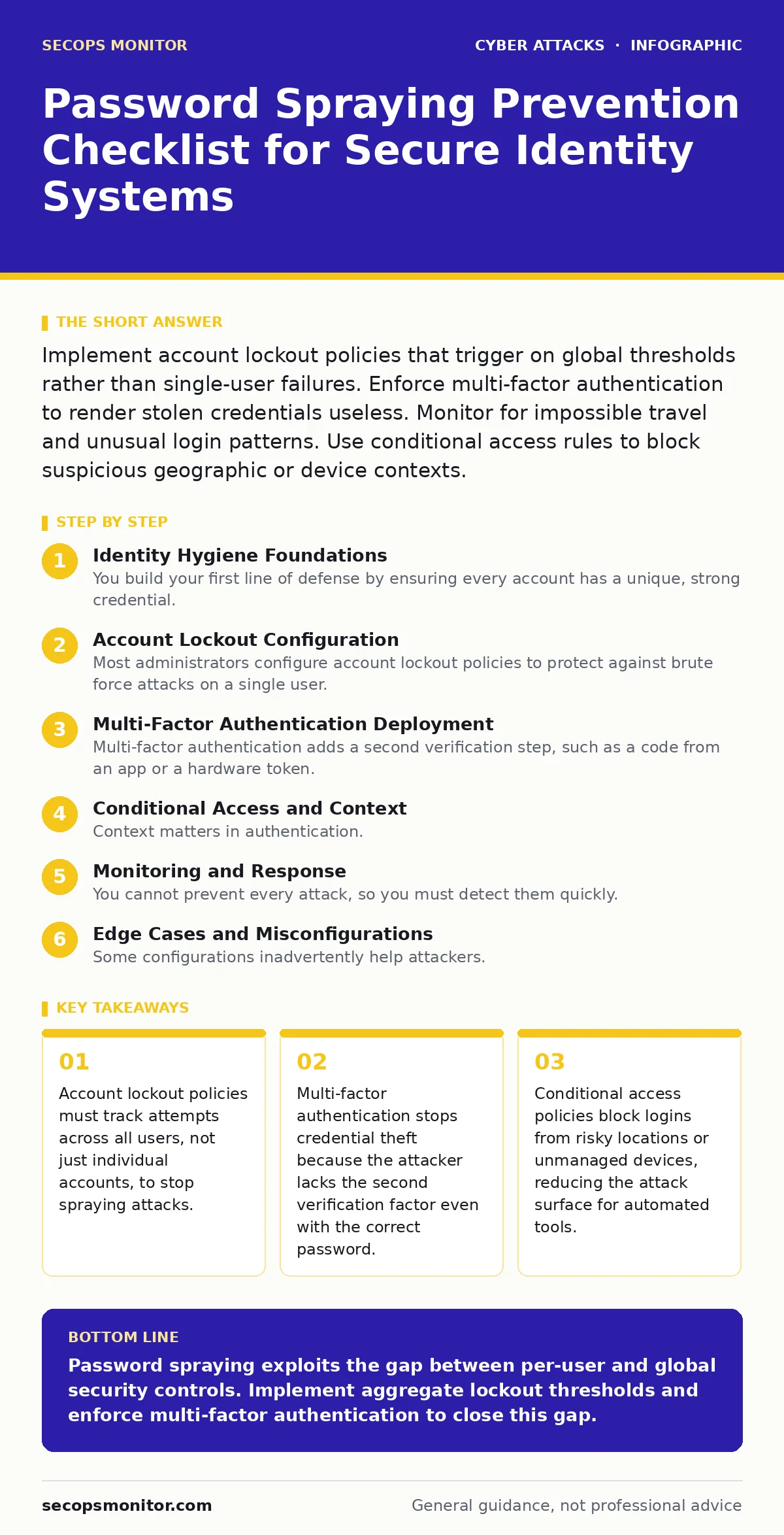
Implement account lockout policies that trigger on global thresholds rather than single-user failures. Enforce multi-factor authentication to render stolen credentials useless. Monitor for impossible travel and unusual login patterns. Use conditional access rules to block suspicious geographic or device contexts.
Identity Hygiene Foundations
You build your first line of defense by ensuring every account has a unique, strong credential. Password spraying relies on the statistical probability that some users choose simple passwords like "Summer2023" or "Password1". If you enforce complexity requirements, you reduce the pool of valid guesses an attacker can use. This does not stop the attack, but it lowers the success rate significantly.
- Enforce minimum password length of 12 characters: Short passwords are cracked instantly by automated tools, while longer strings increase entropy.
- Block common passwords against known breach lists: Attackers recycle passwords from previous data leaks, so checking against these lists prevents reuse.
- Disable default and shared service accounts: Automated scripts target well-known default credentials first, removing them eliminates easy wins for attackers.
Account Lockout Configuration
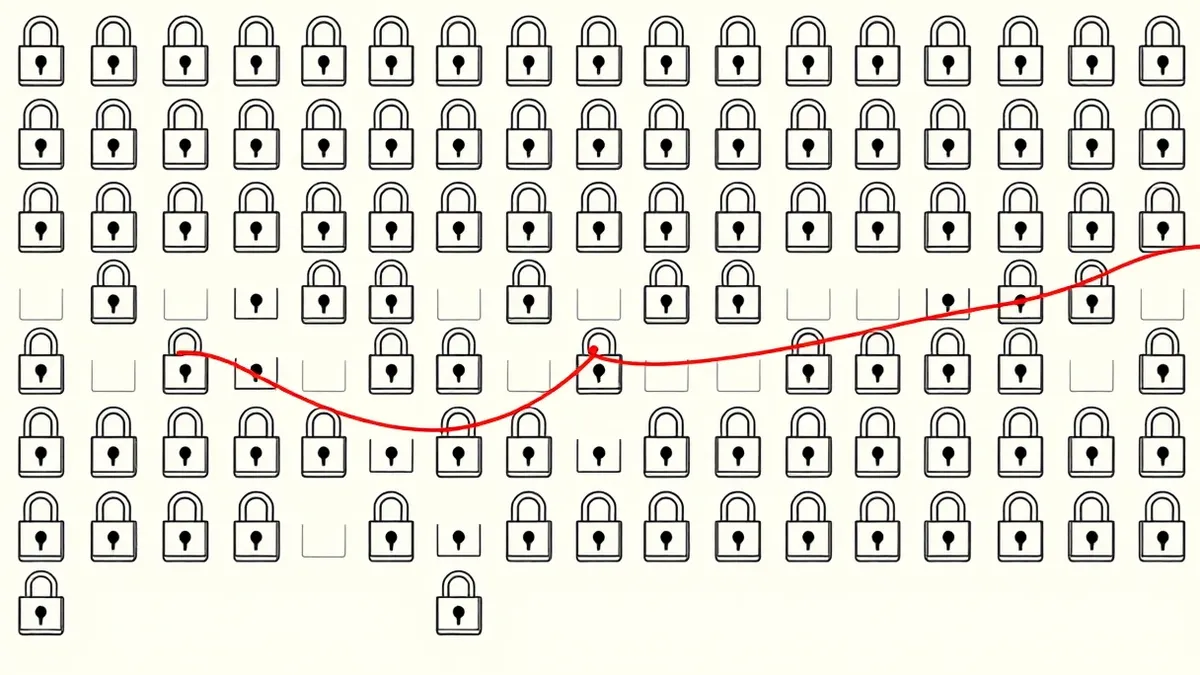
Most administrators configure account lockout policies to protect against brute force attacks on a single user. Password spraying inverts this model. The attacker tries one password against many users. If your lockout triggers after 5 failed attempts per user, the attacker succeeds because no single account hits the threshold. You must configure your identity provider to track aggregate failures.
- Set global lockout thresholds for specific passwords: Locking an IP or user after many failures on one account misses the distributed nature of spraying.
- Implement temporary lockouts instead of permanent ones: Permanent lockouts create denial-of-service risks for legitimate users who mistype passwords frequently.
- Monitor lockout events for lateral movement: A sudden spike in lockouts across different departments often indicates an active spraying campaign.
This approach requires careful tuning. You must balance security with usability. If you lock out too aggressively, you generate help desk tickets. If you are too lenient, attackers gain access. The goal is to make the cost of guessing higher than the value of the account.
Multi-Factor Authentication Deployment
Multi-factor authentication adds a second verification step, such as a code from an app or a hardware token. Even if an attacker guesses your password, they cannot complete the login without this second factor. This is the most effective control against credential theft. However, you must deploy it correctly. SMS-based factors are vulnerable to SIM swapping attacks. Push notifications can be bypassed through MFA fatigue attacks, where the attacker spams the user with approval requests until they accept one out of annoyance.
- Enforce MFA for all external-facing accounts: Internal accounts are also targets, but external access is the primary entry point for sprayers.
- Prefer FIDO2 security keys over SMS codes: Hardware keys are immune to phishing and SIM swapping, providing stronger verification than text messages.
- Configure MFA prompts to require explicit user action: Passive approvals are risky; requiring a click or PIN entry prevents automated bypass attempts.
Conditional Access and Context
Context matters in authentication. A login from your home IP address looks different from a login from a data center in a foreign country. Conditional access policies evaluate these signals. They allow you to block or challenge logins that deviate from normal behavior. This adds a layer of defense that does not rely solely on secrets.
- Block logins from high-risk geographies: If your business does not operate in certain regions, blocking access from those locations reduces noise and risk.
- Require MFA for unmanaged devices: Corporate-managed devices have security agents; personal devices do not, making them higher risk for credential theft.
- Detect impossible travel scenarios: A user cannot log in from New York and London within 30 minutes, so flagging this prevents account takeover.
These policies reduce the effectiveness of password spraying because the attacker’s infrastructure often looks suspicious. Data centers and residential proxies used by attackers trigger these rules. You must review these policies regularly to ensure they align with your business travel patterns.
Monitoring and Response
You cannot prevent every attack, so you must detect them quickly. Intrusion detection systems can alert on anomalous login patterns. Look for a high volume of failed logins across many accounts in a short time. This is the signature of password spraying.
- Set alerts for aggregate failed login spikes: A single failure is noise; hundreds of failures across different users in minutes is an attack.
- Correlate logins with user agent strings: Attackers often use automated tools that have distinct browser signatures, which differ from standard user agents.
- Integrate logs with a central SIEM platform: Centralized logging allows you to spot patterns that are invisible when looking at single server logs.
Imagine you see 500 failed logins in 10 minutes. Your system should trigger an alert. You then investigate the source IP. If it is malicious, you block it. If it is a misconfigured internal tool, you fix the tool. This rapid response limits the damage.
See also: Account Lockout Policies: Preventing Denial of Service Attacks
Edge Cases and Misconfigurations
Some configurations inadvertently help attackers. For example, if you allow anonymous enumeration of user accounts, attackers can build a list of valid usernames. They then spray passwords against this list. You must disable this feature. Also, ensure that error messages do not reveal whether a username is valid. A message saying "Invalid password" confirms the username exists, while "Invalid username or password" keeps the attacker guessing.
- Disable anonymous user enumeration: Preventing attackers from listing valid usernames forces them to guess both username and password, doubling the difficulty.
- Standardize error messages for all login failures: Revealing specific failure reasons helps attackers refine their spray lists and target valid accounts.
- Review API authentication endpoints separately: APIs often have different rate limits than web portals, creating a weak point for automated spraying tools.
These edge cases are often overlooked. They provide the attacker with the intelligence they need to conduct a successful campaign. By closing these gaps, you remove the visibility attackers rely on.
Key takeaways
- Account lockout policies must track attempts across all users, not just individual accounts, to stop spraying attacks.
- Multi-factor authentication stops credential theft because the attacker lacks the second verification factor even with the correct password.
- Conditional access policies block logins from risky locations or unmanaged devices, reducing the attack surface for automated tools.
Password spraying exploits the gap between per-user and global security controls. Implement aggregate lockout thresholds and enforce multi-factor authentication to close this gap.
Frequently asked questions
How do I distinguish password spraying from a brute force attack?
Brute force attacks target one account with many passwords. Password spraying targets many accounts with one or few passwords. Look for distributed failures versus concentrated failures.
Can account lockout policies cause a denial-of-service attack?
Yes, if attackers intentionally trigger lockouts for many users, they can lock legitimate users out. Use temporary lockouts and global thresholds to mitigate this risk.
Does multi-factor authentication stop all password spraying?
MFA stops access if the attacker lacks the second factor. However, if the second factor is weak, such as SMS, it can be bypassed. Use hardware keys or authenticator apps.
What is the role of intrusion detection systems in preventing spraying?
Intrusion detection systems monitor for anomalous patterns, such as high volumes of failed logins. They alert administrators to active attacks, enabling rapid response.
How this guide was produced: written by the SecOps Monitor editorial team with AI assistance, checked against the public references listed below, and reviewed when the facts change. See our editorial policy or report an error.