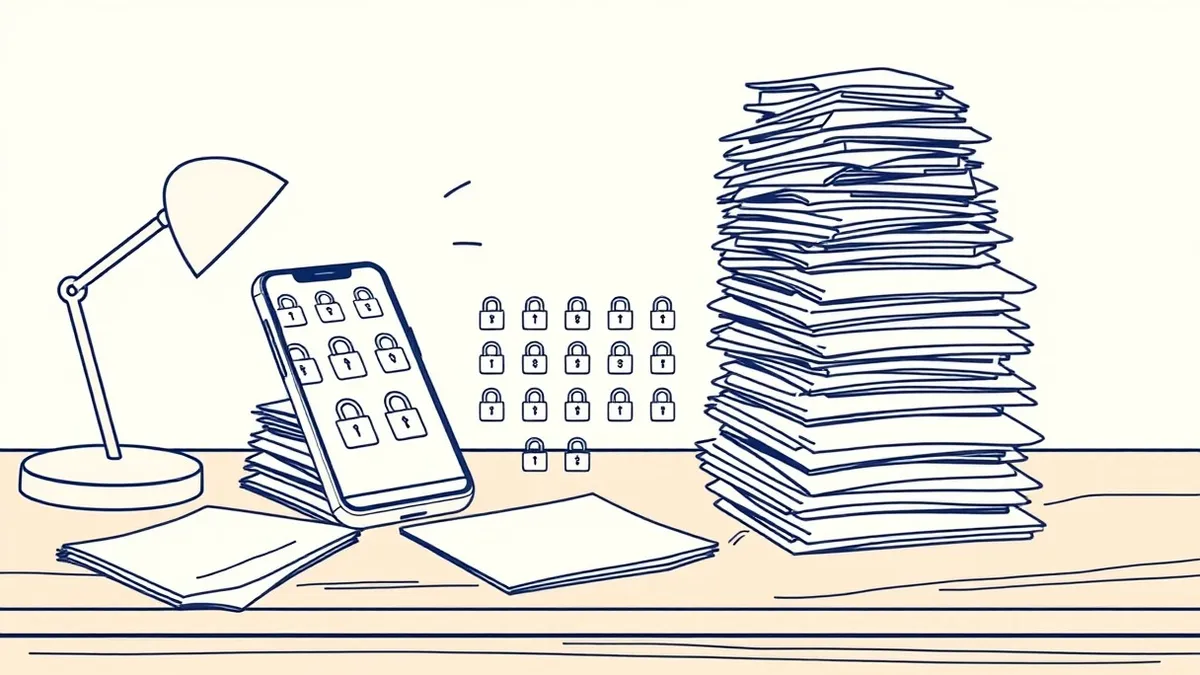
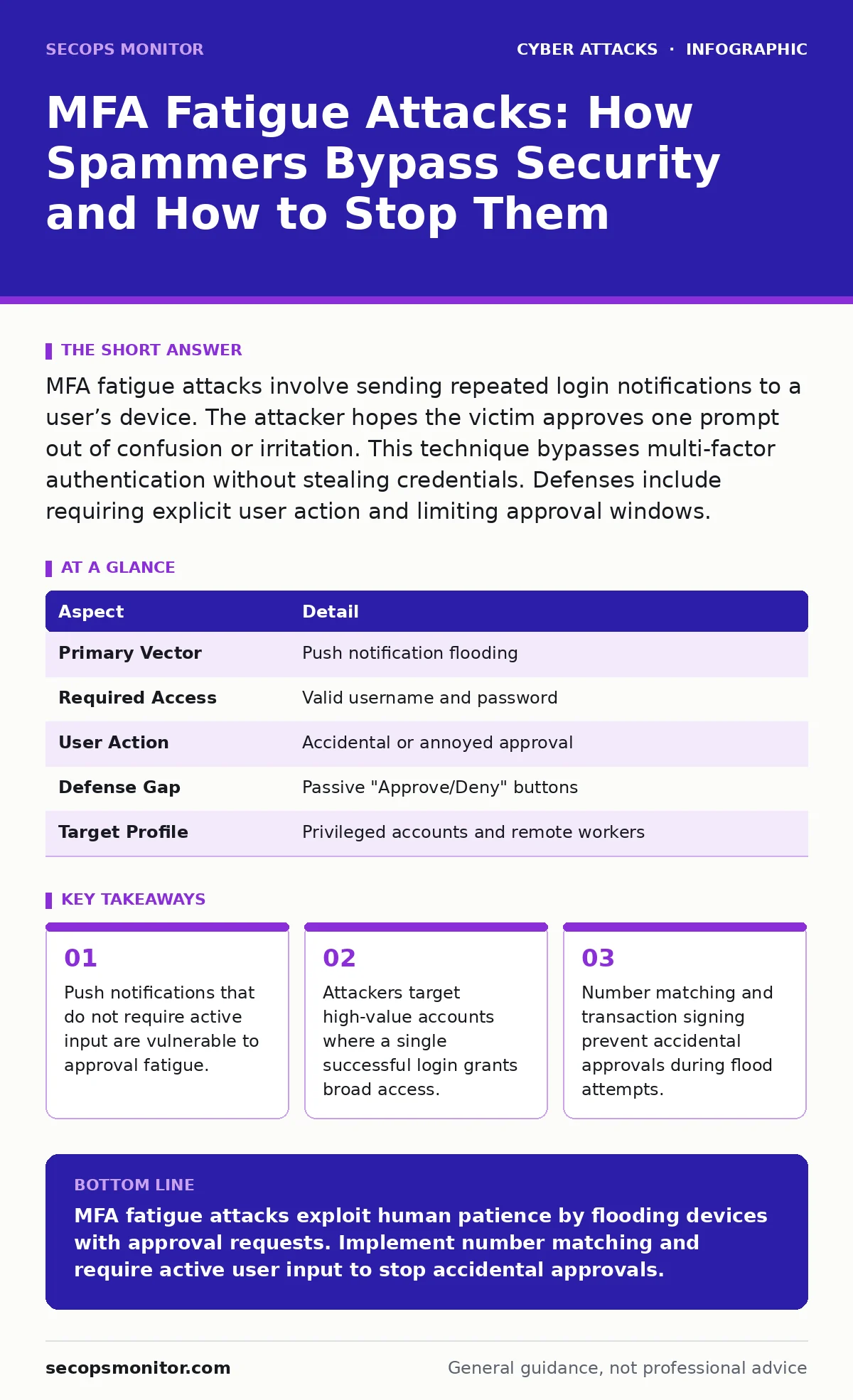
MFA fatigue attacks involve sending repeated login notifications to a user’s device. The attacker hopes the victim approves one prompt out of confusion or irritation. This technique bypasses multi-factor authentication without stealing credentials. Defenses include requiring explicit user action and limiting approval windows.
What Are MFA Fatigue Attacks?
MFA fatigue attacks are a specific type of social engineering that targets the second factor of authentication. Instead of stealing a password or a cryptographic key, the attacker exploits the design of push-based notification systems. The attacker already possesses the victim’s username and password, often obtained through phishing or credential stuffing.
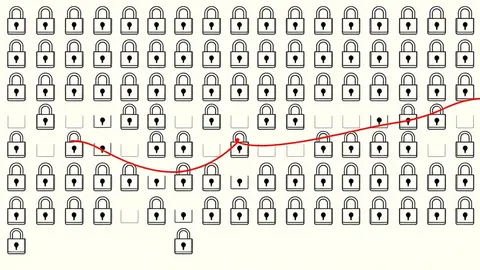
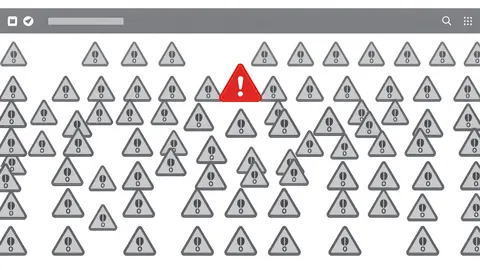
The system sends a push notification to the victim’s mobile device. This notification asks the user to approve or deny a login attempt. In a standard scenario, the user sees one prompt and responds. In a fatigue attack, the attacker triggers hundreds of these prompts in rapid succession.
The goal is not to trick the user into thinking the login is legitimate. The goal is to overwhelm the user. The attacker relies on the psychological pressure of constant interruptions. Eventually, the user may approve a prompt to make the notifications stop. Once approved, the attacker gains access.
| Aspect | Detail |
|---|---|
| Primary Vector | Push notification flooding |
| Required Access | Valid username and password |
| User Action | Accidental or annoyed approval |
| Defense Gap | Passive "Approve/Deny" buttons |
| Target Profile | Privileged accounts and remote workers |
How the Attack Mechanism Works
The attack begins with credential theft. The attacker needs a valid username and password to trigger the authentication flow. Without these, the identity provider will not send any notifications. The attacker then initiates a login request. The identity provider sends a push notification to the user’s registered device.
Most users keep their mobile devices nearby. The device vibrates or makes a sound. The attacker waits for a response. If the user denies the request, the attacker immediately tries again. This loop continues for minutes or hours. The volume of notifications creates a state of cognitive overload.
Human beings are conditioned to resolve interruptions. A vibrating phone is an urgent signal. The user picks up the device to silence it. The screen displays "Approve" and "Deny." Under stress, users often tap the first button they see. That button is frequently "Approve." The attacker then logs in.
This method works because it bypasses technical controls. The password is correct. The second factor is present. The user explicitly authorized the login. The system records a successful authentication event. No anomaly detection triggers because the behavior looks normal.
Who Is Most at Risk?
Any account with multi-factor authentication enabled is technically vulnerable. However, attackers prioritize high-value targets. These are accounts with elevated privileges. An attacker who compromises a standard employee account gains limited access. An attacker who compromises an administrator account can move laterally across the network.
Remote workers are also prime targets. They often use personal devices for work authentication. These devices may have less strict security policies. The user may be in a noisy environment, making it hard to notice individual alerts. The attacker exploits the lack of context.
Users who travel frequently are vulnerable. They may see login attempts from unfamiliar locations and assume they are errors. They might approve a prompt to clear the queue, not realizing the attacker is watching. The attack thrives on ambiguity and urgency.
What People Usually Get Wrong
Many users believe that having multi-factor authentication is sufficient. They assume that if they do not share their password, they are safe. This is incorrect. MFA fatigue attacks prove that possession of a password is not the only risk. The delivery mechanism of the second factor matters.
Another common mistake is ignoring push notifications. Users assume that if they do not respond, the attacker cannot get in. This is true for single attempts. It is false for fatigue attacks. The attacker does not need the user to respond correctly. The attacker needs the user to respond at all. Silence is not a defense against volume.
Some organizations disable push notifications entirely. This reduces risk but harms usability. Users prefer push notifications over typing codes. Removing them pushes users toward less secure behaviors, like writing down codes. The solution is not to remove MFA, but to improve its design.
Defending Against Push Flooding
The most effective defense is number matching. Instead of a simple "Approve" button, the notification displays a random number. The login screen on the computer displays the same number. The user must enter the number on the mobile device to approve. This requires active attention. A user cannot accidentally approve a prompt by tapping blindly.
Transaction signing is another strong control. The notification shows details of the request. It lists the location, the device, and the action. The user must verify these details. If the location is wrong, the user denies the request. This adds friction, which is good. It prevents automated or rushed approvals.
Organizations should implement rate limiting. If a user denies multiple requests in a short time, the system should pause further attempts. This stops the flooding loop. The attacker cannot keep sending prompts. The system flags the activity for review. This protects the user from exhaustion.
Technical Controls for Administrators
Administrators must review their authentication policies. Check if push notifications allow passive approval. Disable this feature. Require active input. This may increase user support tickets initially. Users will complain about the extra step. The security gain outweighs the inconvenience.
Implement step-up authentication. Require a stronger second factor for high-risk actions. If a login comes from a new device or location, demand a one-time password or a hardware key. Do not allow push notifications for these scenarios. Push notifications are too easy to fatigue.
Monitor for anomalies. Look for patterns of rapid logins and denials. Alert the security operations centers when these patterns emerge. Investigate immediately. The attacker is likely testing the waters. Early detection stops the attack before access is granted.
User Education and Awareness
Security awareness training must cover fatigue attacks. Users need to understand that silence is not always safe. They need to know that attackers can flood their devices. They should be trained to recognize the pattern. If they receive many alerts, they should deny them all and report the issue.
Users should never approve a login they did not initiate. Even if they think it is a mistake, they should contact their IT support. Do not tap "Approve" to clear the notifications. This is the core lesson. The attacker counts on this reaction. Breaking the habit is critical.
Related Security Considerations
MFA fatigue attacks often follow credential theft. Attackers may use dictionary attacks to guess passwords. They may use phishing to steal credentials. Understanding these upstream attacks helps defend against fatigue. Secure the password first. The second factor is the last line of defense.
Botnet attacks can amplify the volume of login attempts. A botnet can send thousands of requests per second. This overwhelms not just the user, but the authentication server. Rate limiting and CAPTCHAs help here. They slow down automated attacks.
DNS spoofing can redirect users to fake login pages. These pages steal credentials. The attacker then uses those credentials for fatigue attacks. Ensuring DNS security is part of the broader defense. Protect the path to the login page.
Key takeaways
- Push notifications that do not require active input are vulnerable to approval fatigue.
- Attackers target high-value accounts where a single successful login grants broad access.
- Number matching and transaction signing prevent accidental approvals during flood attempts.
MFA fatigue attacks exploit human patience by flooding devices with approval requests. Implement number matching and require active user input to stop accidental approvals.
Frequently asked questions
Can MFA fatigue attacks happen on desktop notifications?
Yes, if the desktop client supports push notifications and allows passive approval. The same flooding technique applies to any notification channel that does not require active verification.
Does 2FA hardware keys prevent fatigue attacks?
Yes, hardware keys require a physical press of a button. An attacker cannot flood a hardware key with requests. The user must physically interact with the device for each attempt.
How do I know if I am being targeted?
Look for repeated login alerts from unknown locations. If you deny several requests and they continue, you are likely under attack. Report this to your security team immediately.
Are SMS codes vulnerable to fatigue attacks?
No, SMS codes are not vulnerable to fatigue in the same way. Each code is unique and expires quickly. The attacker cannot force the user to approve a code. However, SMS is vulnerable to SIM swapping.
How this guide was produced: written by the SecOps Monitor editorial team with AI assistance, checked against the public references listed below, and reviewed when the facts change. See our editorial policy or report an error.