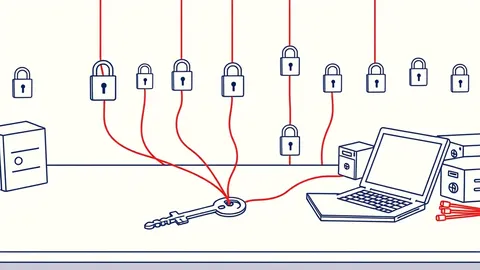
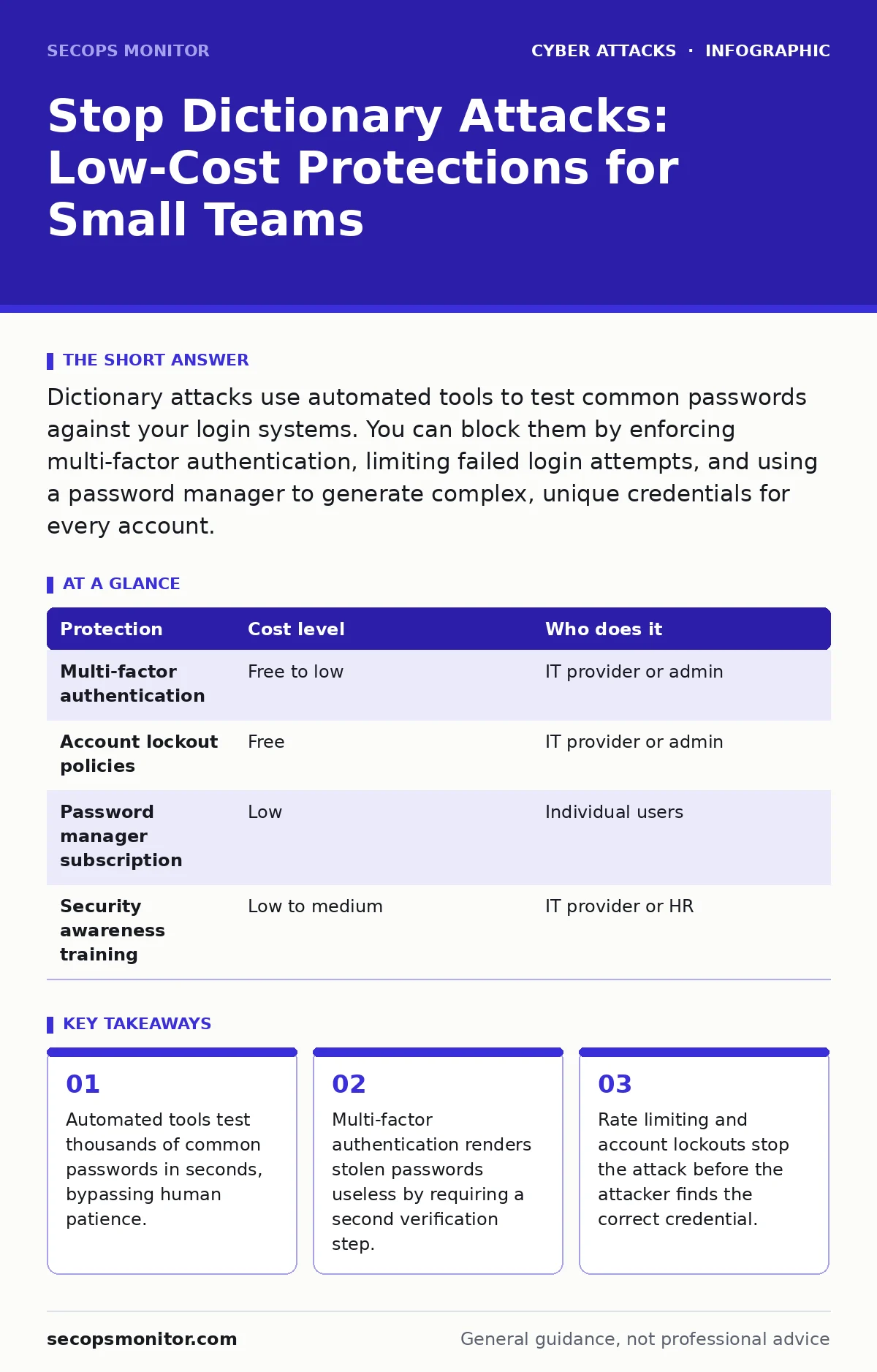
Dictionary attacks use automated tools to test common passwords against your login systems. You can block them by enforcing multi-factor authentication, limiting failed login attempts, and using a password manager to generate complex, unique credentials for every account.
How Automated Guessing Works
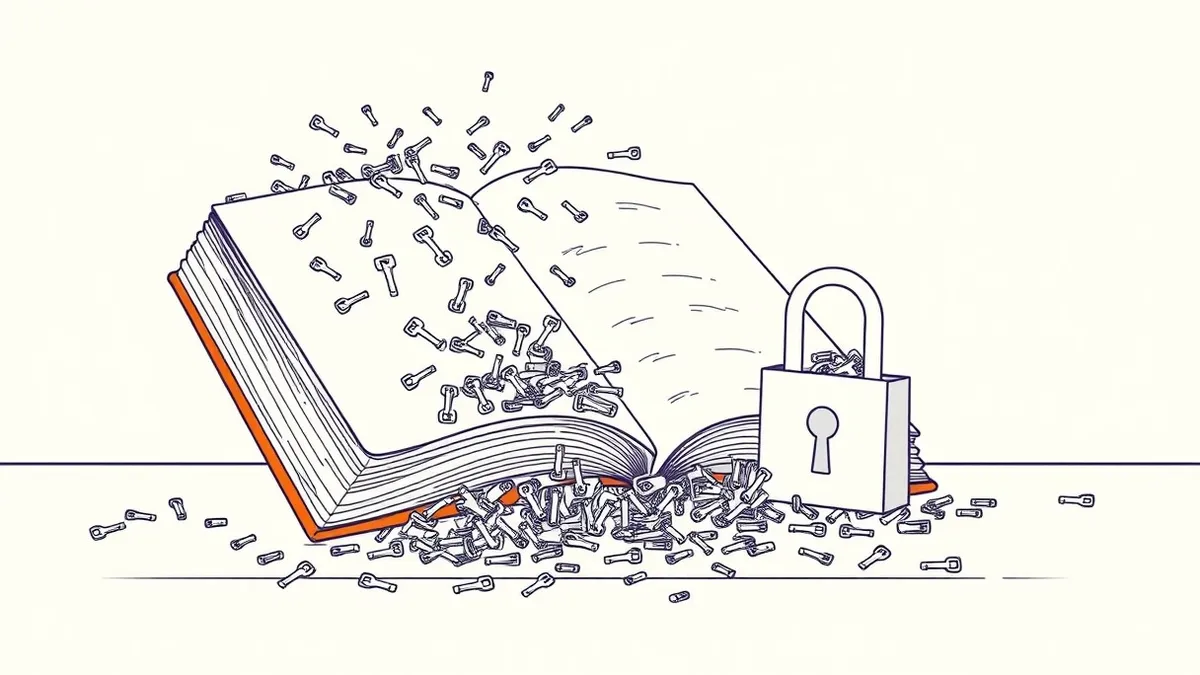
A dictionary attack is not a person sitting at a keyboard trying random words. It is a software script that cycles through a pre-built list of common passwords, dictionary words, and variations. The script sends these guesses to your login server at high speed.
The attacker relies on human habits. Users often choose words they can remember, such as pet names, sports teams, or seasonal greetings. Attackers compile lists of these likely choices from data leaks and linguistic patterns.
When the script sends a guess, your server checks it. If it is wrong, the script sends the next one immediately. This process continues until the script finds a match or you intervene. The speed of modern hardware means a script can test millions of combinations in the time it takes you to blink.
This method works because most systems do not initially distinguish between a user who forgot their password and an automated script. Without specific protections, your server processes every guess as a legitimate login attempt.
Why Small Organisations Are Easy Targets
Small teams often lack dedicated security staff. This creates a blind spot where basic misconfigurations go unnoticed for months. Attackers scan the internet for vulnerable login pages, prioritising systems that appear less protected.
Many small businesses reuse passwords across multiple services. If an attacker obtains a password from a minor breach elsewhere, they use that same credential to try accessing your email, banking, or cloud storage. This is known as credential stuffing, which functions similarly to a dictionary attack but uses known leaked credentials rather than generic words.
Small teams also often skip multi-factor authentication because they view it as an inconvenience for staff. This assumption is dangerous. Multi-factor authentication adds a second layer of verification, such as a code from a phone app, which a dictionary attack cannot guess.
Without these layers, your perimeter is defined solely by the strength of your weakest password. A single staff member using "Password123" can open the door to your entire network.
The Hidden Cost of Simple Passwords
You might think a complex password like "Tr0ub4dor&3" is safe. It is harder to guess than "password," but it is still vulnerable to dictionary attacks if it appears in common lists. Attackers use "smart" dictionaries that include common substitutions, like replacing "o" with "0" or "a" with "@".
The real risk is not just the data inside the account. It is what that account can reach. If an attacker gains access to your email, they can reset passwords for other services. They can also impersonate you to clients, leading to financial fraud similar to CEO fraud schemes.
The cost of recovery includes not only technical fixes but also reputational damage. Clients lose trust when they hear their data was exposed due to a weak password. This loss of trust is often harder to repair than the technical breach itself.
Low-Cost Protections That Work
You do not need expensive security suites to stop dictionary attacks. Several low-cost or free measures significantly reduce the risk.
First, enforce multi-factor authentication. This ensures that even if an attacker guesses your password, they cannot log in without the second factor. Most major email and cloud providers offer this for free.
Second, implement account lockout policies. This feature temporarily blocks a user account after a specific number of failed login attempts. For example, if the account locks after five failed tries, the attacker must wait or switch to a different account, drastically slowing down the attack.
Third, use a password manager. This software generates and stores long, random passwords for you. You only need to remember one strong master password. The manager handles the rest, ensuring every account has a unique, complex credential that no dictionary can predict.
| Protection | Cost level | Who does it |
|---|---|---|
| Multi-factor authentication | Free to low | IT provider or admin |
| Account lockout policies | Free | IT provider or admin |
| Password manager subscription | Low | Individual users |
| Security awareness training | Low to medium | IT provider or HR |
These measures complement good cyber hygiene practices. Regularly reviewing active sessions and logging out of shared devices adds another layer of safety.
What to Ask an IT Provider
If you outsource your IT, you must verify their security posture. Do not assume they are handling these basics. Ask specific questions to ensure your systems are protected.
- Does your monitoring system detect rapid, failed login attempts from a single IP address?
- Are account lockout policies configured to balance security with usability, preventing accidental lockouts for legitimate users?
- How do you enforce multi-factor authentication across all administrative and user accounts?
- Do you provide a corporate password manager, and how do you ensure staff are using it correctly?
- What is your incident response plan if a dictionary attack succeeds?
These questions reveal whether your provider is proactive or reactive. A provider who cannot answer these clearly may not be adequately protecting your small business.
Beyond Passwords: Layered Defence
Passwords are just one layer of defence. You should also consider zero trust security principles. This approach assumes that no user or device is trusted by default, even if they are inside your network. Every access request is verified.
This mindset helps mitigate the risk of replay attacks, where an attacker intercepts and reuses valid login data. By requiring fresh verification for each session, you reduce the value of stolen credentials.
Regularly update your software. Many dictionary attacks exploit vulnerabilities in outdated login portals that lack modern rate-limiting features. Keeping your systems current ensures you have the latest security patches.
Key takeaways
- Automated tools test thousands of common passwords in seconds, bypassing human patience.
- Multi-factor authentication renders stolen passwords useless by requiring a second verification step.
- Rate limiting and account lockouts stop the attack before the attacker finds the correct credential.
Frequently asked questions
Can a dictionary attack hack my phone?
Yes, if you use a simple passcode or pattern. Attackers can use similar automated methods to guess weak screen locks, especially if you sync your cloud accounts to the device.
How many failed attempts should lock an account?
Five to ten attempts is a common standard. Too few locks legitimate users out; too many allows attackers more guesses before the system intervenes.
Is a password manager safe from dictionary attacks?
Yes, because it generates random, complex passwords that do not appear in dictionary lists. The only risk is if your master password is weak or reused.
Do free email accounts protect against this?
Most major providers have basic protections, but they vary. You should still enable multi-factor authentication and use strong, unique passwords to ensure full protection.
How this guide was produced: written by the SecOps Monitor editorial team with AI assistance, checked against the public references listed below, and reviewed when the facts change. See our editorial policy or report an error.