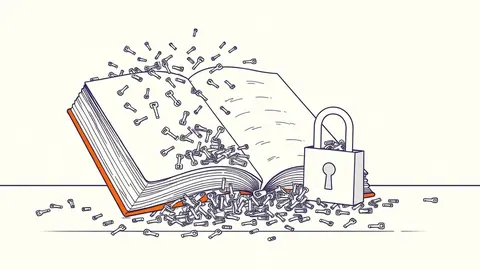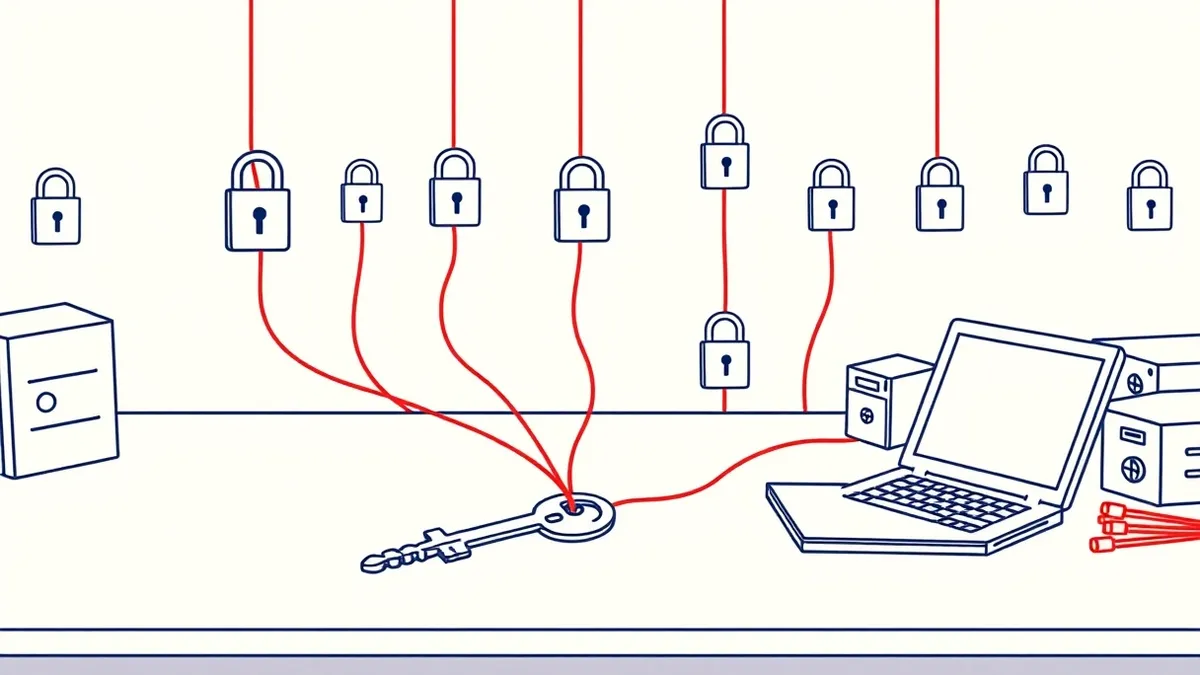
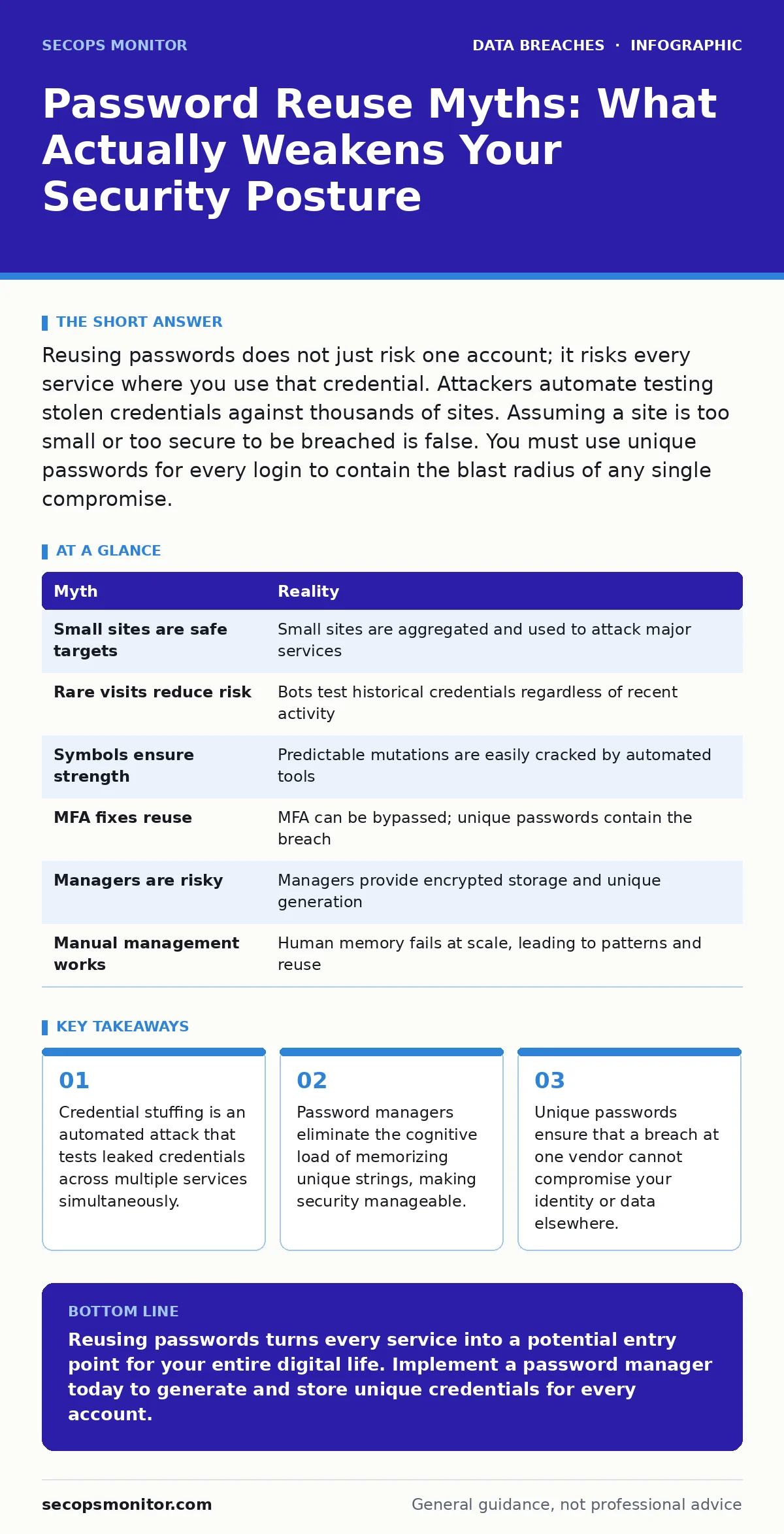
Reusing passwords does not just risk one account; it risks every service where you use that credential. Attackers automate testing stolen credentials against thousands of sites. Assuming a site is too small or too secure to be breached is false. You must use unique passwords for every login to contain the blast radius of any single compromise.
Myth: Small or obscure websites do not store passwords in a way that matters
Reality: Attackers target small sites precisely because they lack the resources for advanced security monitoring. A small business website often uses standard, off-the-shelf authentication modules that are vulnerable to common exploits. When these sites suffer a breach, the resulting database dump is sold on underground markets. These markets aggregate credentials from thousands of small breaches into large lists. Attackers then use automated tools to test these lists against major services like email, banking, and social media. The size of the initial breach is irrelevant to the final impact. The value lies in the credential pair itself, regardless of where it originated.
Imagine a local forum with 500 users suffers a simple SQL injection attack. The attacker extracts the username and password hash. Even if the hash is salted and hashed, weak passwords can be cracked offline. Once cracked, that single credential pair is tested against your corporate email, your cloud storage, and your financial accounts. The small site was the entry point, but the damage occurs at your high-value targets.
Myth: I only reuse passwords on sites I visit rarely or infrequently
Reality: Infrequent visits do not reduce the risk of credential stuffing. Automated bots do not care how often you log in. They care about whether the credential works. A password reused on a hobbyist forum from five years ago is just as valuable as one from yesterday. Attackers maintain large databases of historical breaches. They run these databases continuously against active services. If you use the same password for a rare login and your primary email, one compromise unlocks both. The frequency of use is a psychological comfort, not a security control.
Consider a newsletter subscription you signed up for once. You likely used a familiar password for convenience. That newsletter site may have been breached months ago. You did not receive an alert because you rarely check that inbox. The attacker now holds a valid credential for your primary identity provider. The lack of recent activity on the compromised site does not protect you. It only delays the discovery of the breach.
Myth: Adding a few symbols makes a reused password strong enough
Reality: Complexity rules do not stop automated guessing tools. Modern cracking hardware can test billions of password variations per second. Adding "1!" to a common base word does not increase entropy significantly. Entropy is a measure of unpredictability. If the base word is common, the total combinations remain low. Attackers use dictionaries that include common mutation patterns. They know users add numbers and symbols to meet complexity requirements. They prioritize these mutated variants in their cracking attempts.
Suppose your base password is "Summer". You change it to "Summer2024!" for one site and "Summer2023!" for another. An attacker who cracks "Summer" will likely crack the mutated versions within seconds. The structural similarity allows them to deduce the other passwords. You have created a family of weak passwords rather than unique secrets. True strength comes from length and randomness, not from predictable modifications.
Myth: Multi-factor authentication (MFA) makes password reuse safe
Reality: MFA adds a layer of defense, but it does not make the underlying credential secure. If an attacker has your password, they can trigger the MFA challenge. They may use social engineering to trick you into approving the login. They may exploit MFA fatigue by sending repeated notifications until you accidentally approve one. In some cases, they may intercept one-time codes via SIM swapping or phishing. Relying on MFA to mask poor password hygiene is a dangerous trade-off.
Imagine an attacker knows your password for a critical service. They initiate a login and receive an MFA prompt. They call you, pretending to be IT support, and ask you to share the code. If you provide the code, the MFA is bypassed. The password was already compromised. The MFA only delayed the access. Unique passwords ensure that even if MFA is bypassed, the attacker cannot pivot to other services using the same credentials.
Myth: Password managers are a single point of failure I should avoid
Reality: A password manager is a controlled vault, not a weak link. It generates and stores unique, complex passwords for every service. You only need to remember one master password. This master password protects the entire database. The risk of a password manager breach is far lower than the risk of reusing passwords across dozens of sites. Most managers use strong encryption standards. Even if the service provider is breached, the attacker cannot read your passwords without your master key.
Suppose you use a password manager. You get a unique, 20-character random string for every login. If one site is breached, the attacker gets a useless random string. They cannot guess your password for other sites. The blast radius is contained to that single service. The cognitive burden of managing unique passwords is removed. The security benefit far outweighs the theoretical risk of the vault itself.
See also: Lost Devices: 7 Mistakes That Leak Data and How to Fix Them · Secure file sharing for business: control access and prevent leaks
Myth: I can manually manage unique passwords if I am organized
Reality: Human memory is not designed for storing hundreds of unique, complex strings. You will inevitably fall back to patterns, variations, or reuse. This is a cognitive limitation, not a lack of discipline. As the number of services grows, the mental overhead increases. You will start using derivatives of a base password. You will write passwords down in insecure locations. You will reuse credentials on low-priority sites. Manual management fails under scale.
Consider the effort required to create, memorize, and rotate 50 unique passwords. You will likely create a mental shortcut. "Password1" becomes "Password2" for the next site. This pattern is predictable. Attackers exploit these human patterns. Automation removes the variable of human error. It ensures every password is truly unique and complex. You cannot out-think an automated cracking tool with manual memory tricks.
| Myth | Reality |
|---|---|
| Small sites are safe targets | Small sites are aggregated and used to attack major services |
| Rare visits reduce risk | Bots test historical credentials regardless of recent activity |
| Symbols ensure strength | Predictable mutations are easily cracked by automated tools |
| MFA fixes reuse | MFA can be bypassed; unique passwords contain the breach |
| Managers are risky | Managers provide encrypted storage and unique generation |
| Manual management works | Human memory fails at scale, leading to patterns and reuse |
Key takeaways
- Credential stuffing is an automated attack that tests leaked credentials across multiple services simultaneously.
- Password managers eliminate the cognitive load of memorizing unique strings, making security manageable.
- Unique passwords ensure that a breach at one vendor cannot compromise your identity or data elsewhere.
Reusing passwords turns every service into a potential entry point for your entire digital life. Implement a password manager today to generate and store unique credentials for every account.
Frequently asked questions
How do I know if my passwords have been reused in a breach?
Use a breach monitoring service that checks your email addresses against known leaked databases. These services alert you when your credentials appear in new dumps.
Should I change all my passwords immediately?
Prioritize high-value accounts like email, banking, and primary social media. Change these first, then work through other services systematically.
Is two-factor authentication enough if I reuse passwords?
No. MFA can be bypassed through social engineering or interception. Unique passwords are necessary to prevent lateral movement between accounts.
What if I forget my password manager master password?
You cannot recover your data. Choose a master password that is long, memorable to you, but unpredictable to others. Write it down in a secure physical location.
How this guide was produced: written by the SecOps Monitor editorial team with AI assistance, checked against the public references listed below, and reviewed when the facts change. See our editorial policy or report an error.