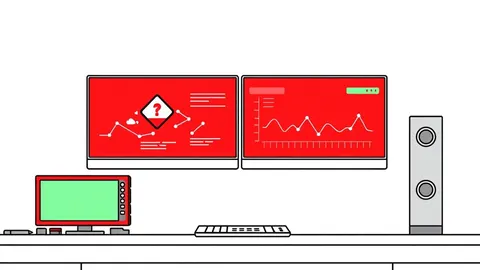
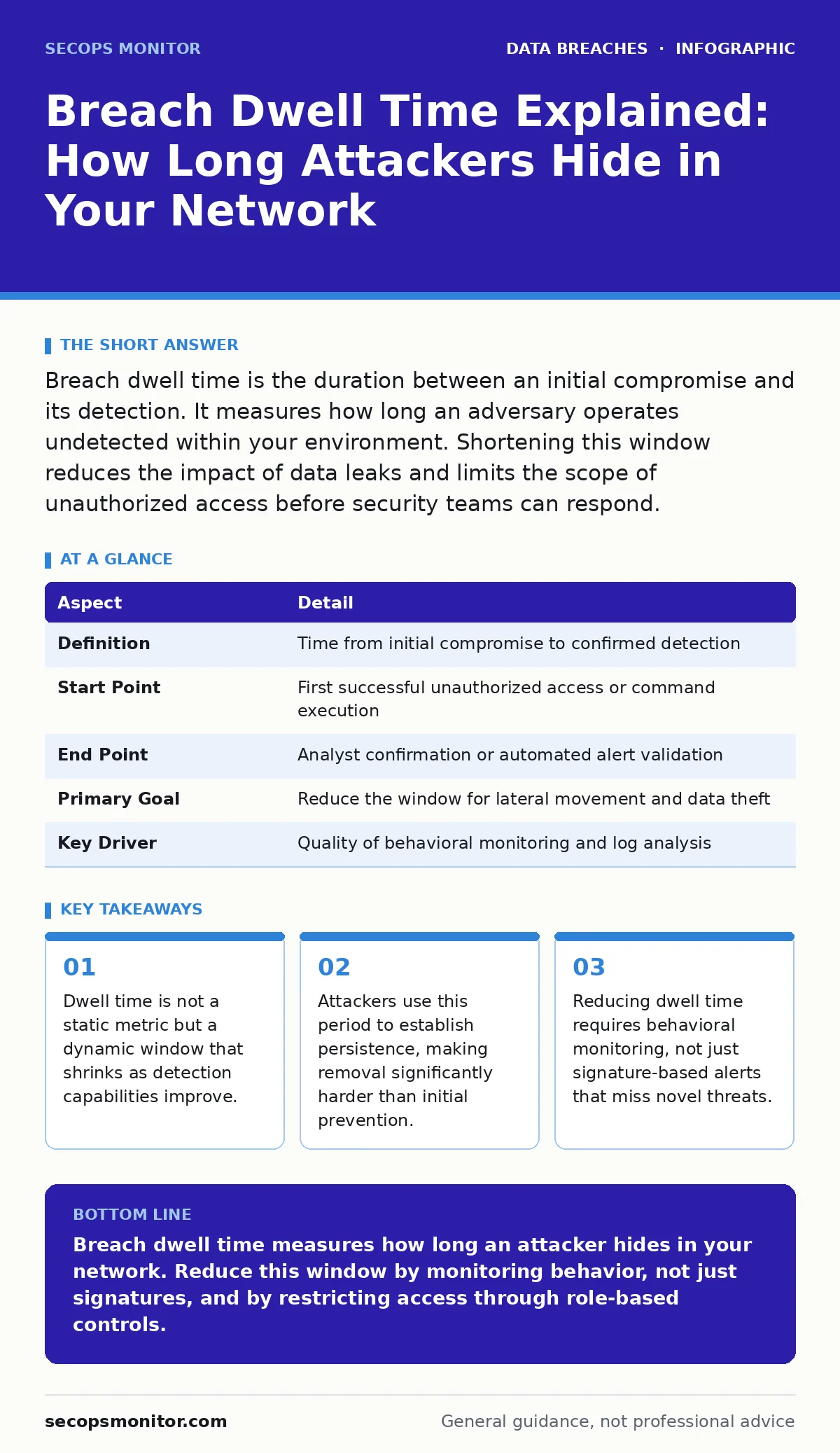
Breach dwell time is the duration between an initial compromise and its detection. It measures how long an adversary operates undetected within your environment. Shortening this window reduces the impact of data leaks and limits the scope of unauthorized access before security teams can respond.
The Silent Intrusion Analogy
Imagine a burglar enters your home through an unlocked window while you sleep. He does not smash the safe immediately. Instead, he spends three weeks moving quietly, learning your routine, copying keys, and hiding in the attic. The time between his entry and your discovery of him is the dwell time. In cybersecurity, this period defines the window of opportunity for an attacker to cause maximum damage.
The length of this window determines the severity of the incident. A short dwell time means you catch the intruder before they reach the most sensitive areas. A long dwell time allows them to map your network, steal credentials, and establish backdoors. You cannot prevent every entry, but you can control how long the intruder remains hidden.
Defining Breach Dwell Time
Breach dwell time is the elapsed period between the initial unauthorized access and the moment an organization identifies the intrusion. It starts when the first malicious action occurs, such as a successful login with stolen credentials or the execution of a remote code execution exploit. It ends when a human analyst or an automated system confirms the threat.
This metric does not measure the time to containment or remediation. It strictly measures the time to detection. Understanding this distinction helps you prioritize monitoring tools over response playbooks. Detection is the gatekeeper. If you do not see the attacker, you cannot stop them. The clock starts ticking the moment the first byte of unauthorized traffic crosses your perimeter.
Operational Context and Origins
The term emerged from incident response practices where teams realized that prevention alone was insufficient. Firewalls and antivirus software fail against zero-day vulnerabilities or social engineering attacks. Security professionals began tracking how long attackers stayed inside networks to benchmark their detection capabilities. This tracking revealed that many organizations were blind to active compromises for months.
Day-to-day, security operations centers use dwell time to evaluate the effectiveness of their monitoring stack. They compare their average detection window against industry benchmarks to identify gaps in visibility. If your dwell time is high, it indicates that your sensors are missing critical signals. You must adjust your detection logic to spot anomalies earlier. This metric drives investment in endpoint detection and response solutions.
| Aspect | Detail |
|---|---|
| Definition | Time from initial compromise to confirmed detection |
| Start Point | First successful unauthorized access or command execution |
| End Point | Analyst confirmation or automated alert validation |
| Primary Goal | Reduce the window for lateral movement and data theft |
| Key Driver | Quality of behavioral monitoring and log analysis |
The Hidden Costs of Delay
A long dwell time allows attackers to perform lateral movement. This is the process of moving from one system to another within the network. Attackers use stolen credentials to jump from a low-privilege workstation to a high-privilege server. Each hop increases their access and makes them harder to track. They also install persistence mechanisms, such as scheduled tasks or registry keys, to ensure they can return even if you remove the initial malware.
The financial and reputational cost scales with time. The longer an attacker remains, the more data they can exfiltrate. They may also encrypt files for ransom, knowing you are unaware of their presence. This delay turns a contained incident into a catastrophic breach. You lose the element of surprise. The attacker dictates the pace, not you. Every day of undetected presence multiplies the potential damage.
Common Misconceptions About Detection
Many teams believe that blocking known threats reduces dwell time. This is incorrect. Signature-based tools only catch known malware variants. They do not detect novel attacks or manual techniques. You must monitor for behavior, not just files. Look for unusual login times, unexpected data transfers, or commands that do not match normal user patterns. Behavioral analytics catch the unknown.
Another mistake is assuming that perimeter security eliminates dwell time. Attackers often enter through legitimate channels, such as compromised vendor accounts or stolen credentials. Once inside, perimeter tools are irrelevant. You need internal visibility. Monitor east-west traffic between servers. If you only watch the north-south traffic at the border, you are blind to the activity inside your network.
People also confuse dwell time with mean time to respond. Responding quickly is valuable, but it is useless if you detect the threat too late. You must prioritize detection accuracy. A high volume of false alarms leads to alert fatigue. Analysts ignore warnings, extending the dwell time. Tune your alerts to reduce noise. Focus on high-fidelity signals that indicate actual compromise.
See also: Cloud Incident Response: 7 Mistakes That Escalate Breaches · SOC vs NOC: How to Choose the Right Operations Center
Strategies to Shrink the Window
Implementing role-based access control limits the damage an attacker can do after initial entry. If an attacker compromises a user account, they only get the permissions that user has. Restricting access to sensitive data reduces the value of the stolen credentials. This containment strategy makes lateral movement harder. Attackers waste time trying to escalate privileges, giving you more time to detect them.
Continuous monitoring of logs is critical. You must collect logs from endpoints, servers, and network devices. Centralize them in a security information and event management system. Correlate events across different sources. A single login attempt is normal. A login from a new country followed by a large file download is not. Context turns noise into signal.
Regular threat hunting exercises help find hidden threats. Do not wait for alerts. Proactively search for indicators of compromise. Review user behavior baselines. Look for deviations. This active approach finds attackers who have evaded automated detection. It also improves your detection rules over time. You learn what normal looks like, making anomalies stand out.
Integrating Broader Security Practices
Reducing dwell time is not an isolated effort. It connects to secure file sharing practices. Uncontrolled file transfers are a common exfiltration path. Monitoring these transfers helps detect data leaks early. It also links to password reuse risks. Attackers use stolen credentials from one breach to access other systems. Eliminating password reuse reduces the initial attack surface.
Compliance audits often require evidence of monitoring capabilities. Demonstrating a short dwell time proves you can detect and respond to incidents. It shows regulators that you have visibility into your environment. This evidence supports your security posture. It also helps in managing fraud alerts. Quick detection prevents attackers from using compromised accounts to commit fraud.
Dark web monitoring can provide early warnings of credential theft. If you see your employee credentials for sale, you can reset them before an attacker uses them. This proactive step prevents the initial compromise. It stops the dwell time clock before it starts. Combining these practices creates a layered defense. You reduce the chance of entry and the time to detection.
Key takeaways
- Dwell time is not a static metric but a dynamic window that shrinks as detection capabilities improve.
- Attackers use this period to establish persistence, making removal significantly harder than initial prevention.
- Reducing dwell time requires behavioral monitoring, not just signature-based alerts that miss novel threats.
Breach dwell time measures how long an attacker hides in your network. Reduce this window by monitoring behavior, not just signatures, and by restricting access through role-based controls.
Frequently asked questions
What is the average breach dwell time?
There is no single average, as it varies by industry and security maturity. Some organizations detect breaches in days, while others take months. The goal is to reduce your specific baseline continuously.
How do I calculate my dwell time?
Identify the timestamp of the initial malicious action and the timestamp of confirmed detection. Subtract the start time from the end time. Track this metric for each incident to identify trends and improvement areas.
How this guide was produced: written by the SecOps Monitor editorial team with AI assistance, checked against the public references listed below, and reviewed when the facts change. See our editorial policy or report an error.