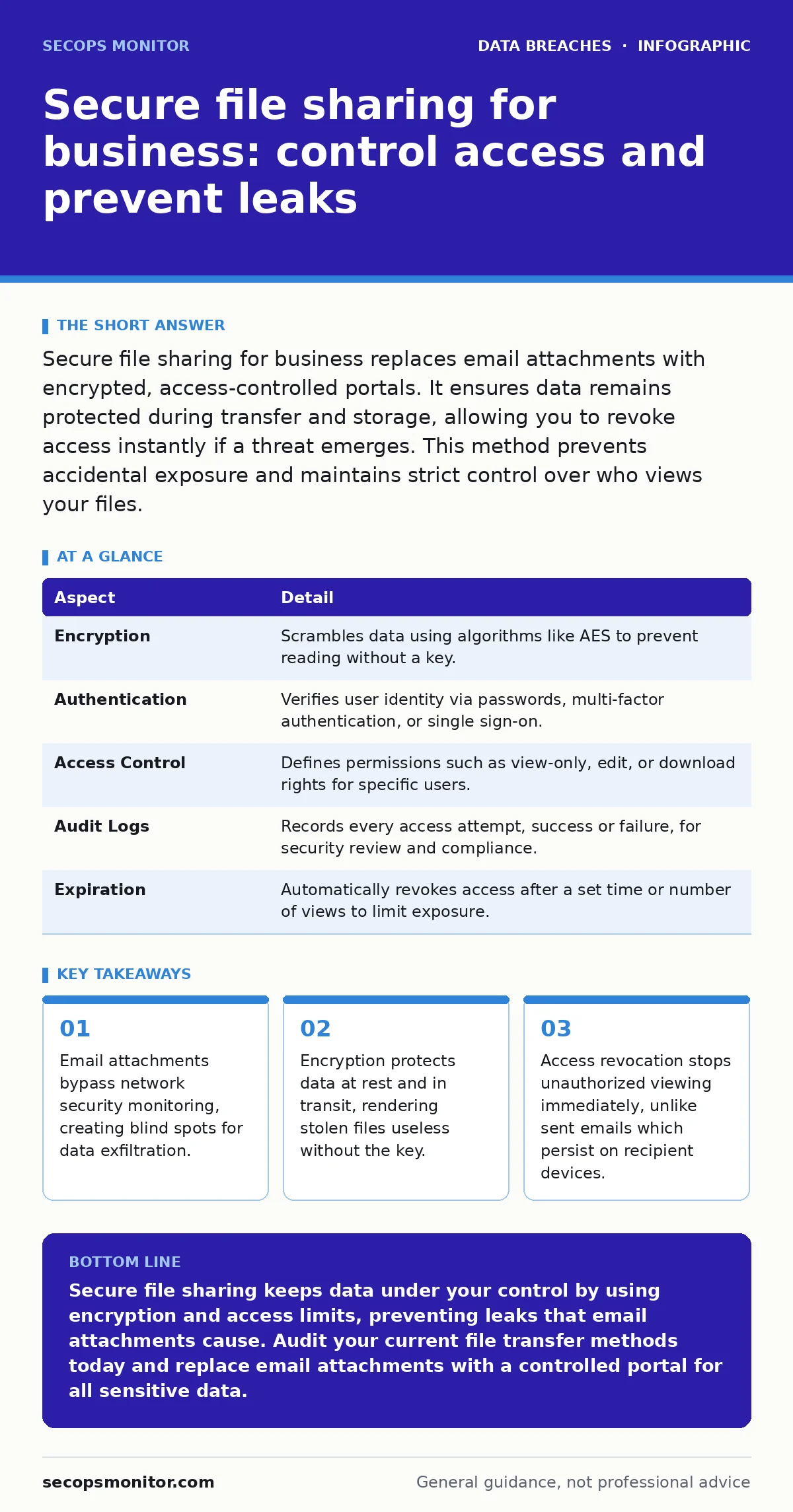
Secure file sharing for business replaces email attachments with encrypted, access-controlled portals. It ensures data remains protected during transfer and storage, allowing you to revoke access instantly if a threat emerges. This method prevents accidental exposure and maintains strict control over who views your files.
Why email attachments fail as secure file sharing for business
Sending a file via email is like mailing a postcard. Anyone who handles the mail can read the contents, and you cannot take the words back once it leaves your hand. Email protocols were designed for human communication, not for secure data transfer. They lack built-in encryption for the payload and offer no mechanism to control what the recipient does with the attachment after delivery.
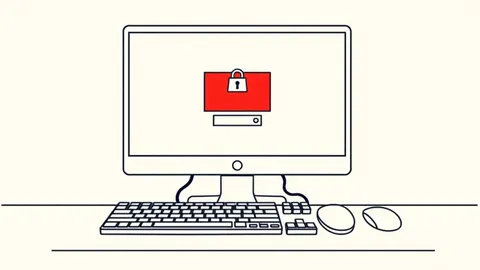
When you attach a sensitive document to an email, you lose control the moment you hit send. The file lands in the recipient's inbox, their backup servers, and potentially their mobile device. If that device is lost or compromised, your data is exposed. Secure file sharing for business solves this by keeping the file under your control. You send a link, not the file itself. The recipient must authenticate to view the content, and you can limit how long they have access.
This distinction matters because attackers frequently target email traffic. They know that email filters often allow attachments through if they appear benign. By moving sensitive transfers to a dedicated platform, you remove the data from the primary attack surface. You also gain visibility into who accessed the file and when. This visibility is critical for detecting unauthorized access early.
How secure file sharing mechanisms work
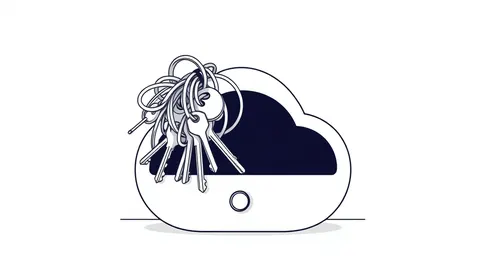
Secure file sharing relies on three core mechanisms: encryption, authentication, and access control. Encryption scrambles the data so that only someone with the decryption key can read it. This happens both while the file travels over the internet and while it sits on the server. Authentication verifies the identity of the person trying to access the file. Access control defines what that person is allowed to do once they are in.
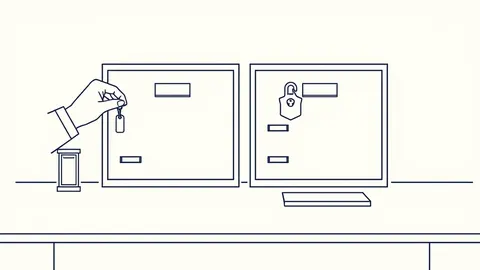
Imagine a digital vault. Encryption is the steel door. Authentication is the keycard that opens it. Access control is the guard who checks if the keycard holder is allowed to enter that specific room. Without all three, the vault is vulnerable. A strong door means little if anyone can walk in. A strict guard is useless if the door is left open.
Most platforms use Transport Layer Security (TLS) for data in transit. This is the same protocol that protects your online banking. For data at rest, they use Advanced Encryption Standard (AES) or similar algorithms. The keys are managed separately from the data. If an attacker steals the database, they get scrambled text. They cannot read it without the keys, which are stored in a separate, highly protected system.
| Aspect | Detail |
|---|---|
| Encryption | Scrambles data using algorithms like AES to prevent reading without a key. |
| Authentication | Verifies user identity via passwords, multi-factor authentication, or single sign-on. |
| Access Control | Defines permissions such as view-only, edit, or download rights for specific users. |
| Audit Logs | Records every access attempt, success or failure, for security review and compliance. |
| Expiration | Automatically revokes access after a set time or number of views to limit exposure. |
Who is affected by insecure file transfer
Insecure file transfer affects any organization that handles sensitive data. This includes customer records, financial reports, intellectual property, and employee information. Small businesses are often targeted because they lack the security infrastructure of larger enterprises. They may rely on free email services or consumer-grade cloud storage, which offer little protection against sophisticated attacks.
Large organizations face different risks. They deal with complex regulatory requirements and massive volumes of data. A single misconfigured server can expose millions of records. The cost of a breach is not just financial; it includes reputational damage and loss of customer trust. Employees also play a role. They may inadvertently expose data by using unauthorized tools or sharing files with the wrong recipients.
Suppose a marketing team uses a free file-hosting site to share campaign drafts. They set the link to "public" for convenience. An attacker scans for these links and downloads the drafts. The company loses its competitive advantage. This scenario is common because the barrier to entry is low. The tool is easy to use, but it lacks the controls needed for business data.
What people usually get wrong
Many organizations believe that encrypting the file is enough. They encrypt a PDF and email it, thinking the password protects the data. This approach has a hidden flaw. The password often travels in the same email or a follow-up message. An attacker who intercepts the email can get both the file and the password. True security requires keeping the key separate from the data.
Another common mistake is assuming that "secure" means "unhackable." No system is immune to attack. Secure file sharing reduces risk, but it does not eliminate it. If an attacker compromises a user's credentials, they can access the files. This is why multi-factor authentication is necessary. It adds a second layer of verification, making stolen passwords less useful.
Some teams disable audit logs to save storage space. This is a critical error. Logs are your only way to detect unauthorized access. Without them, you are flying blind. You may not know your data was stolen until it appears on the dark web. Regularly reviewing logs helps you spot anomalies, such as access from unusual locations or at odd hours.
Implementing controls without slowing work
Security measures often conflict with user convenience. If a system is too hard to use, employees will find ways around it. They may resort to insecure methods like personal email or USB drives. This is known as shadow IT. To prevent this, the secure file sharing solution must be integrated into existing workflows. It should connect with the email system and the document management platform.
Single sign-on (SSO) reduces friction. Users log in once and access all connected services. This eliminates the need to remember multiple passwords. It also centralizes identity management. When an employee leaves, you can revoke their access everywhere with a single action. This reduces the risk of former employees retaining access to sensitive data.
Granular permissions allow you to give users only what they need. A contractor may need view-only access to a specific folder for a week. An employee may need edit access to a project folder for a month. Setting these permissions correctly prevents accidental sharing. It also limits the damage if an account is compromised. The attacker gets only what the user was allowed to have.
See also: 7 Security Misconfiguration Mistakes That Leave Systems Exposed · Account Lockout Policies: Preventing Denial of Service Attacks
Managing the human element of data loss
Technology alone cannot stop data breaches. Human error is a leading cause of exposure. Employees may click on phishing links, misaddress emails, or leave devices unattended. Security awareness training helps, but it must be ongoing. One-time training is forgotten quickly. Regular simulations and updates keep security top of mind.
You must also address the culture of sharing. In many organizations, sharing is encouraged to boost collaboration. This can lead to oversharing on social media or internal platforms. Employees need clear guidelines on what can be shared and how. Policies should be simple and easy to follow. Complex rules are often ignored.
Incident communication plans are vital for responding to breaches. If a leak occurs, you need a clear process for notifying stakeholders. Delaying notification can worsen the damage. Quick, transparent communication helps maintain trust. It also ensures that legal and regulatory requirements are met.
Monitoring and responding to file access
Continuous monitoring is key to detecting threats. You should review access logs regularly. Look for patterns that suggest compromise, such as bulk downloads or access from new devices. Automated alerts can help you respond quickly. If an alert triggers, investigate immediately. Do not wait for confirmation of a breach.
If you suspect a breach, revoke access to the affected files. Change passwords for any accounts that may have been compromised. Notify the relevant parties. Document the incident for future review. This documentation helps you improve your security posture. It also provides evidence if legal action is required.
Remember that secure file sharing is part of a broader security strategy. It works best when combined with other measures. For instance, dark web monitoring can alert you if your credentials appear in stolen databases. This allows you to proactively secure your accounts. Similarly, understanding your digital footprint helps you identify potential exposure points. By integrating these practices, you create a layered defense that is difficult for attackers to penetrate.
Key takeaways
- Email attachments bypass network security monitoring, creating blind spots for data exfiltration.
- Encryption protects data at rest and in transit, rendering stolen files useless without the key.
- Access revocation stops unauthorized viewing immediately, unlike sent emails which persist on recipient devices.
Secure file sharing keeps data under your control by using encryption and access limits, preventing leaks that email attachments cause. Audit your current file transfer methods today and replace email attachments with a controlled portal for all sensitive data.
Frequently asked questions
Is end-to-end encryption enough for secure file sharing?
End-to-end encryption protects data in transit and at rest, but it does not control who accesses it. You still need strong authentication and access controls to prevent unauthorized viewing.
How do I prevent employees from bypassing secure file sharing?
Integrate the solution into existing workflows and use single sign-on to reduce friction. Provide clear policies and training on why the controls are necessary for business safety.
What should I do if a shared file link is exposed?
Immediately revoke access to the file through the platform's admin console. Change the password for the account that shared it if necessary, and investigate how the link was exposed.
Do I need secure file sharing for internal communications?
Yes, internal communications often contain sensitive data. Using a secure platform ensures that only authorized employees can access the information, even if their email accounts are compromised.
How this guide was produced: written by the SecOps Monitor editorial team with AI assistance, checked against the public references listed below, and reviewed when the facts change. See our editorial policy or report an error.