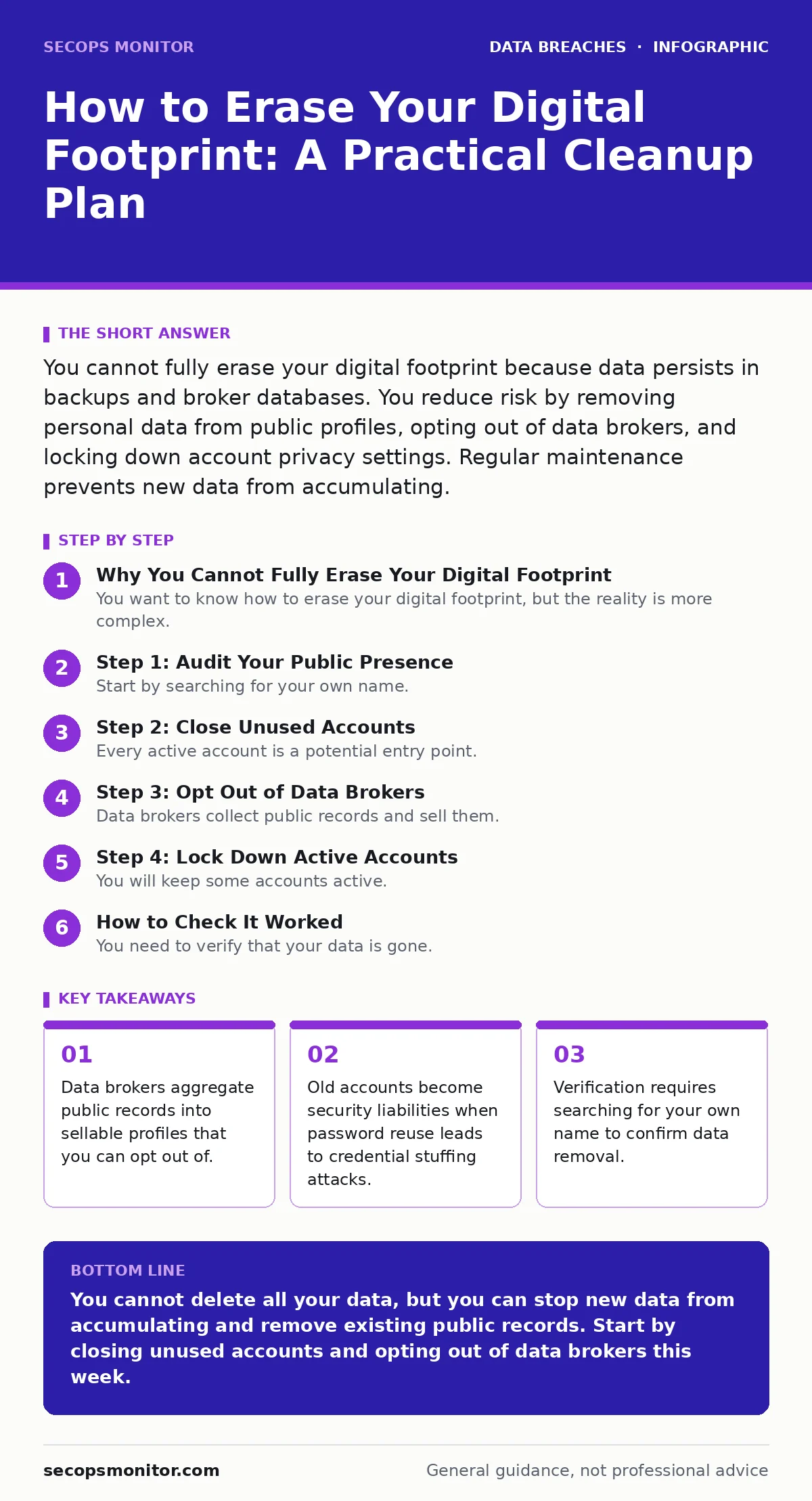
You cannot fully erase your digital footprint because data persists in backups and broker databases. You reduce risk by removing personal data from public profiles, opting out of data brokers, and locking down account privacy settings. Regular maintenance prevents new data from accumulating.
Why You Cannot Fully Erase Your Digital Footprint
You want to know how to erase your digital footprint, but the reality is more complex. Data does not vanish when you delete an account. Service providers retain logs for legal compliance. Data brokers scrape public records and resell your information. This aggregation creates a persistent shadow profile. You cannot delete what you do not control. You can only sever the connections that make your data accessible. This process reduces your attack surface. It limits the amount of personal information available for social engineering. It does not make you invisible. It makes you harder to target.
Step 1: Audit Your Public Presence
Start by searching for your own name. Use a private browser window to avoid personalized results. Look for social media profiles, forum posts, and business listings. Identify which sites reveal your home address, phone number, or email. These details help attackers verify your identity. They also help data brokers build comprehensive profiles. You should remove any sensitive information from public posts. Change privacy settings on social networks to restrict visibility. This step reduces the amount of free intelligence available to adversaries. It also prevents oversharing on social media from becoming a security liability.
Step 1: Audit Your Public Presence
- Search your full name in quotes to find exact matches.
- Add your city or workplace to narrow results.
- Check for old blog comments or forum signatures.
- Review business registrations if you own a company.
- Removed home address from public profiles
- Hidden email address from public view
- Deleted old forum accounts
- Verified business listings are accurate
Step 2: Close Unused Accounts
Every active account is a potential entry point. Attackers often try common email addresses against multiple sites. This is called credential stuffing. If you use password reuse, one breach compromises many accounts. You must close accounts you do not use. Look for old shopping sites, forums, and newsletters. Check your email inbox for "welcome" messages to identify these accounts. Use the account deletion feature, not just the logout function. Deletion removes your data from their active database. Some services may retain anonymized data for analytics. This is standard practice and usually safe.
Step 3: Opt Out of Data Brokers
Data brokers collect public records and sell them. They include your name, address, and relatives. This data is often used for marketing or identity verification. You can request removal from most major brokers. This process is manual and repetitive. You must visit each broker's website. You will fill out a form to opt out. Some brokers require proof of identity. This is a privacy trade-off. You reveal your identity to hide your data. Keep records of your opt-out requests. This helps you prove compliance during compliance audits if required.
Step 3: Opt Out of Data Brokers
- Identify major brokers using online lists.
- Visit each broker's opt-out page.
- Submit the required personal information.
- Confirm removal via email or follow-up search.
- Submitted opt-out to at least 5 major brokers
- Saved confirmation emails for records
- Checked for new broker entries after 30 days
Step 4: Lock Down Active Accounts
You will keep some accounts active. These need strong protection. Enable multi-factor authentication on every service that offers it. This prevents access even if your password is stolen. Use a unique password for each account. This stops the domino effect of password reuse. Review connected apps and third-party access. Revoke permissions for apps you no longer use. Check your recovery email and phone number. Ensure these are current and secure. SIM swap fraud can hijack your phone number. Use an authenticator app instead of SMS for verification.
See also: Password Reuse Myths: What Actually Weakens Your Security Posture · Lost Devices: 7 Mistakes That Leak Data and How to Fix Them
How to Check It Worked
You need to verify that your data is gone. Wait 30 days after making changes. Search for your name again. Look for the specific details you removed. Check data broker sites to see if your profile remains. If it appears, submit another opt-out request. Some brokers re-list data if they receive new public records. You must repeat the process. This is not a one-time task. It is an ongoing maintenance cycle. Use a spreadsheet to track your progress. Record the date of each opt-out request. Note the broker's response. This documentation helps you stay organized.
Upkeep and Maintenance
Your digital footprint grows over time. New accounts, posts, and records add to it. You must maintain your privacy hygiene. Set a calendar reminder for quarterly reviews. Check for new social media profiles. Review your email inbox for new sign-ups. Opt out of new data brokers as they appear. Technology changes, and so do privacy laws. Stay informed about your rights. This proactive approach reduces your risk. It also prepares you for incident communication plans if a breach occurs. You will know what data is exposed. You can respond faster and more effectively.
The Limits of Erasure
You cannot delete everything. Government records are public. Court documents are permanent. Some data is archived by search engines. You can request de-indexing from search engines. This removes your page from search results. It does not delete the source page. The data still exists on the original site. You must contact the site owner for deletion. This is often difficult. Some sites refuse. You can accept this limitation. The goal is not total invisibility. The goal is reduced exposure. You minimize the data available to attackers. You maintain control over your active digital life. This balance is sustainable. It protects you without requiring impossible efforts.
Consider how you share files with others. Secure file sharing practices prevent accidental data leaks. Use encrypted channels for sensitive documents. Avoid public cloud links with default permissions. This reduces the chance of unauthorized access. It also supports role-based access control in professional settings. Only share data with those who need it. This principle applies to personal and professional life. It limits the blast radius of a breach. It keeps your digital footprint manageable.
Key takeaways
- Data brokers aggregate public records into sellable profiles that you can opt out of.
- Old accounts become security liabilities when password reuse leads to credential stuffing attacks.
- Verification requires searching for your own name to confirm data removal.
You cannot delete all your data, but you can stop new data from accumulating and remove existing public records. Start by closing unused accounts and opting out of data brokers this week.
Frequently asked questions
Can I delete my data from Google search results?
You can request removal of personal information like phone numbers and addresses. Google may remove these from search results. The original website still hosts the data.
How often should I update my privacy settings?
Review your settings every 6 months. New apps and services often change default permissions. Regular checks ensure your data remains protected.
Is it safe to use a fake name online?
Using a pseudonym protects your identity. It does not hide your activity from network providers. Law enforcement can still trace activity with a warrant.
What if a data broker refuses to remove my data?
You can file a complaint with your local consumer protection agency. Some regions have strict laws requiring data brokers to comply. Persistence often yields results.
How this guide was produced: written by the SecOps Monitor editorial team with AI assistance, checked against the public references listed below, and reviewed when the facts change. See our editorial policy or report an error.