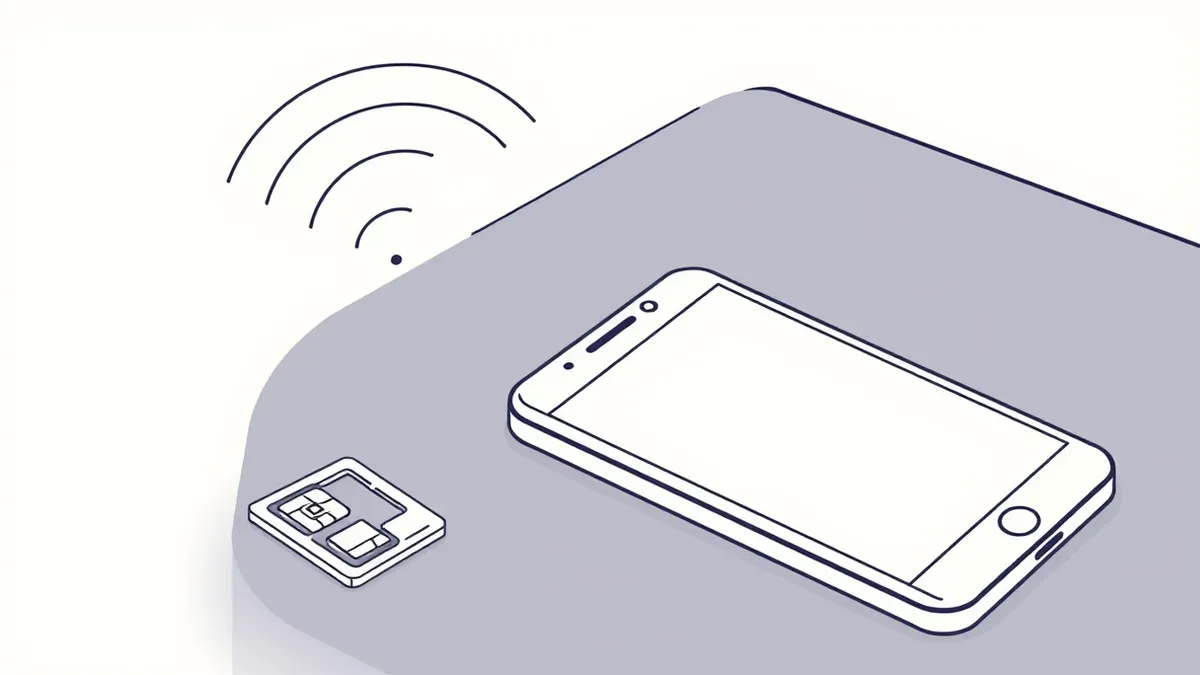
How to prevent sim swap fraud requires removing phone numbers from account recovery. Use hardware security keys for authentication. Set a carrier port-out PIN. Stop using SMS for verification. These steps block the attack vector before the attacker can access your accounts or financial data.
Why Phone Numbers Are the Weakest Link
A phone number is not a secret. It is a public identifier linked to your identity, address, and employment. Attackers gather this data from public records, data breaches, and social media. They use this information to impersonate you. The goal is not to call you. The goal is to convince your mobile carrier to move your number to a new SIM card in their possession. This process is called porting. Once the port completes, your phone loses service. The attacker receives all your SMS messages. This includes the 6-digit codes you use to log in to banking and email.
How to Prevent SIM Swap Fraud
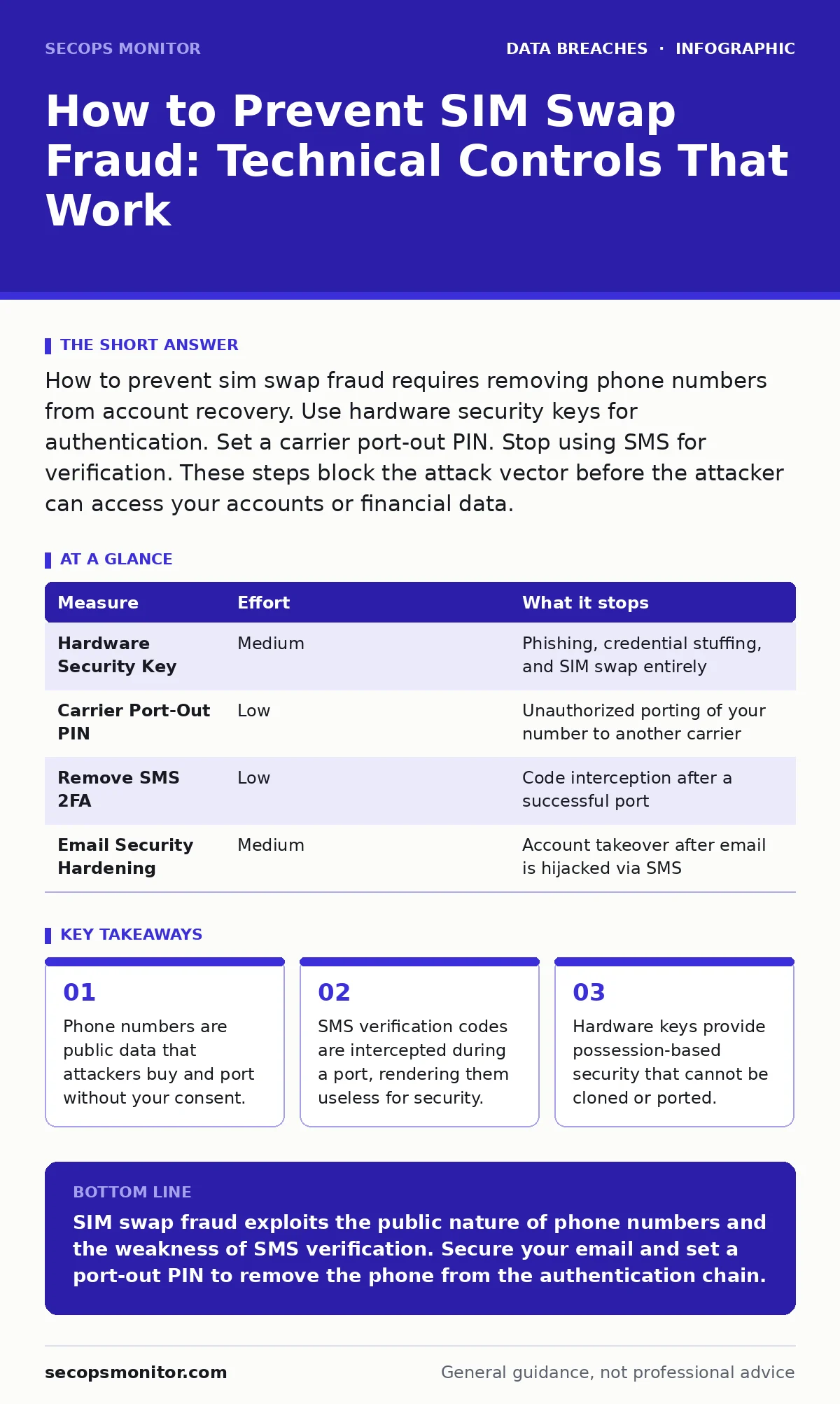
You must assume your phone number is compromised. Prevention focuses on removing the phone from the authentication chain. The following measures rank by risk reduction.
| Measure | Effort | What it stops |
|---|---|---|
| Hardware Security Key | Medium | Phishing, credential stuffing, and SIM swap entirely |
| Carrier Port-Out PIN | Low | Unauthorized porting of your number to another carrier |
| Remove SMS 2FA | Low | Code interception after a successful port |
| Email Security Hardening | Medium | Account takeover after email is hijacked via SMS |
The Port-Out PIN Is Your First Defense
Every major mobile carrier allows you to set a Port-Out PIN. This is a separate password from your account login. When someone requests to move your number to a new carrier, the new carrier must provide this PIN. If they do not have it, the port fails. This stops the fraud at the carrier level. It does not protect you if the attacker already has your PIN. You must choose a random string of characters. Do not use your birthday or your account password. Change this PIN periodically. This measure is free and takes minutes to set up. It is the single most effective administrative control you can apply.
Replace SMS With Hardware Keys
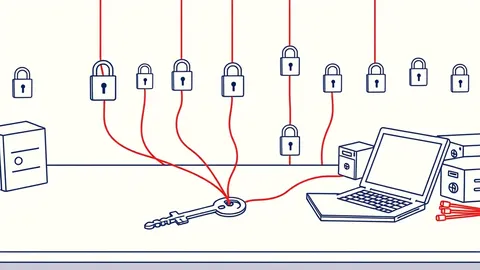
SMS verification is broken for security. It relies on the integrity of the cellular network, which is not designed for security. It is designed for availability. When you use a hardware security key, you are using a cryptographic device. It proves you possess the physical object. The key generates a unique signature for each login attempt. This signature cannot be intercepted over the air. It cannot be ported to another device. It cannot be cloned. If you do not have the key, you cannot log in. This eliminates the risk of SIM swap entirely for supported accounts. Use FIDO2 or WebAuthn standards. These are open protocols supported by most major services.
Secure Your Email Account
Email is the master key to your digital life. Most password resets go to email. If an attacker controls your email, they control your bank, your social media, and your work. They do this by resetting your email password. They use the SMS code sent to your swapped number to bypass email security. To stop this, you must remove SMS from your email account's two-factor authentication. Use an authenticator app or a hardware key for your email login. An authenticator app generates codes on your phone. It does not rely on the cellular network. If your phone is lost, you can restore the app from a backup. If your number is swapped, the app still works.
See also: Password Reuse Myths: What Actually Weakens Your Security Posture · Lost Devices: 7 Mistakes That Leak Data and How to Fix Them
What Does Not Work on Its Own
Many users believe that using a strong password prevents SIM swap fraud. This is incorrect. Passwords protect against guessing. They do not protect against identity theft. If an attacker knows your name, birthdate, and address, they can reset your password. They do not need to guess it. They need to prove they are you. The carrier asks for personal details.
The email provider asks for a reset code. Strong passwords do not stop either of these steps. You must layer controls. A strong password is the baseline. It is not the shield. Relying on password reuse makes this worse. If one site is breached, the attacker tries that password on your email. Combine this with a ported number, and they have full access.
Managing the Trade-Offs
Security introduces friction. Hardware keys require you to carry a device. Authenticator apps require you to set up a backup. Port-out PINs require you to remember a new secret. This friction is the point. It slows down attackers. It stops automated attacks. It forces manual verification. You must accept this trade-off. Convenience is the enemy of security. If you lose your hardware key, you can use a backup key. If you lose your phone, you can restore your authenticator app. Plan for these failures. Keep a backup key in a safe place. Export your authenticator app secrets to a secure file sharing service or a password manager.
The Human Element in Fraud
Attackers often use social engineering to bypass technical controls. They call your carrier and pretend to be you. They use the personal data they stole to answer security questions. This is why the port-out PIN is critical. It is a secret they cannot guess. It is a secret they cannot steal from a data breach. It is a secret only you know. You must treat this PIN like a master password. Do not write it on a sticky note. Do not share it with support staff. Legitimate carriers will never ask for your PIN. They will only ask for it when you initiate a port. If someone calls you asking for it, hang up.
Incident Response for SIM Swap
If you lose service unexpectedly, act immediately. Do not wait for confirmation. Assume your number is ported. Contact your carrier from a different phone. Ask them to lock your account. Ask them to reverse the port if possible. This is not always successful. The attacker may have already moved the number to a prepaid carrier. You must then secure your accounts. Change your email password. Enable two-factor authentication on your financial accounts. Use a backup method if possible. This is where your incident communication plans come into play. Have a list of account recovery contacts. Have a backup email address that does not use SMS.
Three Things to Do Today
You do not need to change everything at once. Start with the highest impact actions. These steps reduce your risk significantly. They take less than an hour. They provide immediate protection.
- Call your mobile carrier and set a Port-Out PIN. Choose a random string of 10 characters. Write it down in your password manager.
- Remove SMS as a two-factor authentication method for your email account. Replace it with an authenticator app or a hardware key.
- Check your social media profiles. Remove your phone number from public view. Limit who can see your connection to your email address.
These steps address the technical vector. They do not address the social engineering vector. You must remain aware of phishing attempts. You must verify requests for personal information. You must treat your personal data as confidential. This mindset shift is the final layer of defense.
Key takeaways
- Phone numbers are public data that attackers buy and port without your consent.
- SMS verification codes are intercepted during a port, rendering them useless for security.
- Hardware keys provide possession-based security that cannot be cloned or ported.
SIM swap fraud exploits the public nature of phone numbers and the weakness of SMS verification. Secure your email and set a port-out PIN to remove the phone from the authentication chain.
Frequently asked questions
Can I use an authenticator app if I lose my phone?
Yes, if you saved the backup codes or exported the accounts to a secure backup. Always store these backups in a password manager or encrypted file.
Does a VPN prevent SIM swap fraud?
No. A VPN hides your IP address. It does not protect your phone number or your carrier account. It is irrelevant to this specific attack vector.
What if my carrier does not support hardware keys?
Use an authenticator app for that carrier's account login. This prevents account takeover even if they port your number.
How long does it take to reverse a port?
It varies by carrier and jurisdiction. Some reverse it immediately. Others take days. The longer the delay, the more damage the attacker can do.
How this guide was produced: written by the SecOps Monitor editorial team with AI assistance, checked against the public references listed below, and reviewed when the facts change. See our editorial policy or report an error.