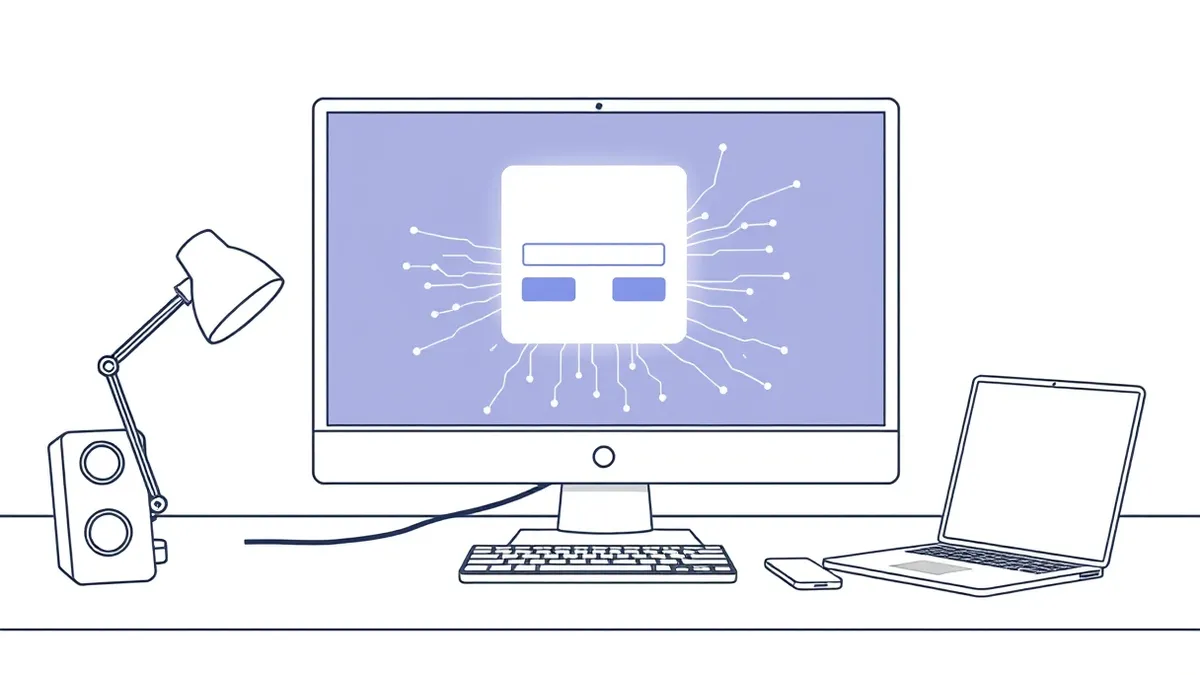
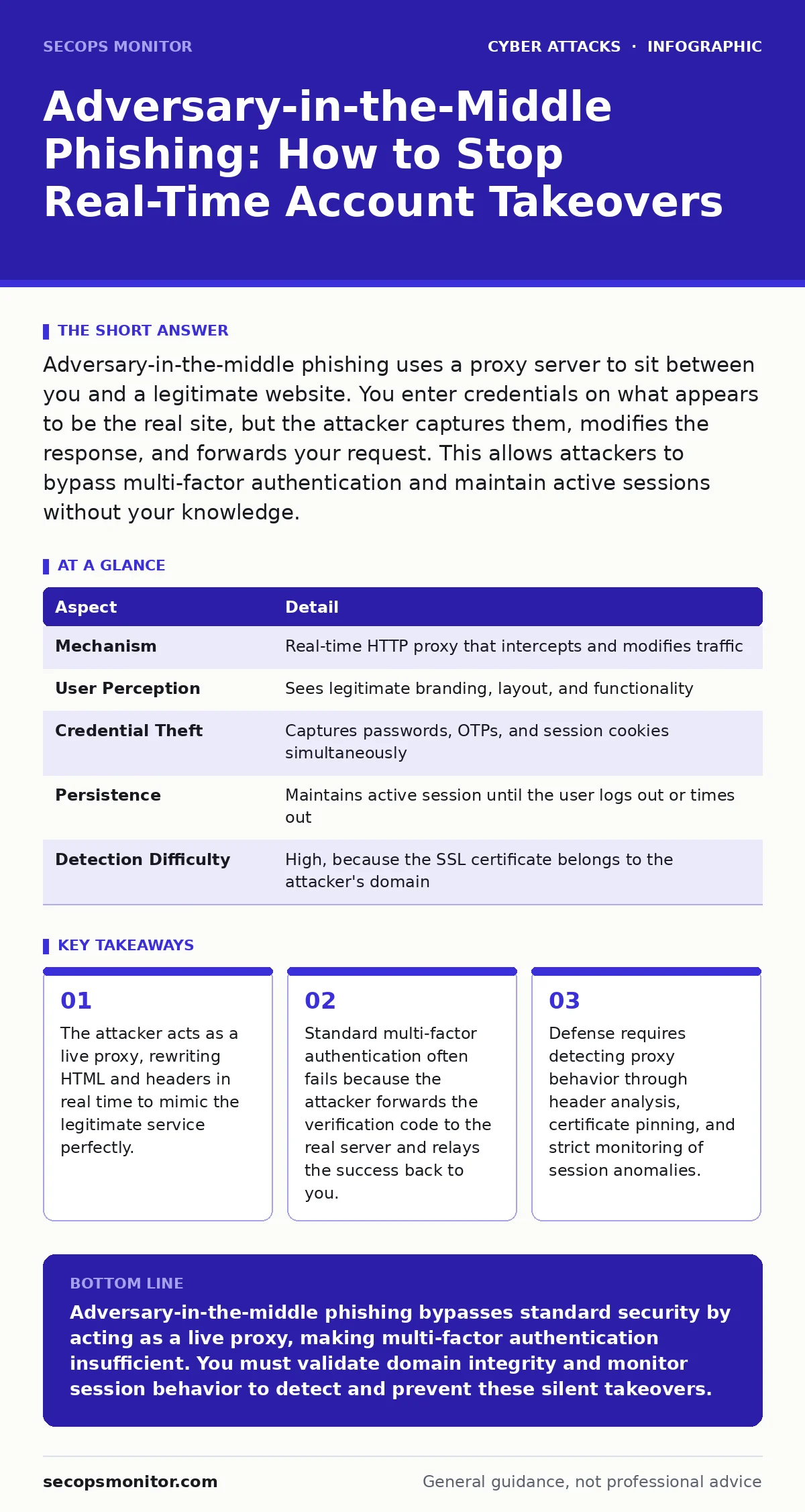
Adversary-in-the-middle phishing uses a proxy server to sit between you and a legitimate website. You enter credentials on what appears to be the real site, but the attacker captures them, modifies the response, and forwards your request. This allows attackers to bypass multi-factor authentication and maintain active sessions without your knowledge.
The Invisible Proxy Mechanism
Imagine walking into a bank. You hand your card to the teller. The teller hands it to a clerk who walks to the vault. The clerk copies the card number, swaps the chip for a blank one, and returns it to the teller. You never see the clerk. You trust the teller. This is adversary-in-the-middle phishing.
The attacker sets up a server that looks exactly like a trusted service. When you visit the fake URL, your browser connects to the attacker, not the real site. The attacker then connects to the real site on your behalf. They act as a transparent bridge. They forward your requests and responses. They modify the data in transit. You see the legitimate interface. The attacker sees your input.
This differs from static phishing pages. Static pages are snapshots. They break when the real site updates. They cannot process dynamic forms. Adversary-in-the-middle proxies are live. They render the actual site. They handle complex JavaScript. They support real-time transactions. The user experience is indistinguishable from the genuine service.
| Aspect | Detail |
|---|---|
| Mechanism | Real-time HTTP proxy that intercepts and modifies traffic |
| User Perception | Sees legitimate branding, layout, and functionality |
| Credential Theft | Captures passwords, OTPs, and session cookies simultaneously |
| Persistence | Maintains active session until the user logs out or times out |
| Detection Difficulty | High, because the SSL certificate belongs to the attacker's domain |
How the Attack Unfolds Step by Step
The process begins with a deceptive link. This link often arrives via email or message. It might use a domain that looks similar to the target. This relies on the same principles as typosquatting, where attackers register domains with minor spelling errors. You click the link. Your browser resolves the domain to the attacker’s server.
The attacker’s server receives your request. It immediately forwards that request to the legitimate service. The legitimate service responds with HTML, CSS, and JavaScript. The attacker intercepts this response. They rewrite the content. They replace the legitimate domain references with their own proxy domain. They inject tracking scripts. They ensure the visual layout remains identical.
You enter your username and password. The attacker captures these credentials. They do not send them to the real site yet. Instead, they forward them to the real site to verify validity. If the credentials are correct, the real site generates a multi-factor authentication prompt. The attacker displays this prompt to you. You enter the code. The attacker forwards the code. The real site validates it. The real site issues a session token. The attacker captures the token. They now have full access.
Why Multi-Factor Authentication Fails Here
Many users believe multi-factor authentication stops credential theft. It does not stop this specific attack. Multi-factor authentication proves you possess a secret. It does not prove you are talking to the correct server.
In this attack, the attacker is not guessing your second factor. They are relaying it. They show you the real prompt from the real server. You provide the code. They pass it along. The server accepts it. The attacker gets the session. This is called a relay attack. It bypasses the security control because the control works as designed. It verifies the user. It does not verify the context.
This makes the attack particularly dangerous for organizations that rely solely on SMS or authenticator apps. These methods confirm identity but not endpoint integrity. The attacker sits in the middle. They control the channel. They can modify any part of the handshake. They can strip security headers. They can inject malicious scripts. The authentication layer has no way to know the traffic is being proxied.
Common Forms and Target Profiles
This attack targets anyone with valuable digital accounts. System administrators are frequent targets. They have access to critical infrastructure. Their credentials grant high privileges. Attackers prioritize them because one compromised admin account can lead to total environment control.
Financial staff are also prime targets. They handle wire transfers and payroll data. This overlaps with payroll diversion fraud, where attackers redirect funds to accounts they control. By stealing the session of a finance employee, attackers can initiate transfers that appear legitimate. The internal controls see a valid user session. They do not see the malicious intent.
Executive accounts are another focus. This aligns with CEO fraud, where attackers impersonate leadership to authorize urgent payments. With a stolen session, the attacker does not need to convince anyone. They already have the authority. They can view emails, read messages, and send commands. The damage is immediate and silent.
What People Usually Get Wrong
A common mistake is assuming that HTTPS protects you. HTTPS encrypts traffic between you and the server. It does not verify that the server is the one you intend to visit. If you connect to the attacker’s server over HTTPS, the connection is secure. It is just secure with the wrong party. The padlock icon only confirms encryption. It does not confirm identity beyond the domain name.
Another error is trusting browser warnings blindly. Browsers may warn about "Not Secure" if the certificate is invalid. In this attack, the attacker uses a valid certificate for their own domain. The browser shows a green lock. The domain is just slightly different. Users often ignore the URL bar. They focus on the content. The content is real. The domain is fake.
Many also believe that logging out stops the attack. Logging out ends the current session. But the attacker may have already captured the session token. They can use it until it expires. They can also use the captured credentials to log in again. If you do not change your password, the attacker retains access. You must reset credentials immediately upon suspicion.
Reducing Risk Through Technical Controls
You can reduce risk by implementing strict domain validation. Use certificate transparency logs to monitor for new certificates issued for domains similar to yours. This helps detect typosquatting attempts early. You can also implement certificate pinning in your applications. This forces the application to trust only specific certificates. It prevents the app from accepting a proxy’s certificate.
Monitor for unusual login patterns. Look for logins from new devices or locations. Flag sessions that perform high-risk actions immediately after login. Implement step-up authentication for sensitive tasks. Require additional verification for actions like password changes or data exports. This adds friction for the attacker. They may have the session, but they cannot perform critical actions without further proof.
Security awareness training helps, but it has limits. Users cannot always spot a perfect proxy. The visual cues are identical. You must rely on technical controls. Train users to check the URL carefully. Teach them to look for subtle differences in the domain name. Encourage them to report suspicious links immediately. Do not rely on their judgment alone. Combine human vigilance with automated detection.
Detecting Active Proxy Behavior
Detection requires analyzing traffic characteristics. Proxies often introduce latency. The extra hop adds delay. Monitor for increased response times. Analyze HTTP headers. Proxies may add their own headers or modify existing ones. Look for discrepancies in the User-Agent string. The attacker’s server may not preserve the exact client details.
Check for certificate mismatches. Even if the domain is valid, the certificate chain might differ. Compare the certificate details against known good baselines. Use browser extensions that highlight domain changes. These tools can alert you when you move from a trusted domain to a similar but different one.
Final Steps for Incident Response
If you suspect this attack, act immediately. Change your password. Revoke all active sessions. Check for unauthorized changes to your account settings. Review recent activity logs for unfamiliar actions. Contact your security team. They can analyze the traffic logs. They can identify the proxy server’s IP address. They can block future access from that source.
Do not ignore minor anomalies. A slight change in page layout. A small delay in loading. These can be signs of proxy manipulation. Treat them as potential compromises. Verify the source of any login request. Ensure you are typing the URL directly. Do not rely on bookmarks that may have been hijacked. Maintain a disciplined approach to authentication.
Key takeaways
- The attacker acts as a live proxy, rewriting HTML and headers in real time to mimic the legitimate service perfectly.
- Standard multi-factor authentication often fails because the attacker forwards the verification code to the real server and relays the success back to you.
- Defense requires detecting proxy behavior through header analysis, certificate pinning, and strict monitoring of session anomalies.
Adversary-in-the-middle phishing bypasses standard security by acting as a live proxy, making multi-factor authentication insufficient. You must validate domain integrity and monitor session behavior to detect and prevent these silent takeovers.
Frequently asked questions
How is this different from standard phishing?
Standard phishing uses static fake pages that cannot process real-time interactions. Adversary-in-the-middle proxies connect to the real site, allowing full functionality and real-time credential capture.
Can a VPN stop this attack?
A VPN encrypts your traffic to the VPN server. It does not verify the destination. If you connect to a fake site via a VPN, the attacker still intercepts your data. The VPN does not prevent proxy attacks.
Should I disable multi-factor authentication?
No. Multi-factor authentication still protects against credential guessing and database leaks. It just does not stop relay attacks. You need additional controls like device binding or behavioral analysis.
How do I know if my session is stolen?
Look for unexpected actions in your account history. Check for logins from unknown locations. If you see activity you did not perform, assume your session is compromised and revoke it immediately.
How this guide was produced: written by the SecOps Monitor editorial team with AI assistance, checked against the public references listed below, and reviewed when the facts change. See our editorial policy or report an error.