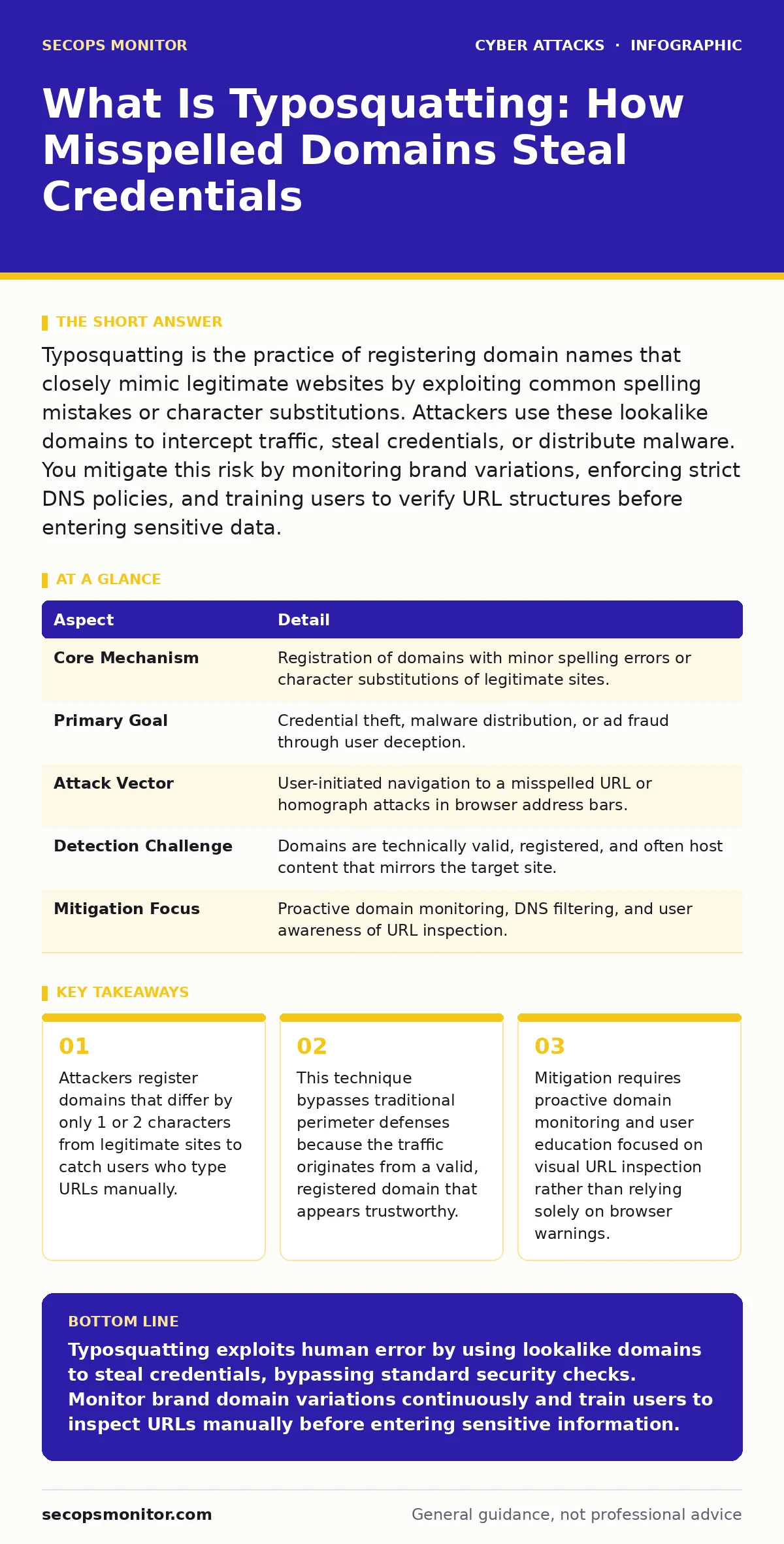
Typosquatting is the practice of registering domain names that closely mimic legitimate websites by exploiting common spelling mistakes or character substitutions. Attackers use these lookalike domains to intercept traffic, steal credentials, or distribute malware. You mitigate this risk by monitoring brand variations, enforcing strict DNS policies, and training users to verify URL structures before entering sensitive data.
The Keyboard Mistake That Compromises Security
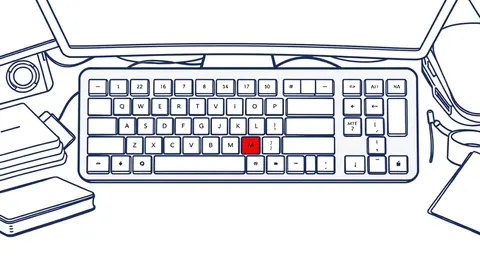
Imagine typing your banking website’s address while rushing to check a balance. Your finger slips, swapping a "q" for a "p" or omitting a double letter. The browser loads a page that looks identical to your bank’s login screen. You enter your credentials, believing you are secure. In reality, you have handed your secrets to an attacker who registered that misspelled domain specifically to catch this error. This is the core mechanism of typosquatting.
What Is Typosquatting and How It Works
What is typosquatting? It is a cyberattack technique where adversaries register domain names that are slight variations of popular, legitimate websites. These variations rely on common human errors: transposed letters, missing characters, or substituting visually similar characters like "0" for "o". The attacker then creates a website on that domain that mimics the legitimate target. The goal is to trick users into believing they are on the correct site.
The process begins with the attacker identifying high-value targets, such as financial institutions or cloud providers. They use automated tools to generate thousands of domain variations. They register the available ones, often in bulk. Once owned, they host phishing pages, malware distribution sites, or advertising networks. The attack succeeds because the user initiates the connection to a valid domain, bypassing many automated security alerts that flag only known malicious URLs.
At a Glance: Typosquatting Mechanics
| Aspect | Detail |
|---|---|
| Core Mechanism | Registration of domains with minor spelling errors or character substitutions of legitimate sites. |
| Primary Goal | Credential theft, malware distribution, or ad fraud through user deception. |
| Attack Vector | User-initiated navigation to a misspelled URL or homograph attacks in browser address bars. |
| Detection Challenge | Domains are technically valid, registered, and often host content that mirrors the target site. |
| Mitigation Focus | Proactive domain monitoring, DNS filtering, and user awareness of URL inspection. |
Who It Affects and Why It Succeeds
Typosquatting affects anyone who manually types web addresses or clicks on links without verifying the destination. System administrators face indirect risks when employees compromise corporate credentials. Attackers target organizations with high brand recognition because those sites generate more traffic and more typing errors. The success rate increases when users are distracted or in a hurry.
The attack exploits cognitive shortcuts. Users rarely read the entire URL character by character. They look for the main domain name and assume the rest is correct. Attackers know this. They design their lookalike domains to blend in visually. Some use different top-level domains, like ".net" instead of ".com", or insert hyphens in places where the legitimate site does not use them. This visual similarity allows the attack to bypass casual inspection.
Common Misconceptions About Domain Safety
People usually get wrong that a padlock icon in the browser address bar guarantees safety. The padlock only indicates that the connection is encrypted via TLS, not that the destination is legitimate. An attacker can easily obtain a valid SSL certificate for their typosquatted domain. Users see the green lock and assume they are on the correct site, handing over credentials securely to the wrong party.
Another mistake is assuming that only obscure or small websites are targets. Major technology and financial companies are frequent targets because their users type their URLs frequently. The volume of traffic increases the probability of catching errors. Additionally, some believe that anti-virus software protects against typosquatting. Traditional anti-virus focuses on file-based threats on the local machine. It does not inspect the URL bar for subtle spelling errors or validate the intent of the destination domain.
Defending Against Typosquatting at Scale
Defending against this threat requires a combination of technical controls and user behavior changes. Organizations should implement proactive domain monitoring services. These services scan for newly registered domains that match patterns similar to the organization’s brand. When a match is found, the organization can pursue legal takedown requests or register the variations themselves to park them safely. This reduces the attack surface by removing the landing pages for attackers.
Internal DNS filtering helps block access to known malicious domains. However, this is reactive. You also need to educate users on how to inspect URLs. Teach them to look for the specific domain name, not just the main keywords. Emphasize that the padlock icon is not a trust indicator for the site’s identity. Encourage the use of bookmarks for frequently visited sensitive sites. Bookmarks eliminate the need to type the URL manually, removing the possibility of a typo.
Integration With Broader Security Strategies
Typosquatting often serves as the initial access vector for more complex attacks. Once credentials are stolen, attackers may launch adversary-in-the-middle phishing campaigns to maintain persistent access. They might use stolen credentials to send payroll diversion fraud requests, changing bank details for vendor payments. Understanding this connection helps prioritize defense efforts.
Organizations should also consider how typosquatting relates to DNS spoofing. While DNS spoofing alters the resolution of a correct domain name to a malicious IP, typosquatting relies on the user resolving a different, incorrect domain name. Both result in the user connecting to the wrong server. Defense strategies for both include validating DNS records and using DNSSEC to ensure data authenticity.
User education remains a critical layer. Security awareness training should include specific examples of typosquatting. Show users side-by-side comparisons of legitimate and fake URLs. Highlight the subtle differences, such as character substitutions or unusual top-level domains. This training reduces the likelihood of users falling for these visual tricks. Additionally, enforcing MFA fatigue attacks resistance by limiting the number of consecutive MFA prompts can help if an attacker tries to use stolen credentials rapidly.
Proactive Monitoring and Incident Response
When a typosquatting incident is detected, immediate action is required. Revoke the compromised credentials immediately. Force a password reset for the affected account. Investigate the extent of the compromise by checking for unusual login locations or activities. If financial data was involved, notify relevant stakeholders and financial institutions.
For system administrators, implementing automated alerts for new domain registrations matching your brand is vital. Use threat intelligence platforms that specialize in domain monitoring. These tools can identify variations of your domain before they are used in an attack. By registering common misspellings of your own domain, you can prevent attackers from using them. This defensive registration strategy reduces the risk significantly.
Remember that typosquatting is a persistent threat. Attackers constantly register new domains as old ones are taken down. Continuous monitoring and regular user training are necessary to stay ahead. Do not rely on a single defense mechanism. Combine technical controls, user awareness, and proactive domain management to build a resilient posture against this subtle but dangerous attack.
Key takeaways
- Attackers register domains that differ by only 1 or 2 characters from legitimate sites to catch users who type URLs manually.
- This technique bypasses traditional perimeter defenses because the traffic originates from a valid, registered domain that appears trustworthy.
- Mitigation requires proactive domain monitoring and user education focused on visual URL inspection rather than relying solely on browser warnings.
Typosquatting exploits human error by using lookalike domains to steal credentials, bypassing standard security checks. Monitor brand domain variations continuously and train users to inspect URLs manually before entering sensitive information.
Frequently asked questions
How do I tell if a website is a typosquatting attempt?
Check the URL carefully for misspellings, character substitutions like "0" for "o", or unusual top-level domains. Compare the address against a known bookmark or official link source.
Can firewalls stop typosquatting attacks?
Traditional firewalls filter based on IP addresses and ports, not URL content. They cannot detect typosquatting unless integrated with advanced DNS filtering or threat intelligence feeds that block known malicious domains.
Why does my browser show a secure connection on a fake site?
The secure padlock only confirms that the data is encrypted between your browser and the server. It does not verify that the server is the legitimate website you intended to visit. Attackers can obtain valid certificates for fake domains.
Should I register all misspellings of my company domain?
Registering common misspellings is a strong defensive measure, but it is not always feasible due to cost and volume. Prioritize the most likely typos and use monitoring services to detect and takedown others as they appear.
How this guide was produced: written by the SecOps Monitor editorial team with AI assistance, checked against the public references listed below, and reviewed when the facts change. See our editorial policy or report an error.