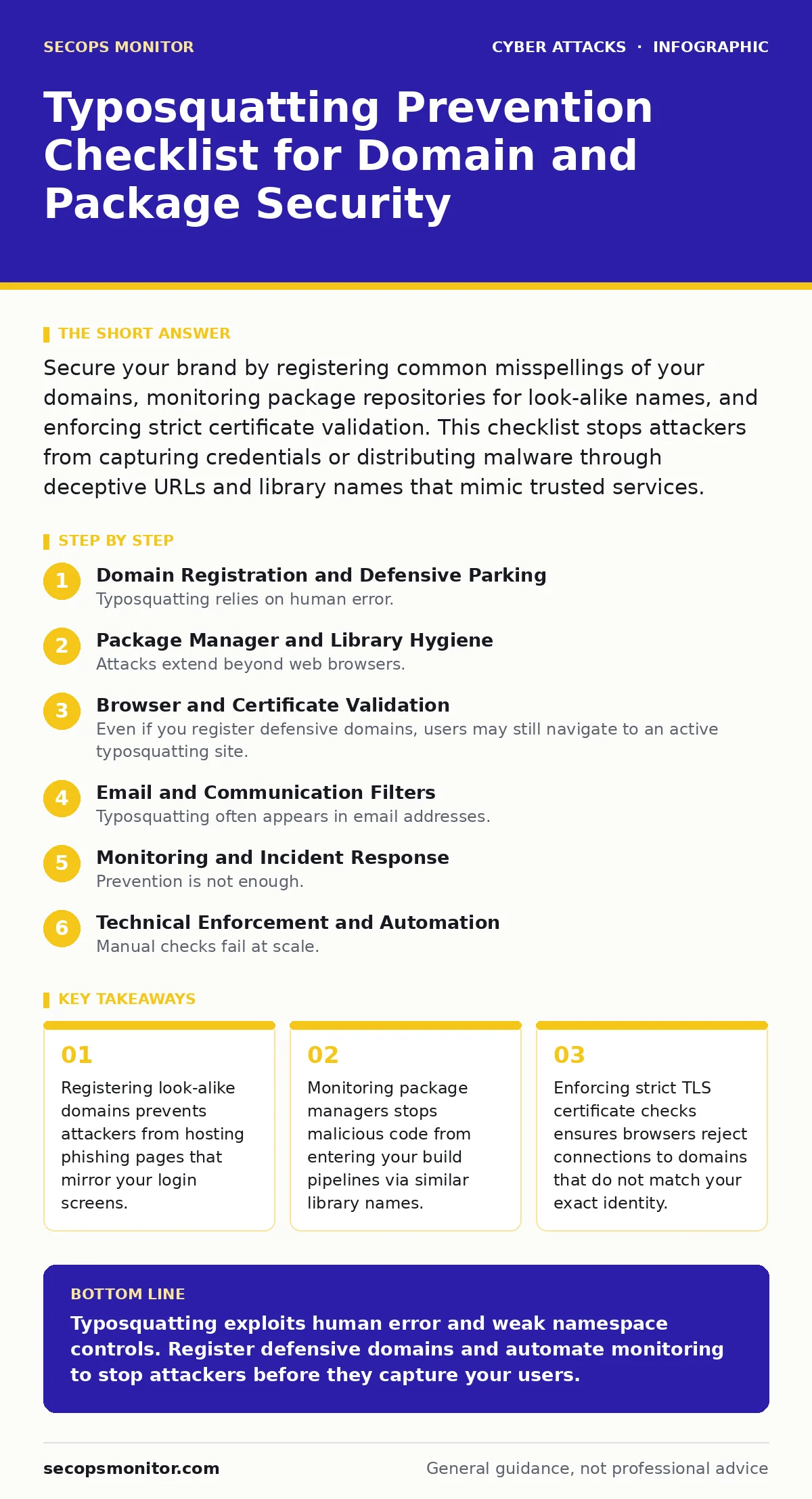
Secure your brand by registering common misspellings of your domains, monitoring package repositories for look-alike names, and enforcing strict certificate validation. This checklist stops attackers from capturing credentials or distributing malware through deceptive URLs and library names that mimic trusted services.
Domain Registration and Defensive Parking
Typosquatting relies on human error. When a user types a web address incorrectly, an attacker who owns the misspelled domain captures the traffic. You must control the namespace around your brand. This section covers the administrative steps to secure your digital real estate.
- Register common misspellings of your primary domain: This prevents attackers from acquiring the domain to host phishing pages.
- Register popular top-level domains for your brand name: Users often forget to type .com and land on .net or .org instead.
- Register domains with transposed letters: Swapping adjacent letters like "exmaple" is a frequent typing error.
- Register domains with missing characters: Dropping a letter from the middle of a long domain name creates a viable squat.
- Set up automatic renewal for all defensive domains: Letting a defensive domain expire hands it directly to an attacker.
- Configure defensive domains to return a 444 or 404 response: This stops attackers from using parked pages to collect data.
Package Manager and Library Hygiene
Attacks extend beyond web browsers. Developers often install software libraries from public repositories. Attackers publish packages with names that are visually similar to popular libraries. This is known as dependency confusion or package typosquatting. Once installed, these packages can exfiltrate secrets or install backdoors.
- Audit your project dependencies for look-alike names: A single missing letter in a library name can introduce malicious code.
- Use private package proxies for internal development: This blocks access to public repositories that may host squatting packages.
- Verify package publisher identities before installation: Legitimate libraries are usually maintained by known organizations or authors.
- Pin dependency versions to specific hashes: This prevents an attacker from updating a legitimate package with malicious code.
- Enable strict mode in your package manager: This rejects packages that do not meet specific security criteria.
- Monitor for new packages with similar names to your own: Attackers may try to mimic your internal libraries.
Browser and Certificate Validation
Even if you register defensive domains, users may still navigate to an active typosquatting site. The browser must recognize the mismatch. Transport Layer Security certificates provide a layer of verification. If the certificate does not match the expected domain, the browser should warn the user.
- Enforce HTTP Strict Transport Security headers: This forces browsers to use HTTPS and prevents downgrade attacks.
- Configure browsers to reject self-signed certificates: Self-signed certs are common on typosquatting sites that cannot afford trusted certificates.
- Train users to check the certificate details: Users should verify the organization name in the certificate matches your brand.
- Use Certificate Transparency logs to monitor new certificates: This helps detect if an attacker obtains a valid certificate for a look-alike domain.
- Disable automatic certificate pinning rotation: Pinning can break if certificates are rotated incorrectly, causing service outages.
- Ensure DNS over HTTPS is enabled: This prevents local DNS spoofing from redirecting users to typosquatting domains.
Email and Communication Filters
Typosquatting often appears in email addresses. An attacker sends an email from a domain that looks like yours. This is a form of vishing when combined with phone calls, or CEO fraud when impersonating leadership. Your email gateway must filter these messages.
- Implement DMARC records for your domain: This tells receiving servers to reject emails that do not originate from your authorized servers.
- Configure SPF records to list only your mail servers: This prevents attackers from sending emails that appear to come from your domain.
- Set up DKIM signing for outgoing emails: This cryptographically signs your emails, proving they have not been altered in transit.
- Filter emails from domains with single-character differences: Your email gateway should flag addresses that mimic your domain.
- Monitor for unusual email patterns: Sudden spikes in emails from look-alike domains indicate an active campaign.
- Educate users on verifying sender addresses: Users should hover over the sender name to see the actual email address.
Monitoring and Incident Response
Prevention is not enough. You must detect when typosquatting occurs. Attackers register new domains daily. Automated tools can scan for new registrations that match your brand patterns. When a squatting domain is detected, you must act quickly.
- Use a brand protection service to monitor new domains: These services scan global registries for look-alike domains in real time.
- Set up alerts for new SSL certificates on look-alike domains: Attackers often obtain certificates before launching phishing campaigns.
- Monitor web archives for cached phishing pages: Even if you take down a domain, cached copies may remain accessible.
- Track mentions of your brand on social media: Attackers often promote typosquatting links through social media posts.
- Establish a process for reporting typosquatting domains: You need a clear path to report abuse to registrars and hosting providers.
- Review your security awareness training materials: Ensure staff understand how typosquatting differs from standard phishing.
Technical Enforcement and Automation
Manual checks fail at scale. You must automate the detection and mitigation of typosquatting. Integration with your existing security tools ensures continuous protection. This requires coordination between your security, legal, and IT teams.
- Integrate domain monitoring with your SIEM: This allows your intrusion detection systems to alert on traffic to squatting domains.
- Automate the blocking of known typosquatting domains: Use DNS sinkholing to redirect traffic from squatting domains to a safe page.
- Implement account lockout policies for failed logins: Typosquatting sites often harvest credentials for brute-force attacks.
- Use threat intelligence feeds to update blocklists: These feeds provide real-time data on new typosquatting domains.
- Regularly test your detection mechanisms: Simulate typosquatting attacks to verify your monitoring tools catch them.
- Document your response plan for typosquatting incidents: Clear procedures reduce response time and limit damage.
Key takeaways
- Registering look-alike domains prevents attackers from hosting phishing pages that mirror your login screens.
- Monitoring package managers stops malicious code from entering your build pipelines via similar library names.
- Enforcing strict TLS certificate checks ensures browsers reject connections to domains that do not match your exact identity.
Typosquatting exploits human error and weak namespace controls. Register defensive domains and automate monitoring to stop attackers before they capture your users.
Frequently asked questions
How do I stop typosquatting on my mobile apps?
Use certificate pinning and verify server identities during API calls to ensure your app only communicates with your legitimate servers.
Can I sue someone for typosquatting?
Legal action is possible under trademark laws, but it is slow and expensive. Technical mitigation through domain registration is faster and more effective.
Does HTTPS prevent typosquatting?
HTTPS encrypts traffic but does not verify the domain’s legitimacy. An attacker can obtain a valid certificate for a typosquatting domain.
How often should I check for new squatting domains?
Daily monitoring is recommended. Attackers register domains quickly, so delayed detection allows them to launch phishing campaigns.
How this guide was produced: written by the SecOps Monitor editorial team with AI assistance, checked against the public references listed below, and reviewed when the facts change. See our editorial policy or report an error.