Implement default-deny rules for all script engines. Use application whitelisting to allow only signed, trusted executables. Monitor for PowerShell and Python activity. Combine these controls with heuristic detection to catch novel threats that bypass static rules.
The Shift from Detection to Prevention
Traditional security relies on signature-based detection, which identifies known threats by comparing them against a database of hashes. This method fails against new malware variants. Script blocking shifts the strategy from reaction to prevention. You stop the execution mechanism rather than hunting for the payload.
Scripts like PowerShell, Python, and JavaScript are interpreted languages. They do not compile into machine code before running. This flexibility allows attackers to write short, obfuscated commands that bypass file-based scanners. By controlling the interpreter, you control the threat surface.
1. Enforce Default-Deny Policies
The most effective control is a default-deny posture for all script engines. This means no script runs unless explicitly permitted. Most systems allow scripts to run by default, creating a wide attack surface. You must invert this logic.
Why it matters: It eliminates the risk of unknown or obfuscated scripts executing. Even if an attacker bypasses network filters, the local engine will refuse to run the code.
Practical tip: Configure group policies or endpoint agents to block all PowerShell and Python execution unless the process is signed by your organization’s certificate authority.
2. Implement Application Whitelisting
Whitelisting allows only pre-approved applications to run. You define the trusted state of your systems. Any binary or script not on the list is blocked. This is more secure than blacklisting, which requires constant updates.
Why it matters: It prevents the execution of unauthorized binaries, including wiper malware that attempts to destroy data. The system only runs what you have verified.
Practical tip: Use hash-based whitelisting for static binaries and certificate-based whitelisting for dynamic scripts. Regularly audit the whitelist to remove unused applications.
3. Restrict PowerShell Execution Policies
PowerShell is a powerful management tool that attackers frequently abuse. It can download payloads, encrypt files, and move laterally. Default execution policies often allow remote scripts to run. This is a significant risk.
Why it matters: Tightening execution policies reduces the ability of attackers to use PowerShell for initial access or lateral movement. It forces scripts to be signed.
Practical tip: Set the execution policy to "AllSigned" or "RemoteSigned" on all endpoints. Require that all custom scripts be signed with a trusted internal certificate.
4. Monitor for Suspicious Script Activity
Blocking is not enough. You must monitor for legitimate scripts behaving abnormally. Attackers often use living-off-the-land binaries, which are legitimate system tools. These tools bypass signature-based detection.
Why it matters: Behavioral monitoring catches threats that static rules miss. It identifies the intent behind the execution, not just the file itself.
Practical tip: Create alerts for PowerShell processes spawning from unexpected parent processes, such as Word or Excel. Also, flag scripts that connect to external IP addresses.
5. Disable Unnecessary Script Engines
Many systems have multiple script engines installed by default. If a service does not require Python or Perl, disable it. Every interpreter is a potential entry point. Reducing the number of installed engines reduces risk.
Why it matters: It shrinks the attack surface. If the interpreter is not present, the attacker cannot use it. This is a form of defense in depth.
Practical tip: Audit your software inventory. Remove Python, Ruby, and Perl from systems that do not explicitly need them for application functionality.
6. Use Constrained Language Modes
Some script engines offer constrained modes. These modes restrict access to sensitive system resources. For example, PowerShell has a constrained language mode that limits access to COM objects and .NET types.
Why it matters: It limits the damage a script can do even if it executes. An attacker may gain code execution but cannot interact with critical system components.
Practical tip: Enable constrained language mode for PowerShell on servers and workstations. Verify that your administrative scripts still function correctly in this restricted environment.
7. Validate Input at the Boundary
Scripts often process user input. If this input is not validated, it can lead to injection attacks. Attackers can inject malicious code into web forms or API calls. This code executes on the server.
Why it matters: It prevents remote code execution vulnerabilities. Proper input validation ensures that the script only processes expected data formats.
Practical tip: Implement strict input validation on all web applications. Reject any input that does not match the expected pattern. Do not rely solely on client-side validation.
8. Regularly Update Script Interpreters
Vulnerabilities in script engines are common. Attackers exploit these flaws to bypass security controls. Keeping interpreters updated is a basic but critical hygiene practice.
Why it matters: It patches known vulnerabilities that could allow privilege escalation or remote code execution. Unpatched systems are easy targets for automated attacks.
Practical tip: Automate the patching process for all script engines. Test updates in a staging environment before deploying to production to avoid breaking dependencies.
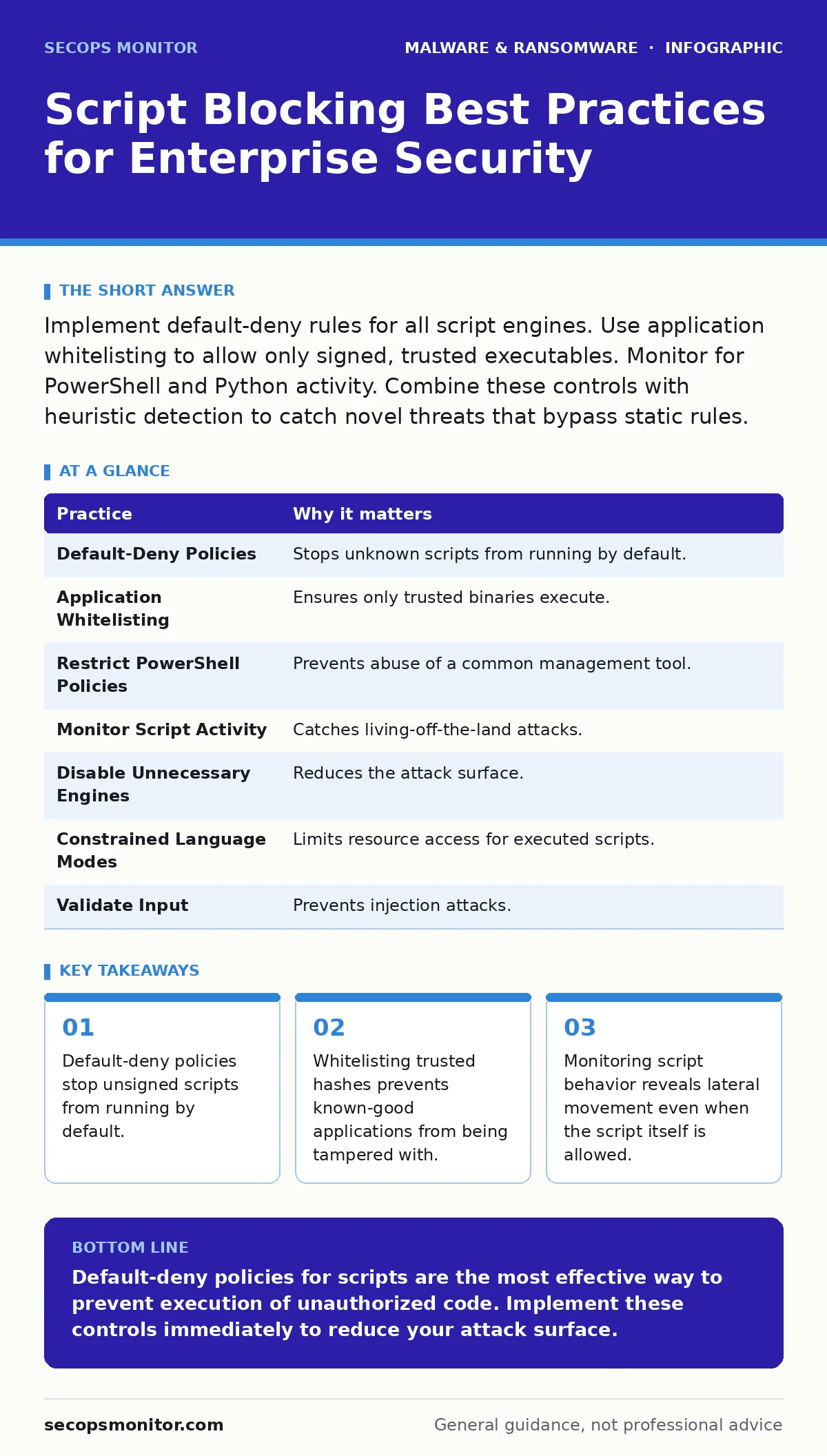
| Practice | Why it matters |
|---|---|
| Default-Deny Policies | Stops unknown scripts from running by default. |
| Application Whitelisting | Ensures only trusted binaries execute. |
| Restrict PowerShell Policies | Prevents abuse of a common management tool. |
| Monitor Script Activity | Catches living-off-the-land attacks. |
| Disable Unnecessary Engines | Reduces the attack surface. |
| Constrained Language Modes | Limits resource access for executed scripts. |
| Validate Input | Prevents injection attacks. |
| Update Interpreters | Patches known vulnerabilities. |
Integrating with Broader Security
Script blocking works best when combined with other controls. Heuristic detection can identify suspicious behavior that static rules miss. This layered approach provides deeper visibility.
Consider the risk of cryptojacking, where attackers use scripts to mine cryptocurrency on your servers. Script blocking prevents the initial execution of the mining software. Similarly, banking trojans often use scripts to intercept credentials. Blocking these scripts protects sensitive data.
Linux malware is increasing in frequency. Many of these threats rely on shell scripts. The same principles apply to Linux environments. You must enforce strict permissions and disable unnecessary interpreters.
Bootkits operate at a lower level, before the operating system loads. Script blocking does not protect against bootkits. You must use separate controls like Secure Boot to protect the boot process.
Key takeaways
- Default-deny policies stop unsigned scripts from running by default.
- Whitelisting trusted hashes prevents known-good applications from being tampered with.
- Monitoring script behavior reveals lateral movement even when the script itself is allowed.
Default-deny policies for scripts are the most effective way to prevent execution of unauthorized code. Implement these controls immediately to reduce your attack surface.
Frequently asked questions
Does script blocking affect performance?
Minimal impact occurs when policies are enforced locally. The overhead is negligible compared to the security benefit.
Can attackers bypass script blocking?
Sophisticated attackers may use memory-resident techniques. Combine blocking with behavioral monitoring to catch these attempts.
Is script blocking enough on its own?
No. It must be part of a layered security strategy. Combine it with patching, monitoring, and user training.
How do I handle legacy applications?
Create specific exceptions for legacy applications. Isolate these systems from the rest of the network to limit risk.
How this guide was produced: written by the SecOps Monitor editorial team with AI assistance, checked against the public references listed below, and reviewed when the facts change. See our editorial policy or report an error.