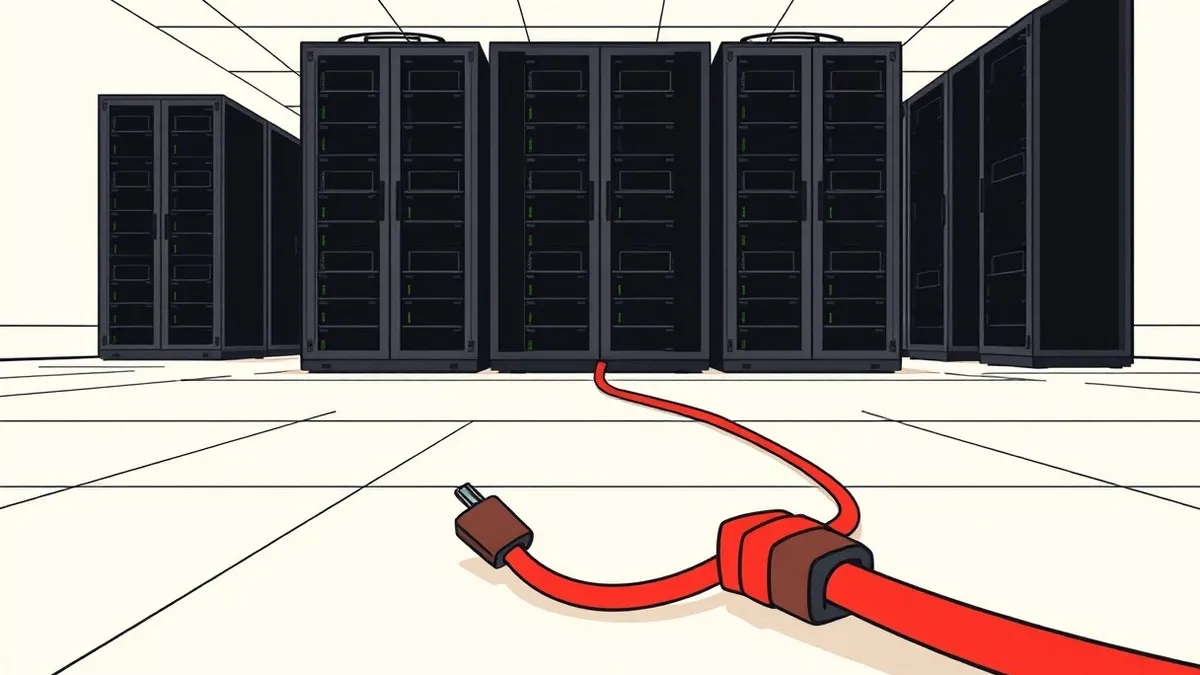
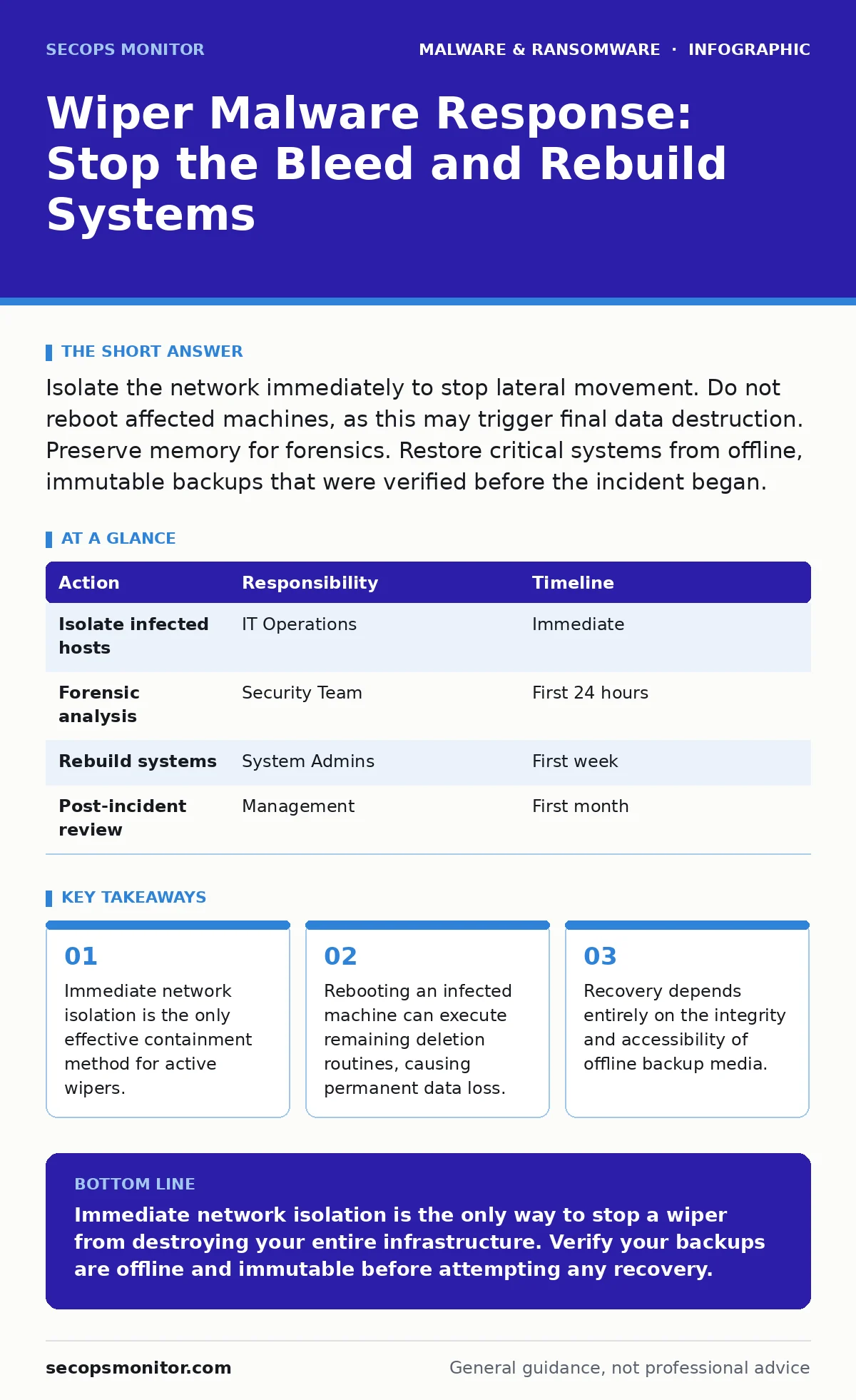
Isolate the network immediately to stop lateral movement. Do not reboot affected machines, as this may trigger final data destruction. Preserve memory for forensics. Restore critical systems from offline, immutable backups that were verified before the incident began.
First hour: Isolate and Preserve Evidence
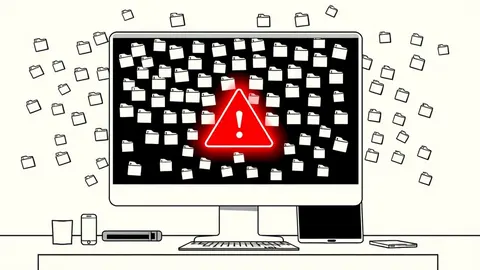
The moment you suspect a wiper attack, your priority shifts from detection to containment. Wiper malware is designed to erase data, not encrypt it for ransom. This means there is no negotiation and no decryption key. Your goal is to limit the blast radius before the malware reaches your backup storage.
- Disconnect the affected machine from the network physically or via port shutdown.
- Isolate any server or workstation that shows signs of file deletion or system instability.
- Preserve the system state. Do not run antivirus scans yet, as these may alter memory or disk sectors needed for forensics.
Imagine a scenario where a single compromised endpoint begins deleting files in the shared drive. If you isolate that endpoint within minutes, the damage is limited to that machine. If you wait, the malware spreads via shared credentials to the file server.
- Identify the initial infection point.
- Cut network access to the infected host.
- Document the time of detection.
- Preserve RAM dump if possible for later analysis.
First day: Contain and Assess Scope
Once the immediate threat is isolated, you must determine how far the infection has spread. Wipers often move laterally using stolen credentials or unpatched vulnerabilities. You need to map the infection path to ensure you have not missed any compromised nodes.
Check your logs for unusual administrative activity. Look for mass file deletions, changes to system directories, or unexpected service stops. Do not rely on signature-based detection alone, as wipers are often custom-written and evade standard antivirus definitions. Heuristic detection may help identify suspicious behavior patterns that do not match known threats.
You must also check your backup infrastructure. If the wiper had access to your backup network, your recovery plan is compromised. Verify that your backup media is offline or immutable. Immutable backups cannot be altered or deleted for a set period, providing a safe recovery point even if the attacker had temporary access.
First week: Recovery and Rebuilding
Recovery from a wiper attack is slow and painful. You cannot simply restore files; you must rebuild trust in the system. Start by reimaging infected computers completely. Do not attempt to clean the system in place, as remnants of the malware or backdoors may remain.
- Wipe the hard drives of all affected systems.
- Install a fresh operating system from trusted media.
- Apply all security patches and updates.
- Restore data from verified, clean backups.
This process requires patience. Rushing to restore services can reintroduce the threat. Verify each system before connecting it back to the network. Monitor for any signs of recurrence. If you use script blocking, ensure it is enabled on all endpoints to prevent similar attacks that rely on PowerShell or other scripting languages.
Who to Tell: Internal and External Notifications
Transparency is key during a wiper incident. You must inform your internal team, management, and potentially external stakeholders. Create a clear communication plan that outlines what happened, what is being done, and what is expected.
Inform your legal team immediately. Depending on the data lost, you may have regulatory obligations. Notify your cyber insurance provider early to understand coverage for recovery costs. Communicate with your vendors if their systems were compromised or if they need to be aware of the incident.
Do not speculate publicly. Stick to the facts. Avoid blaming individuals or specific technologies. Focus on the steps you are taking to recover and prevent future incidents. This builds trust and reduces panic among stakeholders.
How to Stop a Repeat: Hardening Your Environment
Preventing a repeat attack requires more than just restoring systems. You must address the root cause of the initial compromise. This often involves strengthening access controls, improving network segmentation, and enhancing monitoring.
Implement least privilege principles. Ensure that users and services have only the access they need. Use multi-factor authentication for all administrative accounts. Regularly review and update your security policies to reflect current threats.
Consider bootkits, which can infect the master boot record and bypass traditional operating system security. If your environment is highly targeted, evaluate hardware-based security features like Secure Boot. These features verify the integrity of the boot process, preventing malicious code from loading before the operating system starts.
Lessons Learned and Future Preparedness
After the dust settles, conduct a thorough post-incident review. Identify what worked and what did not. Update your incident response plan based on these findings. Train your team on the new procedures.
Regularly test your backups. Ensure they can be restored quickly and completely. Simulate wiper scenarios in your tabletop exercises. This prepares your team for the high-pressure environment of a real attack.
Invest in continuous monitoring and threat intelligence. Stay informed about new wiper variants and tactics. Adapt your defenses accordingly. Security is an ongoing process, not a one-time fix.
| Action | Responsibility | Timeline |
|---|---|---|
| Isolate infected hosts | IT Operations | Immediate |
| Forensic analysis | Security Team | First 24 hours |
| Rebuild systems | System Admins | First week |
| Post-incident review | Management | First month |
Key takeaways
- Immediate network isolation is the only effective containment method for active wipers.
- Rebooting an infected machine can execute remaining deletion routines, causing permanent data loss.
- Recovery depends entirely on the integrity and accessibility of offline backup media.
Immediate network isolation is the only way to stop a wiper from destroying your entire infrastructure. Verify your backups are offline and immutable before attempting any recovery.
Frequently asked questions
Can I recover files deleted by wiper malware?
Recovery is possible if you have clean, offline backups. Without backups, data deleted by wipers is generally unrecoverable as the file system metadata is destroyed.
How do I know if my backups are safe?
Verify that your backups are stored offline or on immutable media. Check backup logs for any unauthorized access or modification attempts before the incident.
Should I call the police for a wiper attack?
Consult your legal counsel first. Law enforcement may assist in certain cases, but their ability to recover data or identify attackers is limited.
What is the difference between ransomware and wiper malware?
Ransomware encrypts files for extortion, while wiper malware destroys data without the possibility of recovery. Wipers are often used by state-sponsored actors or in destructive attacks.
How this guide was produced: written by the SecOps Monitor editorial team with AI assistance, checked against the public references listed below, and reviewed when the facts change. See our editorial policy or report an error.