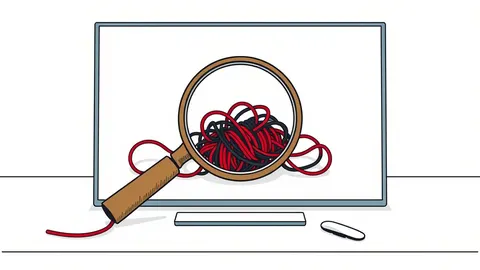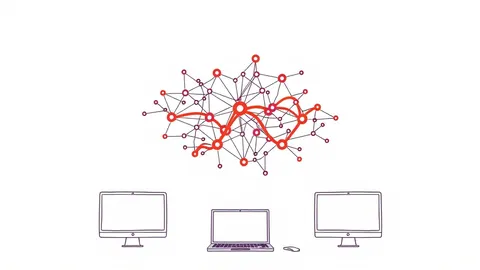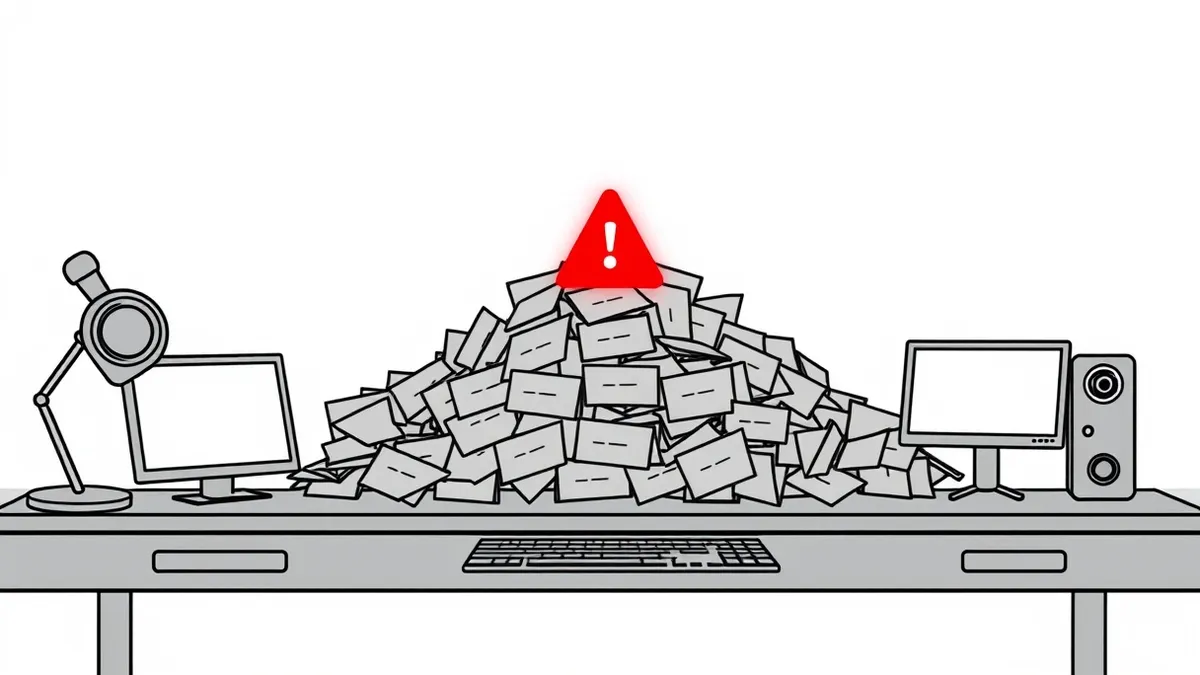
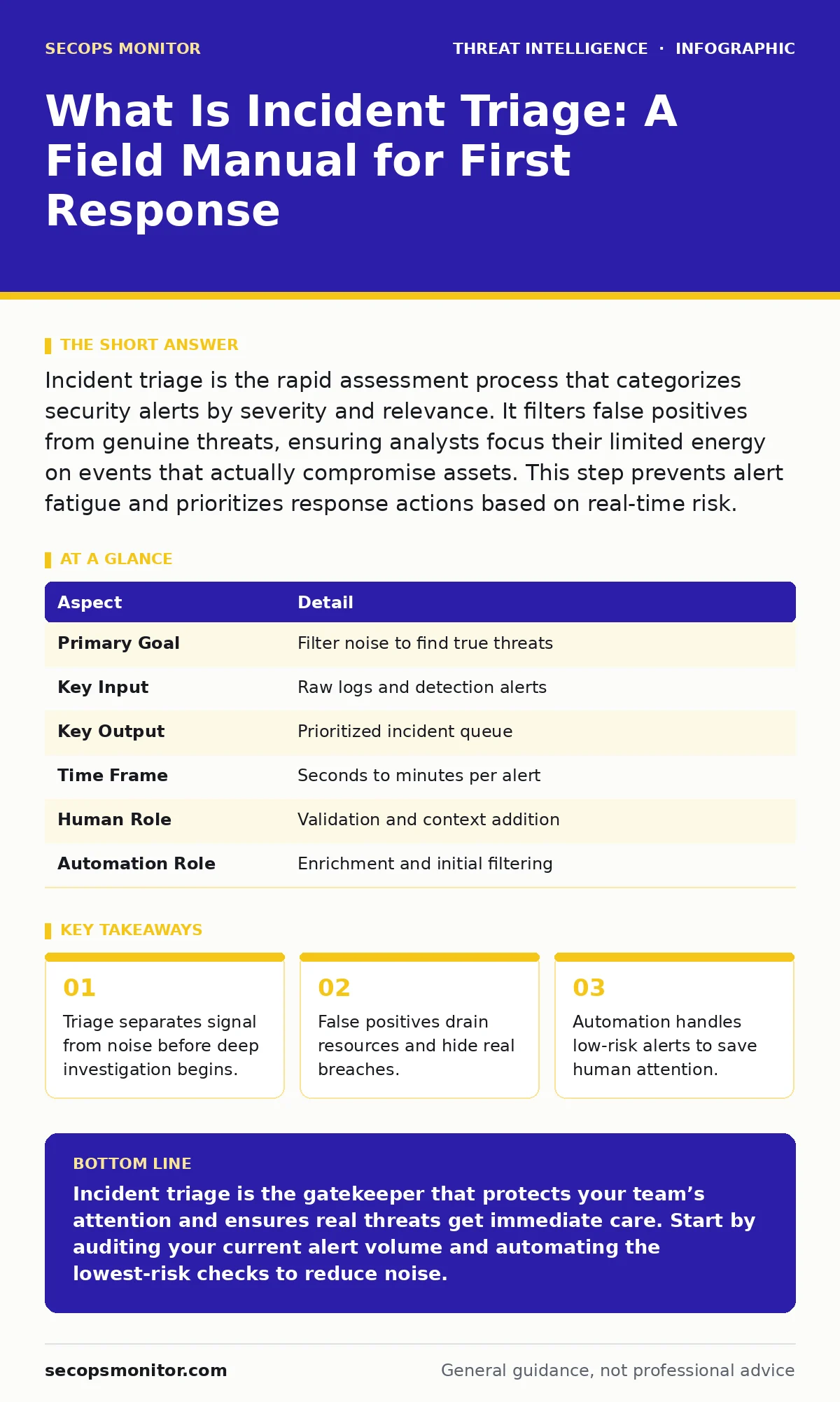
Incident triage is the rapid assessment process that categorizes security alerts by severity and relevance. It filters false positives from genuine threats, ensuring analysts focus their limited energy on events that actually compromise assets. This step prevents alert fatigue and prioritizes response actions based on real-time risk.
The Emergency Room Analogy
Imagine a hospital emergency room where every patient arrives with the same urgency tag. Doctors cannot treat a broken finger with the same intensity as a heart attack. They must sort patients quickly to allocate resources effectively. Incident triage operates on this same principle within your network. It is the sorting mechanism that decides which security events demand immediate attention and which can wait. Without this filter, your team drowns in data.
What Is Incident Triage
Incident triage is the initial evaluation of a security event to determine its validity and severity. It answers the question of whether an alert represents a genuine threat or a benign anomaly. This process happens before deep forensic analysis. Analysts look for indicators of compromise and context clues. The goal is not to solve the problem yet, but to decide if the problem exists at all. You must distinguish between a failed login attempt and a brute-force attack in seconds.
| Aspect | Detail |
|---|---|
| Primary Goal | Filter noise to find true threats |
| Key Input | Raw logs and detection alerts |
| Key Output | Prioritized incident queue |
| Time Frame | Seconds to minutes per alert |
| Human Role | Validation and context addition |
| Automation Role | Enrichment and initial filtering |
How the Triage Loop Works
The triage loop begins when a detection engine triggers an alert. The system first enriches the data with context from external sources. It checks if the IP address is known malicious or if the file hash matches a benign library. This enrichment happens automatically. If the risk score remains low, the alert closes itself. If the risk score rises, a human analyst reviews the findings. They check for process injection or other signs of active manipulation. This step determines if the event is a true positive.
Who Affected by Triage Decisions
Triage decisions impact every layer of your security posture. Security operations center analysts spend most of their time here. If triage is poor, they suffer from alert fatigue and miss real breaches. System administrators feel the heat when false positives cause system shutdowns. Business leaders face risks when high-severity incidents are delayed. Every stakeholder relies on accurate sorting. A missed critical alert can lead to data loss. A false alarm wastes valuable engineering hours.
Common Triage Mistakes
People usually get wrong the assumption that more data equals better decisions. Volume does not replace clarity. Analysts often dive into log details before confirming the alert is valid. This deep dive wastes time on false positives. Another error is ignoring context. An alert looks dangerous in isolation but may be benign when viewed with user history. You must check if the user is traveling or if maintenance is scheduled. Context prevents unnecessary panic.
See also: Emergency Patching Checklist for Critical System Fixes
The Hidden Cost of Noise
False positives carry a hidden cost beyond wasted time. They erode trust in your detection systems. When analysts see too many false alarms, they begin to ignore alerts entirely. This desensitization creates blind spots. Real threats slip through because the team assumes they are noise. You must tune your detection rules regularly. Reducing noise increases the signal-to-noise ratio. This makes every remaining alert more credible. Accuracy builds confidence in your defenses.
Integrating Threat Intelligence
Good triage relies on up-to-date threat intelligence. You cannot judge an alert without knowing what bad actors are doing now. Understanding tactics, techniques and procedures (TTPs) helps you spot patterns. If an alert matches a known TTP for advanced persistent threats, you escalate it immediately. Threat actor profiling adds depth to your assessment. Knowing who targets your industry changes the priority. This knowledge turns raw data into actionable insight.
Automating the Low Hanging Fruit
Automation handles the repetitive parts of triage. Scripts can check if an IP is on a blocklist. They can verify if a file hash is clean. This frees humans for complex decisions. You should automate actions for low-risk events. Closing known false positives automatically reduces queue size. This allows your team to focus on adversary emulation scenarios or complex attacks. Automation is not a replacement for judgment, but a multiplier for it.
What To Do About Triage Gaps
Start by mapping your current triage workflow. Identify where delays occur. Are analysts waiting for data? Are rules too broad? Refine your detection rules to reduce noise. Implement automated enrichment for common checks. Train your team on context evaluation. Teach them to look beyond the alert itself. Regular reviews of closed incidents help tune the system. You must iterate constantly. Triage is not a set-and-forget process. It evolves with your threat environment.
Key takeaways
- Triage separates signal from noise before deep investigation begins.
- False positives drain resources and hide real breaches.
- Automation handles low-risk alerts to save human attention.
- Speed matters more than depth during the initial sorting phase.
Incident triage is the gatekeeper that protects your team’s attention and ensures real threats get immediate care. Start by auditing your current alert volume and automating the lowest-risk checks to reduce noise.
Frequently asked questions
How is incident triage different from incident response?
Triage is the initial sorting and validation phase that decides if an event is a real incident. Incident response is the subsequent process of containing, eradicating, and recovering from that confirmed incident.
Can I fully automate incident triage?
You can automate the majority of routine checks and low-risk alerts, but human judgment is still required for complex or ambiguous cases where context is critical.
What tools help with incident triage?
Security information and event management (SIEM) platforms and security orchestration, automation and response (SOAR) tools provide the data aggregation and automation needed for effective triage.
How do I measure triage effectiveness?
Track the ratio of true positives to false positives and the average time to validate an alert. A lower false positive rate and faster validation times indicate better triage performance.
How this guide was produced: written by the SecOps Monitor editorial team with AI assistance, checked against the public references listed below, and reviewed when the facts change. See our editorial policy or report an error.