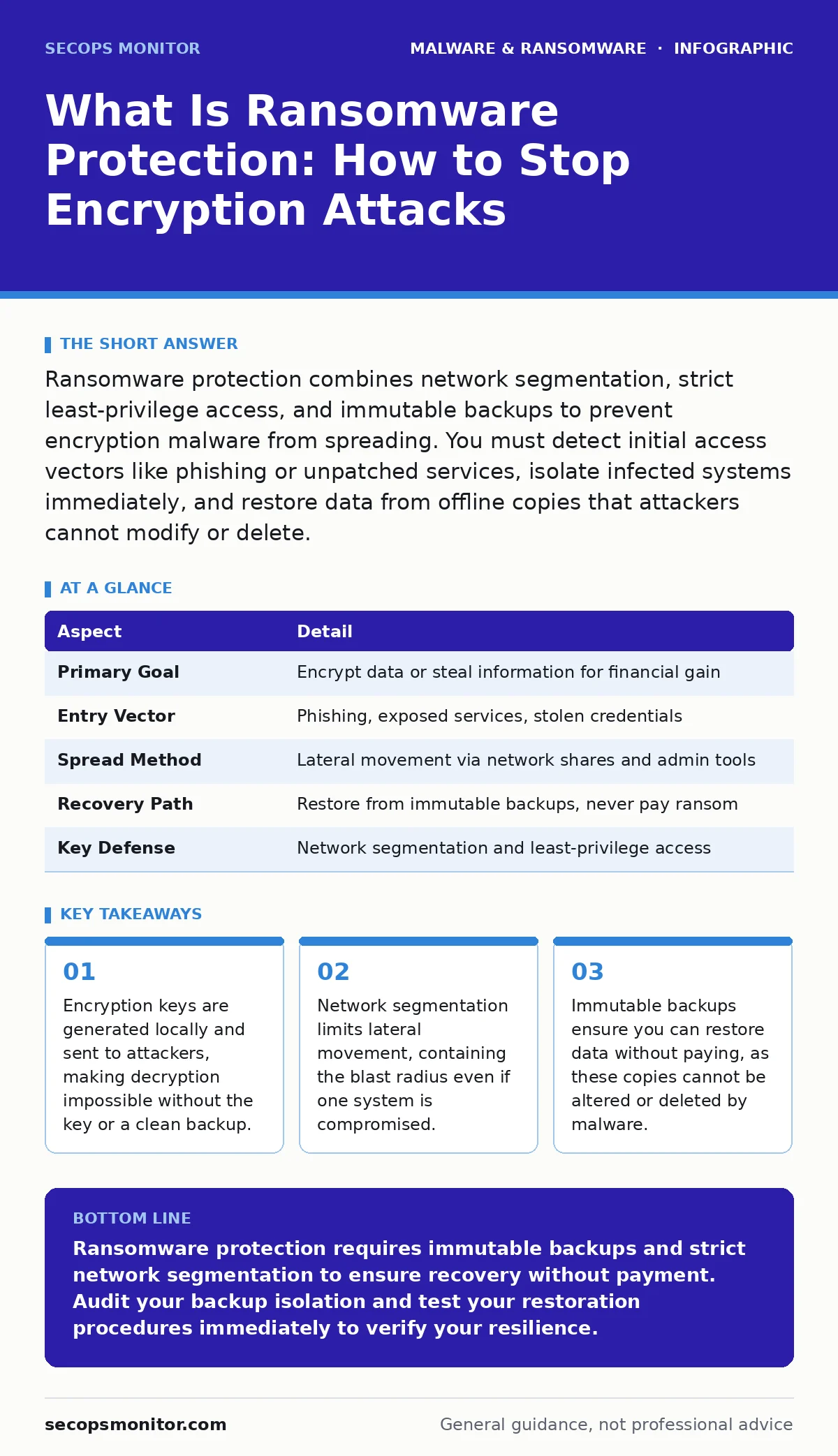
Ransomware protection combines network segmentation, strict least-privilege access, and immutable backups to prevent encryption malware from spreading. You must detect initial access vectors like phishing or unpatched services, isolate infected systems immediately, and restore data from offline copies that attackers cannot modify or delete.
Understanding the Threat Model
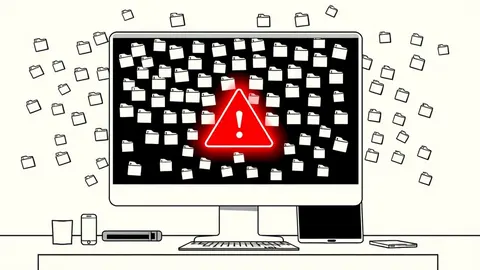
Ransomware is malicious software that encrypts your files and demands payment for the decryption key. It operates by locking critical data, rendering it inaccessible until a ransom is paid. The threat extends beyond simple file locking. Modern variants scan networks for sensitive data before encryption, threatening to leak information if you refuse to pay. This double extortion tactic increases pressure on victims. The malware spreads through weak points like unpatched software or stolen credentials.
| Aspect | Detail |
|---|---|
| Primary Goal | Encrypt data or steal information for financial gain |
| Entry Vector | Phishing, exposed services, stolen credentials |
| Spread Method | Lateral movement via network shares and admin tools |
| Recovery Path | Restore from immutable backups, never pay ransom |
| Key Defense | Network segmentation and least-privilege access |
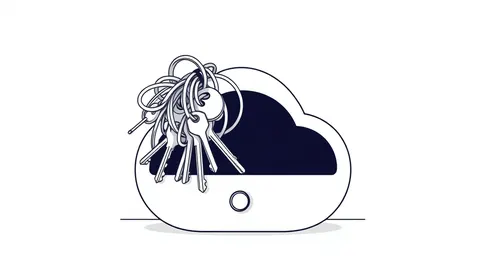
The encryption process uses asymmetric cryptography. A unique key is generated for each file. The public key encrypts the data, while the private key decrypts it. The attacker holds the private key. You cannot reverse this process with brute force. The mathematical complexity makes guessing the key impossible. This design ensures that once encryption completes, the original data is lost unless you have a backup.
How Encryption Malware Operates
The attack begins with initial access. Malware enters through a vulnerable service or a user clicking a malicious link. It establishes persistence by modifying system settings. The malware then scans the internal network. It looks for shared drives, database servers, and backup repositories. It prioritizes high-value targets. Once it identifies these assets, it begins encryption. It often disables security tools first. This ensures it operates without interruption.
Lateral movement is the critical phase. The malware uses legitimate administrative tools to move between systems. It exploits trust relationships in your network. If one system has broad access, the malware inherits that access. This allows it to encrypt multiple servers simultaneously. The speed of encryption can overwhelm backup systems. If backups are online and writable, the malware will encrypt them too.
Who Faces the Greatest Risk
Every organization with digital data is a target. Small businesses are attractive because they often lack dedicated security teams. Large enterprises hold high-value data but have complex networks. Healthcare providers face severe operational risks due to patient care dependencies. Manufacturing firms risk production halts. Educational institutions protect student and research data. The common factor is reliance on digital information. If your operations stop without access to data, you are vulnerable.
Remote work increases the attack surface. Home networks are less secure than corporate ones. Users connect from various locations. This makes monitoring network traffic harder. Legacy systems without security updates are prime targets. These systems often run critical functions. They cannot be easily replaced. Attackers scan for these known vulnerabilities. They exploit them to gain a foothold.
What Is Ransomware Protection
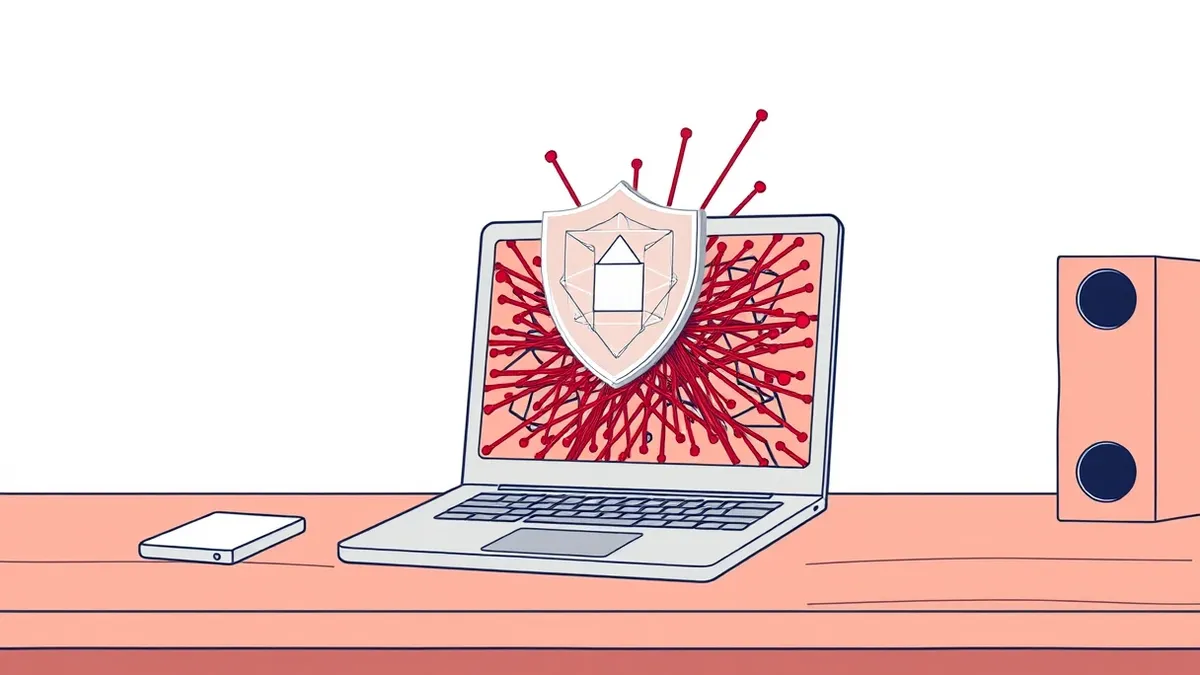
Ransomware protection is a layered strategy to prevent, detect, and recover from encryption attacks. It does not rely on a single tool. It combines technical controls with process discipline. The goal is to break the attack chain at any point. Prevention stops entry. Detection identifies movement. Recovery restores operations. You must address all three phases.
Network segmentation is the cornerstone of protection. Divide your network into zones. Restrict traffic between zones. A compromised workstation should not reach the database server. Use firewalls and access control lists to enforce this. Least-privilege access ensures users and services have only the permissions they need. This limits the damage if credentials are stolen.
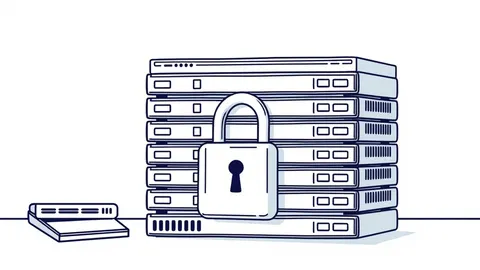
Immutable backups are your final safety net. These backups cannot be modified or deleted for a set period. They are stored offline or in a separate environment. If encryption occurs, you restore from these clean copies. You do not pay the ransom. This approach removes the attacker’s leverage. It also aligns with your recovery time objective, ensuring you can resume operations within acceptable limits.
Common Misconceptions in Defense
Many assume antivirus software provides complete protection. Traditional antivirus relies on known signatures. It detects malware that has been seen before. New variants bypass these checks. You need heuristic detection, which analyzes behavior rather than signatures. This identifies suspicious actions like mass file encryption. However, heuristic tools can generate false positives. You must tune them carefully.
Another error is trusting online backups. If your backup server is connected to the network, malware can reach it. Attackers specifically target backup repositories. They encrypt or delete these copies. This leaves you with no recovery option. Offline backups are essential. They must be physically disconnected or logically isolated. Air-gapped systems are the most secure.
Some believe paying the ransom ensures data return. There is no guarantee. Attackers may not provide the key. They may provide a broken key. They may re-infect you later. Paying funds further criminal activity. It marks you as a paying customer. This increases the likelihood of future attacks. Refusal to pay, combined with strong backups, is the superior strategy.
See also: Immutable Backups: Best Practices for Ransomware Resilience
Strengthening Your Defensive Posture
Patch management is non-negotiable. Unpatched software contains known vulnerabilities. Attackers exploit these to gain entry. Automate updates for operating systems and applications. Test patches before deployment. This prevents disruptions while maintaining security. Disable unused services and ports. Reduce the attack surface. Every open port is a potential entry point.
Email security filters block malicious attachments and links. Train users to recognize phishing attempts. Human error is a major entry vector. Multi-factor authentication adds a layer of security. Even if passwords are stolen, attackers cannot access accounts without the second factor. Enforce this for all remote access and privileged accounts.
Monitor network traffic for anomalies. Look for unusual data transfers. Detect connections to known malicious domains. Use endpoint detection and response tools. These provide visibility into system activity. They can isolate infected machines automatically. This limits lateral movement. Regularly test your incident response plan. Practice recovery scenarios. Ensure your team knows how to restore from immutable backups quickly.
For systems that cannot be easily patched, consider virtual patching. This protects vulnerabilities without modifying the system. It is a temporary measure. Prioritize replacing legacy hardware. If you suspect infection, follow procedures for removing malware from an Android phone or other devices carefully. Do not attempt to clean individual files. Reimaging infected computers is often the only sure way to remove deep-rooted malware like bootkits or firmware malware.
Building Resilience Against Future Attacks
Resilience means recovering quickly and minimizing impact. Document your recovery procedures. Keep them updated. Test them regularly. Ensure your team can execute them under pressure. Measure your recovery time objective. Aim to reduce it. Faster recovery means less downtime and less reputational damage.
Collaborate with industry peers. Share threat intelligence. Learn from others’ experiences. Adapt your defenses based on emerging trends. Security is not a one-time project. It is an ongoing process. Continuous improvement is necessary. Stay informed about new techniques. Adjust your controls accordingly.
Maintain a positive security culture. Encourage reporting of suspicious activity. Do not blame users for mistakes. Foster an environment where security is everyone’s responsibility. This cultural shift strengthens your overall defense. It complements technical controls. Together, they create a robust security posture.
Remember that no solution is perfect. Assume breach. Plan for the worst. Your ability to recover defines your success. Focus on reducing risk, not eliminating it. This realistic approach leads to sustainable security.
Key takeaways
- Encryption keys are generated locally and sent to attackers, making decryption impossible without the key or a clean backup.
- Network segmentation limits lateral movement, containing the blast radius even if one system is compromised.
- Immutable backups ensure you can restore data without paying, as these copies cannot be altered or deleted by malware.
Ransomware protection requires immutable backups and strict network segmentation to ensure recovery without payment. Audit your backup isolation and test your restoration procedures immediately to verify your resilience.
Frequently asked questions
Can I decrypt ransomware without paying?
No, the encryption keys are mathematically unrecoverable without the attacker’s private key or a clean backup.
Does antivirus stop ransomware?
Traditional antivirus may miss new variants; you need behavior-based detection and network controls to stop execution and spread.
How do I isolate infected systems?
Disconnect them from the network immediately to prevent lateral movement, then preserve evidence for analysis.
Are cloud backups safe from ransomware?
Only if they are immutable and logically isolated from the primary network, preventing attackers from modifying or deleting them.
How this guide was produced: written by the SecOps Monitor editorial team with AI assistance, checked against the public references listed below, and reviewed when the facts change. See our editorial policy or report an error.