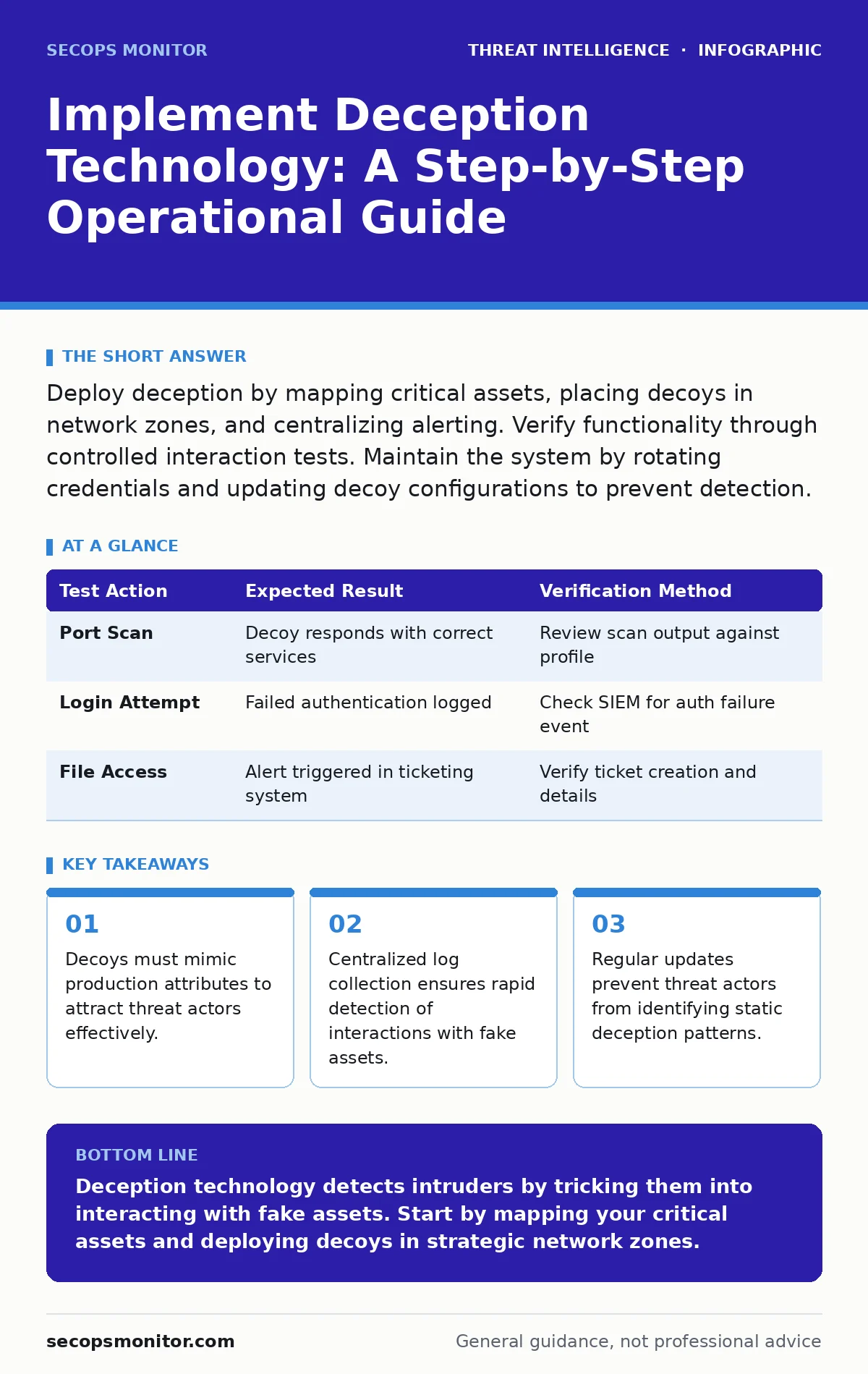
Deploy deception by mapping critical assets, placing decoys in network zones, and centralizing alerting. Verify functionality through controlled interaction tests. Maintain the system by rotating credentials and updating decoy configurations to prevent detection.
Mapping Critical Assets for Deception
Deception technology works by creating assets that look valuable but provide no real utility. You must identify which systems an attacker would target first. Map your network topology to find high-value targets like domain controllers or database servers. Threat actors often move laterally from entry points to these critical assets. Placing decoys near these targets increases the likelihood of detection during the lateral movement phase.
Imagine a scenario where an attacker breaches a perimeter server. They scan for adjacent systems with known vulnerabilities. If you place a decoy server next to the real one, the attacker may target the fake system. This interaction generates an alert. The goal is to shorten the time between initial compromise and detection. You are not protecting the decoy; you are using it to reveal the intruder.
Preparing the Network Environment
Before deploying decoys, you must ensure your monitoring infrastructure can handle the data. Deception technology generates logs whenever someone interacts with a fake asset. Your security information and event management (SIEM) system must ingest these logs in real time. Configure parsers for the specific protocols the decoys support. Ensure that alerts from deception systems have the highest priority in your queue.
Check your firewall rules to allow traffic from decoys to your logging infrastructure. If a decoy is isolated from the log collector, you lose visibility into the attack. Verify that your network segmentation does not block the decoy’s ability to report events. You need a clear path for telemetry data. Without this foundation, the deception layer remains silent during an incident.
Step 1: Define Decoy Profiles
Create profiles for the decoys you will deploy. Each profile should mimic a specific type of asset in your environment. Include operating system details, open ports, and service banners. The decoy must look identical to a real system from a network scan. Use standard protocols like SMB, RDP, or SSH. The more realistic the profile, the higher the chance a threat actor will interact with it.
Verify the profile by running a port scan against a test instance. The output should match the signature of a real production server. If the scan reveals differences, adjust the configuration. You want the decoy to pass basic reconnaissance checks. This step ensures that the asset appears legitimate to automated scanning tools.
Step 2: Deploy Decoys in Strategic Zones
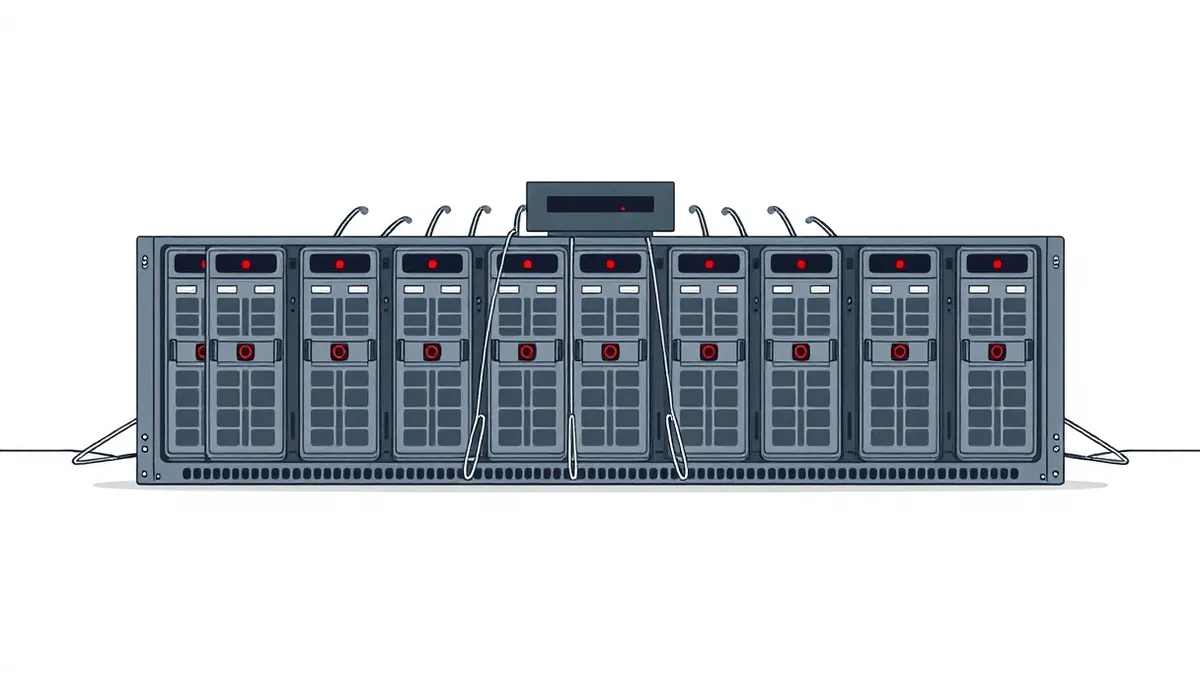
Place the decoys in network segments where lateral movement is expected. Do not cluster all decoys in one location. Spread them across different subnets to cover various attack paths. A decoy in the DMZ attracts external attackers. A decoy inside the internal network catches those who have already breached the perimeter. Align the placement with your understanding of adversary emulation techniques.
Test the deployment by pinging the decoy IP addresses. Ensure they respond as expected. Check that the decoys are visible from the intended network zones. If a decoy is not reachable from the target segment, it cannot attract attention. Proper placement ensures that the decoy sits in the path of the attacker’s movement.
Step 3: Integrate Alerting Channels
Connect the deception platform to your incident response workflow. Configure alerts to trigger immediately upon interaction. Use multiple channels such as email, SMS, or ticketing systems. The alert must include details like the source IP, timestamp, and the specific action taken. This information helps analysts triage the incident quickly. Do not rely on a single notification method.
Send a test alert to your response team. Verify that the message contains all necessary fields. Check that the alert arrives in the correct queue. If the notification is delayed or missing data, fix the integration. Fast and accurate alerting is the core value of deception technology. It transforms passive monitoring into active detection.
Checking Deception Functionality
You must validate that the deception system works before relying on it in production. Run controlled tests to simulate attacker behavior. Use internal tools to scan the decoys and attempt connections. Monitor the logging pipeline to ensure these actions generate alerts. This process confirms that the entire chain from interaction to notification is functional.
| Test Action | Expected Result | Verification Method |
|---|---|---|
| Port Scan | Decoy responds with correct services | Review scan output against profile |
| Login Attempt | Failed authentication logged | Check SIEM for auth failure event |
| File Access | Alert triggered in ticketing system | Verify ticket creation and details |
Maintaining Deception Integrity
Deception assets require ongoing upkeep to remain effective. Threat actors may identify decoys by their static nature. Rotate the credentials, file contents, and network configurations of your decoys periodically. Change the IP addresses if possible. This movement prevents attackers from building a map of your deception layer. Stagnant decoys become background noise that attackers ignore.
Review the alerts generated by the system regularly. Analyze false positives and adjust the sensitivity. Tune the profiles to match changes in your real infrastructure. If you upgrade a production server, update the decoy profile to match. Keeping the decoys synchronized with reality ensures they remain attractive targets. This maintenance prevents the deception layer from becoming obsolete.
Advanced Integration Strategies
Combine deception technology with other defensive measures for better coverage. Integrate decoy data with threat intelligence feeds. If a decoy is hit by an IP known to be malicious, elevate the alert priority. This correlation helps distinguish between accidental scans and targeted attacks. Use the Diamond Model of intrusion analysis to categorize the events. This framework helps you understand the adversary’s capabilities and intentions.
Consider using honeypots that mimic specific vulnerabilities. These can attract attackers looking for easy wins. Ensure these honeypots are isolated to prevent them from being used as a pivot point. The goal is to detect and analyze, not to engage. Keep the deception layer passive in terms of response. Let the attacker reveal themselves through their actions.
See also: 7 Security Misconfiguration Mistakes That Leave Systems Exposed
Handling Detection and Response
When a decoy is triggered, follow a structured response process. Isolate the source IP if possible without disrupting legitimate traffic. Capture the network traffic for analysis. Preserve the state of the decoy for forensic examination. Do not interact with the attacker. Let them continue their activity to gather more intelligence on their tactics, techniques and procedures (TTPs).
Document the incident details thoroughly. Include the timeline of events and the actions taken by the attacker. This data improves your future detection capabilities. Share the insights with your security team. Use the information to update your deception profiles and firewall rules. Each interaction with a decoy is an opportunity to learn about the adversary.
Key takeaways
- Decoys must mimic production attributes to attract threat actors effectively.
- Centralized log collection ensures rapid detection of interactions with fake assets.
- Regular updates prevent threat actors from identifying static deception patterns.
Deception technology detects intruders by tricking them into interacting with fake assets. Start by mapping your critical assets and deploying decoys in strategic network zones.
Frequently asked questions
How do I distinguish between a decoy alert and a real incident?
Decoy alerts are high-confidence because no legitimate user should interact with a fake asset. Real incidents require investigation, while decoy hits confirm a breach.
Can deception technology replace firewalls?
No, deception technology does not block attacks. It detects them. Firewalls prevent unauthorized access, while deception reveals those who bypass the firewall.
What is the risk of deploying honeypots?
Honeypots can attract unwanted attention if not isolated properly. Ensure they are segmented from production data to prevent attackers from using them as a foothold.
How often should I update my deception profiles?
Update profiles whenever your production environment changes. Regular updates prevent threat actors from identifying the decoys as static and ignoring them.
How this guide was produced: written by the SecOps Monitor editorial team with AI assistance, checked against the public references listed below, and reviewed when the facts change. See our editorial policy or report an error.