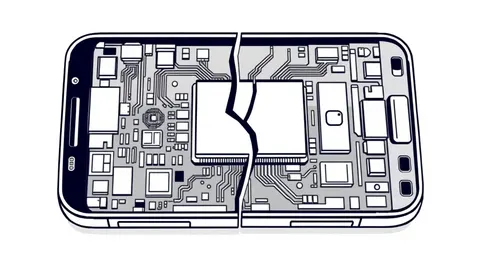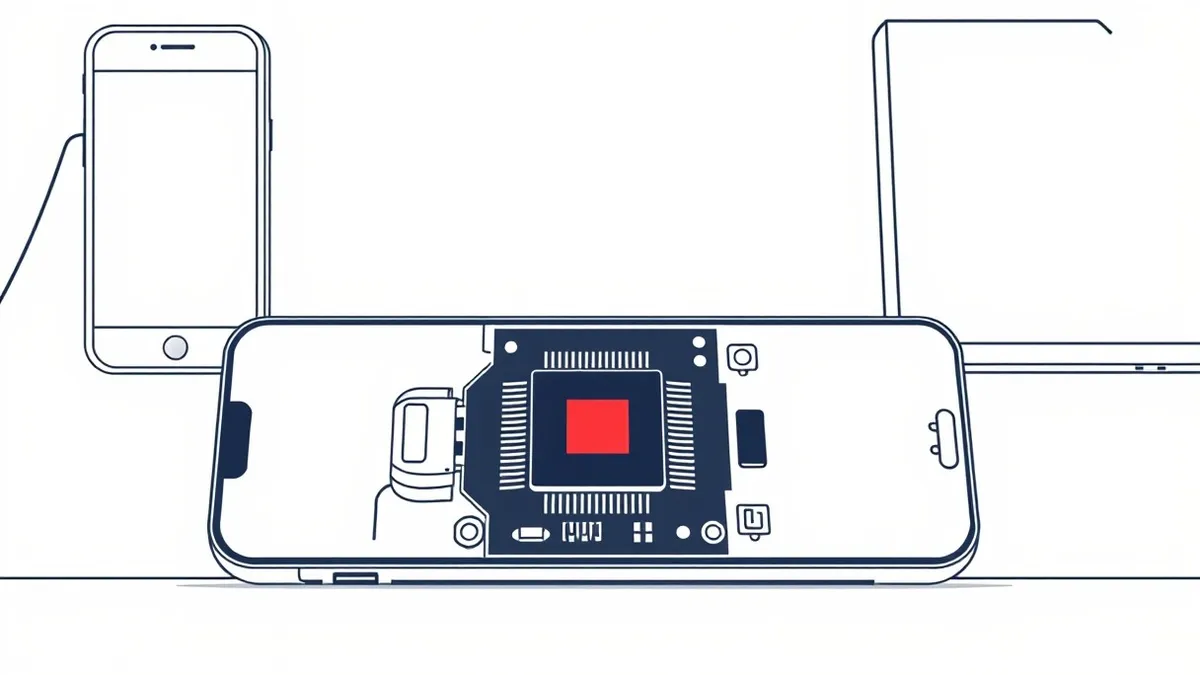
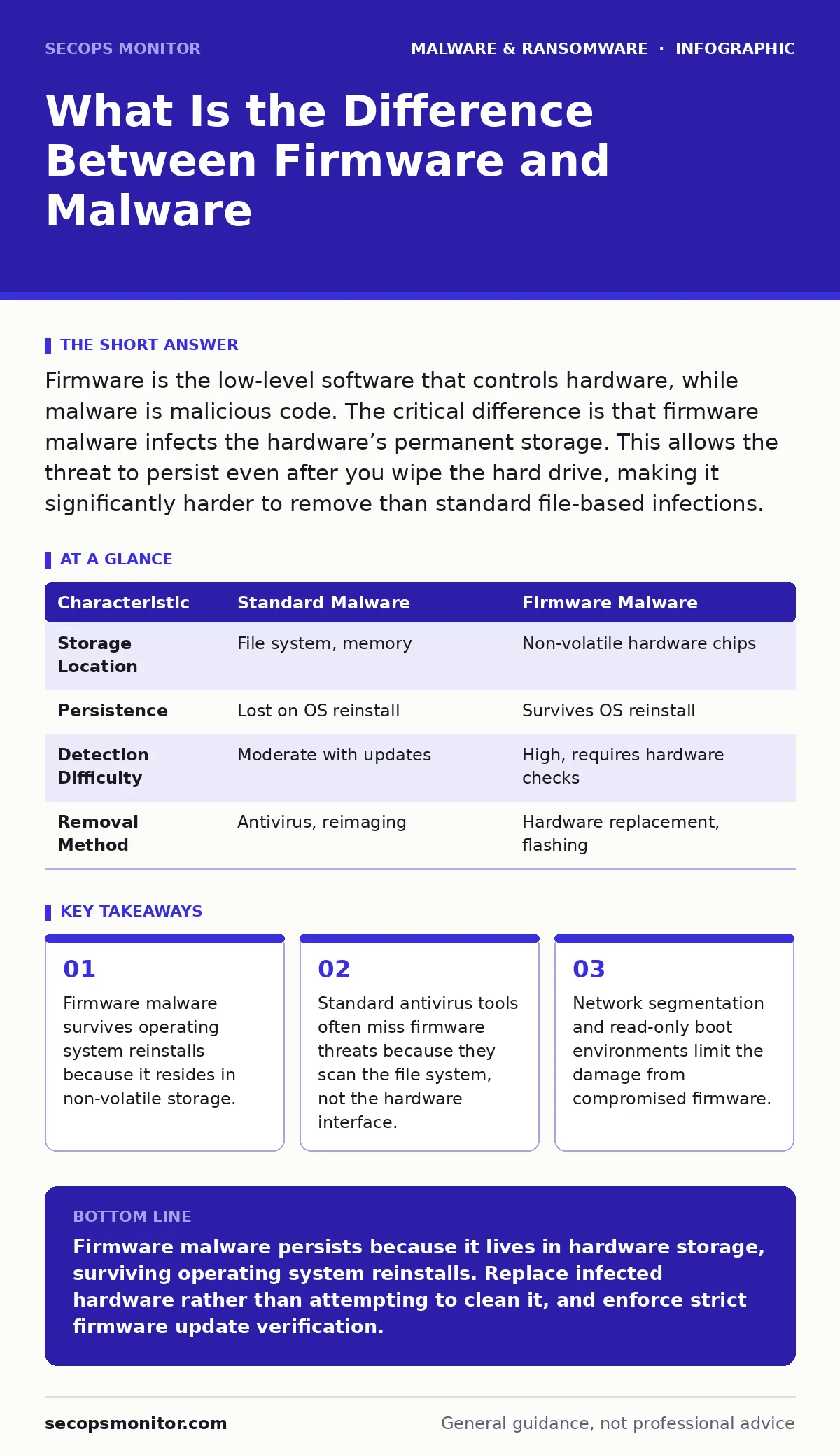
Firmware is the low-level software that controls hardware, while malware is malicious code. The critical difference is that firmware malware infects the hardware’s permanent storage. This allows the threat to persist even after you wipe the hard drive, making it significantly harder to remove than standard file-based infections.
What is the difference between firmware and malware
Firmware is the embedded software that initializes hardware, while malware is malicious code designed to harm or exploit systems. The difference lies in location and persistence. Firmware lives in non-volatile memory chips on circuit boards. Malware typically lives in the operating system or user files. When malware infects firmware, it moves from the volatile file system to the permanent hardware layer. This shift changes the threat model entirely.
Why does firmware malware survive operating system reinstalls
Reinstalling the operating system wipes the file system but leaves the firmware untouched. Firmware runs before the operating system loads. It initializes the disk controllers and network adapters. If malware resides in this early stage, it executes every time the device powers on. The operating system sees the firmware as trusted hardware. The infected firmware then reinfects the new operating system immediately after it boots. This creates a cycle of reinfection that standard cleaning tools cannot break.
How do attackers deliver firmware malware
Attackers usually exploit software flaws in firmware update mechanisms or boot processes. They may use a supply chain attack to distribute infected firmware images. Alternatively, they might use a known vulnerability in a driver to write malicious code to the firmware chip. This requires high-level privileges. Once inside, the malware hides in sectors of the storage chip that the operating system does not monitor. It waits for the system to boot, then loads itself into memory.
| Characteristic | Standard Malware | Firmware Malware |
|---|---|---|
| Storage Location | File system, memory | Non-volatile hardware chips |
| Persistence | Lost on OS reinstall | Survives OS reinstall |
| Detection Difficulty | Moderate with updates | High, requires hardware checks |
| Removal Method | Antivirus, reimaging | Hardware replacement, flashing |
What are the hidden costs of firmware compromise
The hidden cost is the loss of trust in the hardware itself. You cannot simply scan the device for viruses. You must assume the hardware is untrusted. This forces a change in operational procedures. You may need to replace expensive hardware components like network cards or hard drives. The cost extends to forensic analysis. Identifying the specific firmware sector infected requires specialized tools and expertise. This downtime and replacement cost far exceeds standard incident response.
How does this relate to bootkits
Bootkits are a specific type of malware that infects the boot process. Firmware malware often acts as a host for bootkits. A bootkit modifies the code that starts the operating system. Firmware malware provides a persistent home for the bootkit. If you remove the bootkit from the hard drive, the firmware malware reinstalls it. Understanding this link is vital. It explains why some infections return immediately after cleaning. Refer to the guide on bootkits for details on early-stage execution.
See also: Prevent Linux Malware: Priority Controls That Actually Work
Why do signature-based detection methods fail here
Signature-based detection looks for known patterns of malicious code in files. Firmware is not a file in the traditional sense. It is a low-level binary stream. Security tools do not scan firmware by default because it is assumed to be safe. Even if they do, the malware may be obfuscated or custom-written. Without a known signature, the tool sees only random data. This blind spot allows the malware to operate undetected.
What is the role of heuristic detection
Heuristic detection analyzes behavior rather than signatures. It looks for actions that are unusual for firmware. For example, firmware should not initiate network connections. If a network adapter firmware attempts to communicate with an external server, heuristic engines may flag it. This method catches new or unknown threats. However, it can produce false positives. Legitimate firmware updates may trigger alerts. You must tune these alerts carefully to avoid disrupting operations. See the guide on heuristic detection for tuning strategies.
How can you protect against firmware threats
You cannot stop all firmware attacks, but you can limit their impact. Use hardware that supports verified boot. This ensures only signed code runs during startup. Implement strict network segmentation. Isolate devices with critical firmware from the main network. Regularly update firmware to patch known vulnerabilities. Monitor for unusual boot times or hardware behavior. These measures reduce the attack surface.
What steps follow a confirmed firmware infection
Confirming a firmware infection requires specialized forensic tools. Standard antivirus scans are insufficient. You must isolate the infected device from the network immediately. Do not attempt to clean the firmware in place. The risk of remaining backdoors is too high. Replace the infected hardware components. Reimage the system on clean hardware. Then, restore data from immutable backups. This ensures no malicious code survives the process. Read the guide on reimaging infected computers for detailed steps.
How does this affect Linux systems
Linux systems are not immune to firmware malware. The open-source nature of Linux allows for better visibility into hardware interactions. Tools can inspect firmware more easily than in proprietary systems. However, the hardware flaws remain the same. A compromised BIOS or UEFI affects Linux just as it affects Windows. You must apply the same protective measures. Check the guide on Linux malware for specific monitoring tools.
What is the final defense strategy
The final defense is assuming breach. Design your network so that a single compromised device cannot access critical data. Use immutable backups to ensure you have clean data to restore. Limit the privileges of users and services. Monitor for anomalies in hardware behavior. These layers of defense work together. No single tool stops firmware malware. You must combine physical security, network controls, and strict update policies.
Key takeaways
- Firmware malware survives operating system reinstalls because it resides in non-volatile storage.
- Standard antivirus tools often miss firmware threats because they scan the file system, not the hardware interface.
- Network segmentation and read-only boot environments limit the damage from compromised firmware.
Firmware malware persists because it lives in hardware storage, surviving operating system reinstalls. Replace infected hardware rather than attempting to clean it, and enforce strict firmware update verification.
Frequently asked questions
Can antivirus software detect firmware malware?
Standard antivirus software rarely scans firmware. It focuses on the file system and memory. Specialized tools are needed to inspect firmware chips for malicious code.
Is it safe to update firmware from the internet?
Only if you verify the digital signature of the update file. Downloading and installing unsigned firmware exposes you to supply chain attacks.
How do I know if my BIOS is infected?
Look for unexpected network traffic from hardware devices. Check for unknown boot entries. Use dedicated firmware scanning tools to inspect the BIOS chip.
Can ransomware infect firmware?
Traditional ransomware encrypts files, not firmware. However, some advanced threats combine ransomware with firmware persistence mechanisms to ensure they survive system wipes.
How this guide was produced: written by the SecOps Monitor editorial team with AI assistance, checked against the public references listed below, and reviewed when the facts change. See our editorial policy or report an error.