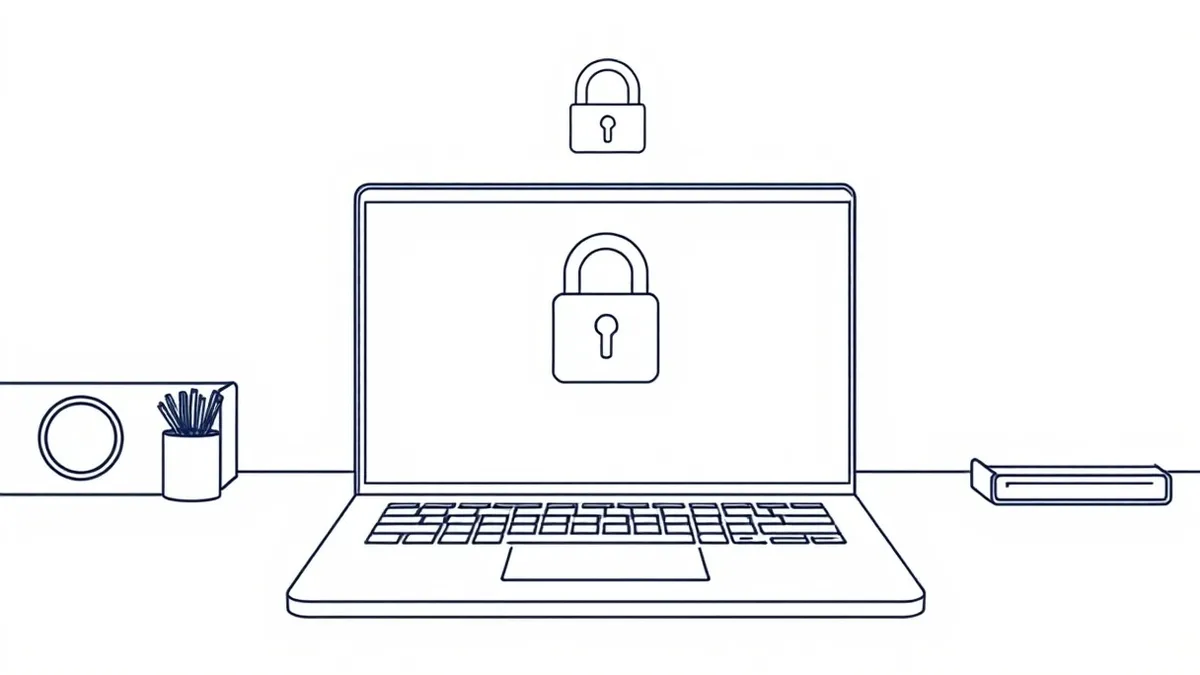
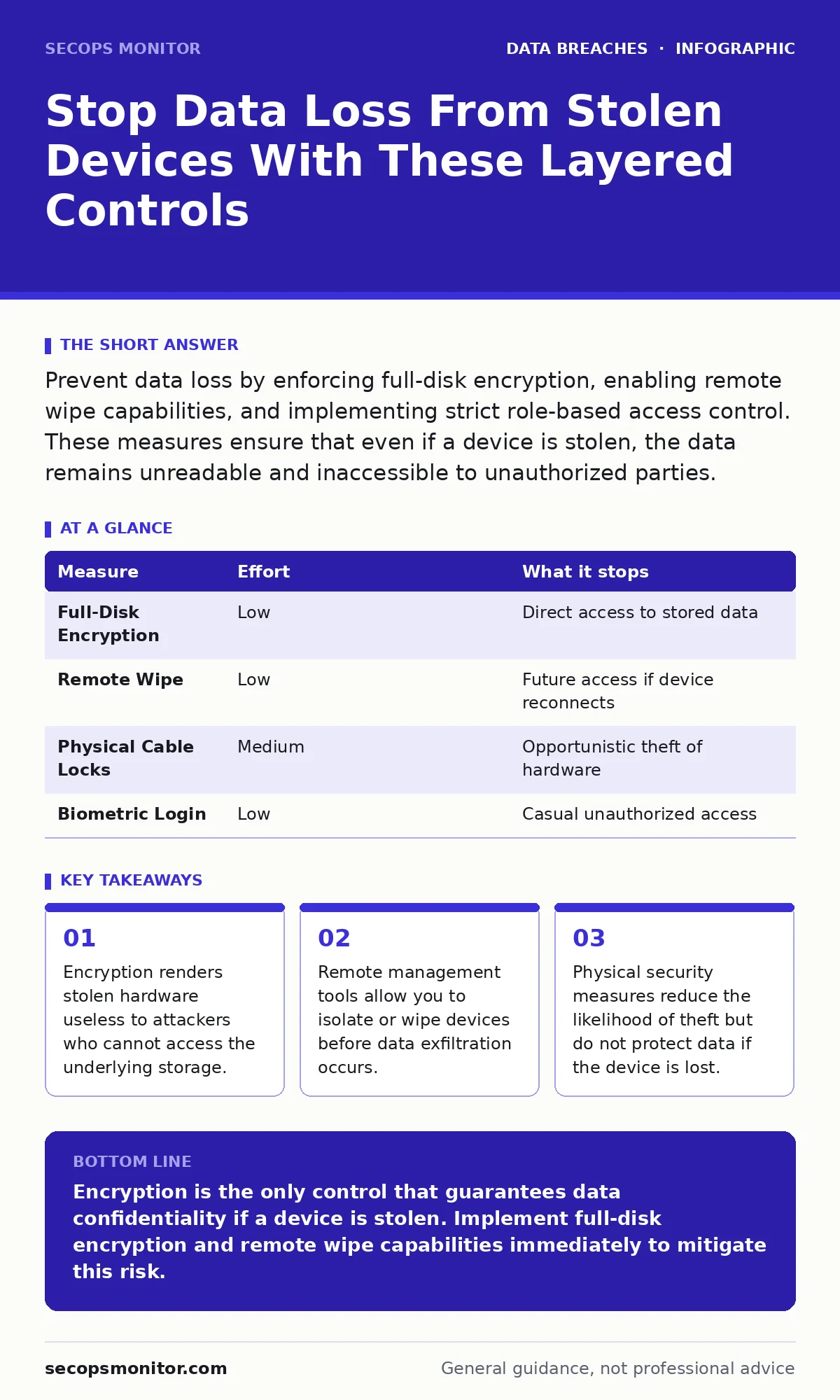
Prevent data loss by enforcing full-disk encryption, enabling remote wipe capabilities, and implementing strict role-based access control. These measures ensure that even if a device is stolen, the data remains unreadable and inaccessible to unauthorized parties.
The Physical Vector Is Not The Data Vector
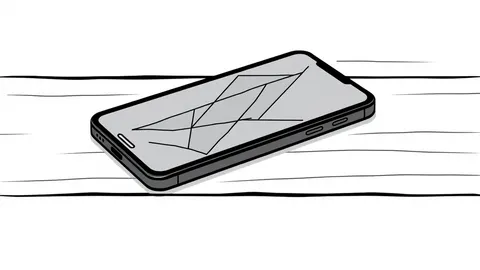
A stolen laptop is merely a piece of plastic and metal until someone accesses the data inside. Your primary defense is not a lock on the door, but a lock on the drive. When you lose a device, the clock starts ticking. The goal is not to recover the hardware, which is rarely successful. The goal is to ensure the data remains unreadable. This shifts the problem from a physical recovery operation to a cryptographic challenge. Attackers need the key, not just the box.
Encryption Is Your First Line Of Defense
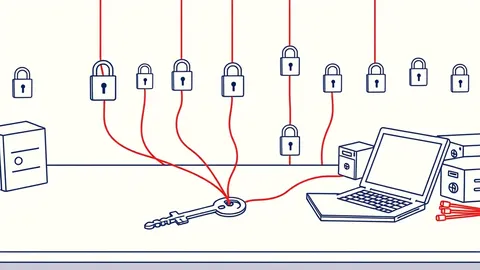
Full-disk encryption encrypts every bit of data on the storage medium. Without the correct key, the data is just noise. This is the single most effective measure you can implement. It works silently in the background and requires no user interaction after initial setup. If a thief steals an encrypted drive, they cannot read files, install forensic tools, or extract credentials. The hardware is worthless to them. You must ensure the encryption key is tied to the user’s authentication, not just stored in a plain text file.
| Measure | Effort | What it stops |
|---|---|---|
| Full-Disk Encryption | Low | Direct access to stored data |
| Remote Wipe | Low | Future access if device reconnects |
| Physical Cable Locks | Medium | Opportunistic theft of hardware |
| Biometric Login | Low | Casual unauthorized access |
Remote Management And Wipe Capabilities
Encryption protects static data. Remote management protects dynamic access. You need a system that can communicate with the device over the network. When a device is reported lost, you must be able to send a command to wipe the data or lock the screen. This is not a backup plan. It is a critical control. The device must check in with your server regularly. If it goes silent, you have a problem. You should configure automatic wipe after a certain number of failed login attempts. This prevents brute force attacks on the device itself.
Physical Security Reduces Opportunity
While encryption handles the data, physical security handles the theft. Laptop locks, secure storage areas, and clear desk policies reduce the chance of opportunistic theft. These measures do not protect data if the device is taken. They simply make it harder to take. You should treat devices as high-value assets. Employees should never leave devices unattended in public spaces. A locked car is a barrier, not a guarantee. Assume the device will be taken if left unsecured.
Network Access Control Limits Exposure
A stolen device that connects to your network is a threat. Network Access Control ensures that only authorized devices can connect to your internal resources. It checks the device’s identity and health before granting access. If a stolen device tries to connect, it should be blocked or quarantined. This prevents the thief from using your network to exfiltrate data. You must integrate your endpoint management with your network authentication. This creates a unified security posture.
See also: Breach Dwell Time Explained: How Long Attackers Hide in Your Network · Password Reuse Myths: What Actually Weakens Your Security Posture
Implement Role-Based Access Control
Even if a thief bypasses encryption, they may not have access to all data. Role-based access control ensures that users only see the data they need. This limits the blast radius of a breach. If a laptop contains only minimal cached data, the impact is low. You should avoid storing sensitive data locally whenever possible. Use cloud-based solutions with strict access policies. This reduces the value of the stolen device.
What Does Not Work
Many organizations rely on measures that provide a false sense of security. Passwords alone do not protect data on a stolen drive. Screen savers do not prevent forensic analysis. Hiding the device in a bag does not stop a determined thief. These measures are insufficient. You must layer controls. One weak link breaks the chain. Do not assume that a lost device is safe because it has a password. The password protects the session, not the storage.
The Human Element And Training
Employees must know what to do when a device is lost. Delay in reporting increases the risk. You need a clear procedure for reporting lost devices. This should be part of your incident communication plans. Training should emphasize the importance of immediate reporting. Fear of punishment leads to silence. Silence leads to breaches. Create a culture where reporting is encouraged, not penalized.
Supply Chain And Device Lifecycle
Consider the entire lifecycle of the device. From procurement to disposal, security must be maintained. Devices should be wiped before being returned or recycled. This prevents data recovery from discarded hardware. You should have a process for decommissioning devices. This includes verifying that all data is erased. Do not rely on simple deletion. Use certified wiping tools. This ensures that no data remains on the drive.
Monitoring And Detection
You cannot prevent every theft. You must detect it quickly. Implement monitoring for unusual access patterns. If a device connects from an unusual location, trigger an alert. This allows you to respond before data is exfiltrated. Integrate your endpoint logs with your security information system. This provides visibility into device activity. You should also consider dark web monitoring to detect if stolen credentials appear online.
Compliance And Audits
Regulatory requirements often mandate specific controls. Compliance audits verify that these controls are in place. Do not implement security just for compliance. Implement it for protection. Compliance is a baseline, not a goal. Use audits to identify gaps in your program. Address these gaps promptly. This improves your overall security posture.
Data Leaks And Exfiltration
Prevent data from leaving the device in the first place. Use data loss prevention tools to monitor outbound traffic. Block unauthorized transfers to external drives or cloud services. This limits the ability of a thief to copy data. You should also monitor for oversharing on social media by employees. This can reveal information that helps attackers target specific devices.
Chain Of Custody For Forensics
If a device is recovered, maintain a proper chain of custody. This ensures that evidence is admissible if legal action is taken. Document every person who handles the device. Do not power it on without forensic guidance. This preserves the integrity of the data. Work with legal and security teams to manage the recovered device.
Key takeaways
- Encryption renders stolen hardware useless to attackers who cannot access the underlying storage.
- Remote management tools allow you to isolate or wipe devices before data exfiltration occurs.
- Physical security measures reduce the likelihood of theft but do not protect data if the device is lost.
Encryption is the only control that guarantees data confidentiality if a device is stolen. Implement full-disk encryption and remote wipe capabilities immediately to mitigate this risk.
Frequently asked questions
Does a laptop lock prevent data theft?
No, a laptop lock only prevents physical removal of the device. It does not protect the data if the device is stolen or if the drive is removed.
How quickly should I report a lost device?
Report it immediately. The longer the delay, the higher the risk of data exfiltration. Immediate reporting allows for remote wiping or isolation.
Can I recover data from a wiped device?
If a secure wipe is performed, data recovery is virtually impossible. Standard deletion or formatting does not securely remove data.
Do I need encryption for desktop computers?
Yes, desktops are also vulnerable to theft or unauthorized access. Full-disk encryption protects data regardless of the device type.
How this guide was produced: written by the SecOps Monitor editorial team with AI assistance, checked against the public references listed below, and reviewed when the facts change. See our editorial policy or report an error.